dalvydasv27776233
Inspiring
November 19, 2016
Question

Better solution for hitTestObject()?

  • November 19, 2016
  • 1 reply
  • 823 views

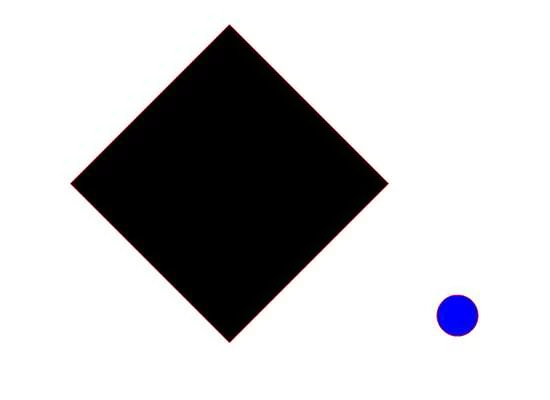
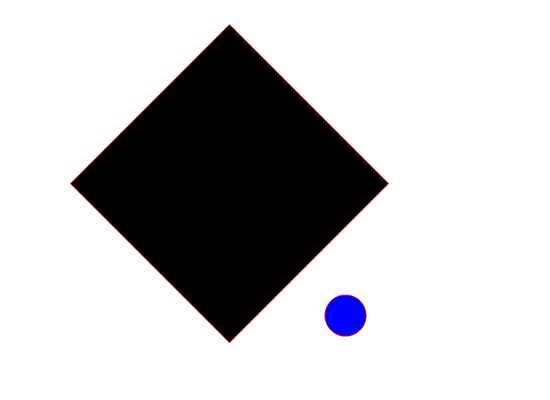
Why I get TRUE  if even circle dont tuching rectangle? Maby here is the other solution for this?

trace(circe.hitTestObject(rectangle));

FALSETRUE
This topic has been closed for replies.

1 reply

Ned Murphy
Legend
November 19, 2016

Every object has a bounding frame in the shape of a rectangle.  As soon as you enter into that frame you effectively hit the object, even if you cannot see it.

Go thru the following article and see if you can work thru a solution...

https://www.experts-exchange.com/articles/626/Flash-Collision-Detection-using-ActionScript-3-0.html

dalvydasv27776233
Inspiring
November 19, 2016

OU thank you this is good lesson about this, SImple thing I want to use this:

stage.addEventListener(Event.ENTER_FRAME, hitTest);
function hitTest(event:Event)
{
if(rect1.hitTestPoint(mouseX,mouseY,true))
{
txt_hit.text = "HIT!";
}
else
{
txt_hit.text = "";
}
}

This is works with mouse but not with objects. I mean if mouse point is over then its true. But then I add the object always I get false.

stage.addEventListener(Event.ENTER_FRAME, hitTest);
function hitTest(event:Event)
{
if(object1.hitTestPoint(object2, true))
{
txt_hit.text = "HIT!";
}
else
{
txt_hit.text = "";
}
}

I have 45 objects (movieclips) around rotating wheel and one point (movieclip) then wheel stops I want to see points in txt_hit.text And I want something simple to do this.

kglad
Community Expert
Community Expert
November 19, 2016

hitTestPoint requires two parameters (an x and y) and has an optional boolean 3rd parameter.  ie, you can't use an object for the first parameter and a boolean for the 2nd.

i'm not sure what exactly you're trying to do but this will be closer:

if(object1.hitTestPoint(object2.x,object2.y, true))

and if you're trying to achieve a pixel-perfect hittest, use the bitmapdata hittest.