


Question
Bitmap Properties Dialogue Box
Hello,
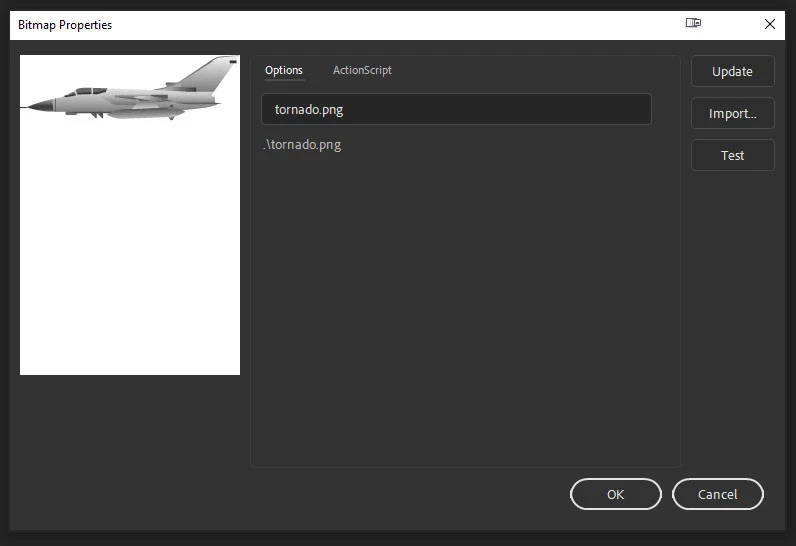
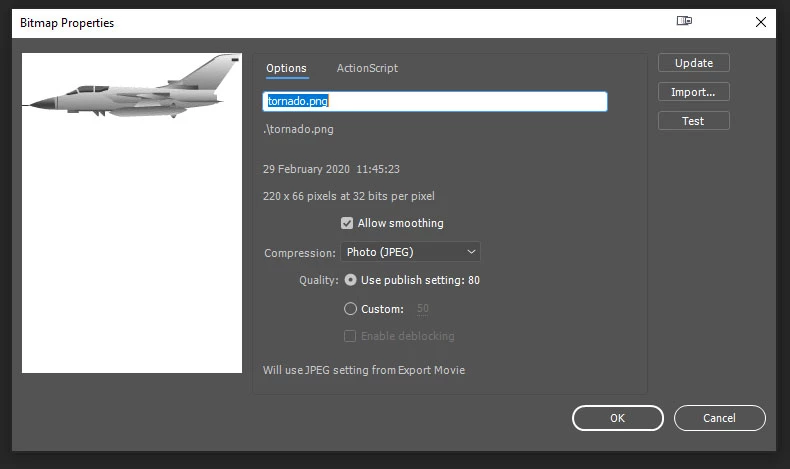
I recently started using Adobe Animate Version 20.02 from version 19.2.1 and noticed something which I not sure is a bug between the two versions. When I import a bitmap like say a .png file and open the bitmap properties dialogue box, I get a very paired down version with no options for smoothing or compression. This glitch is not the case with version 19.2.1 where you have all these options. See attached screen grabs of what I mean about the difference between both versions. My Adobe Animate is running on Windows 10 64 bit version. Is there something I'm missing, or is there another way to get to these properties?
Version 20.02
Version 19.2.1
 AdChoices