
Participant
June 29, 2017
Answered

Black border after gif exporting

  • June 29, 2017
  • 3 replies
  • 5953 views

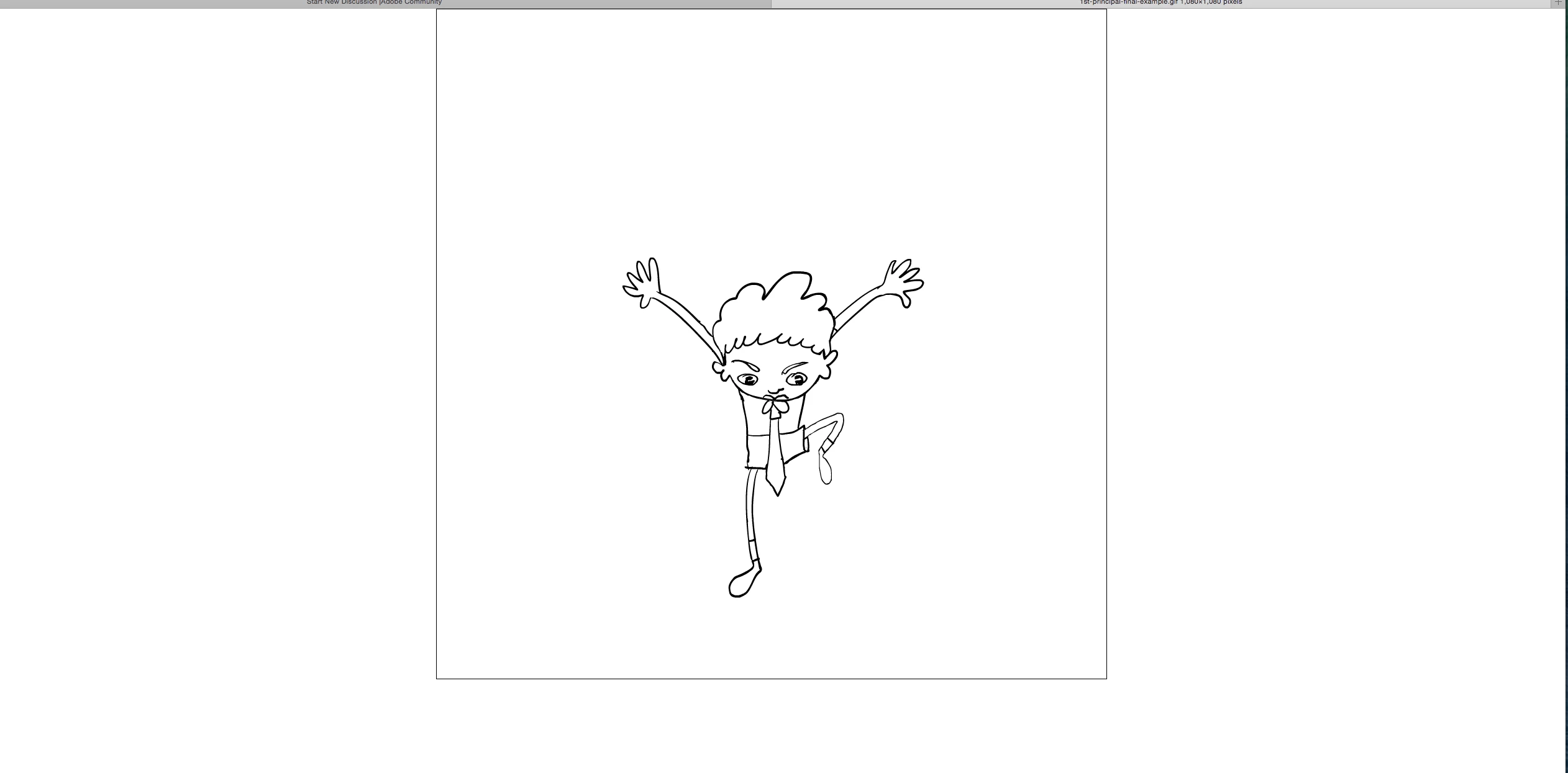
I have a question concerning animate cc. I have made an animation on white background. When I export it as gif everything is ok. If i use the camera and export the gif it creates a black outline around the gif. Is it a bug or there is something which i can do to avoid the black outline?  I attach a still frame of the gif loaded on safari. Thank you for your time and help.
This topic has been closed for replies.
Correct answer UDESCO

Cool. Thanks again.


Hi,

Fix for this bug is now available with the latest Animate update (16.5.1.104). You can install this update using the Creative Cloud desktop application.

If the update does not show automatically, click on the gear icon at top-right corner of the Creative Cloud application and choose 'Check for App Updates'.

3 replies

Giddy_personality5D25
Adobe Employee
Adobe Employee
September 1, 2023

Whenever a video is not created in correct ratio there are high chances for the gif that will be exported from that end up having black border or black line in any of the sides. One of the easiest way to fix is, make sure your screen dimension is a multiple of 4. 

Adobe Employee
June 29, 2017

We are aware of the issue and it is resolved internally. The fix will be available in the next public release.

artyuppieAuthor
Participant
June 29, 2017

cool

Colin Holgate
Inspiring
June 29, 2017

That does seem wrong, no good reason to add the black border if the camera layer is showing.

I went ahead and logged a bug. Thanks for pointing out the issue.

artyuppieAuthor
Participant
June 29, 2017

Oh ok. And i think that if the camera layer has another colour the exported gif takes the colour of the layer. I might be wrong on that. Thanks Colin.

Colin Holgate
Inspiring
June 29, 2017

I heard back already. It's a known issue that has been fixed internally, so we'll see it when the next Animate update happens.