

Question
Blending mode issues
I'm taking an class online and you have projects where you follow through the book.
Unfornately the book is from way back 2018. I have 2021. I tried downloading the same version but adobe told me 2018 has glitches and don't use it. Most of the settings are the same except this:
Top is Book 2018
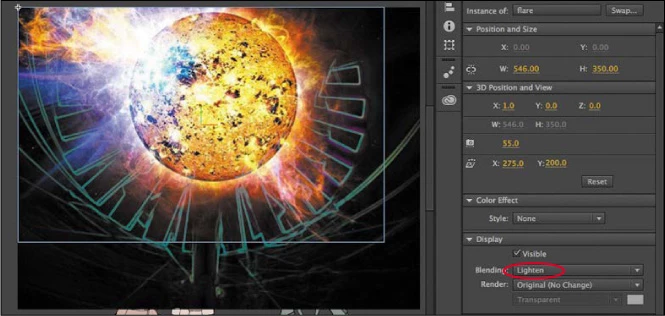
The bottom is 2021 (new version)
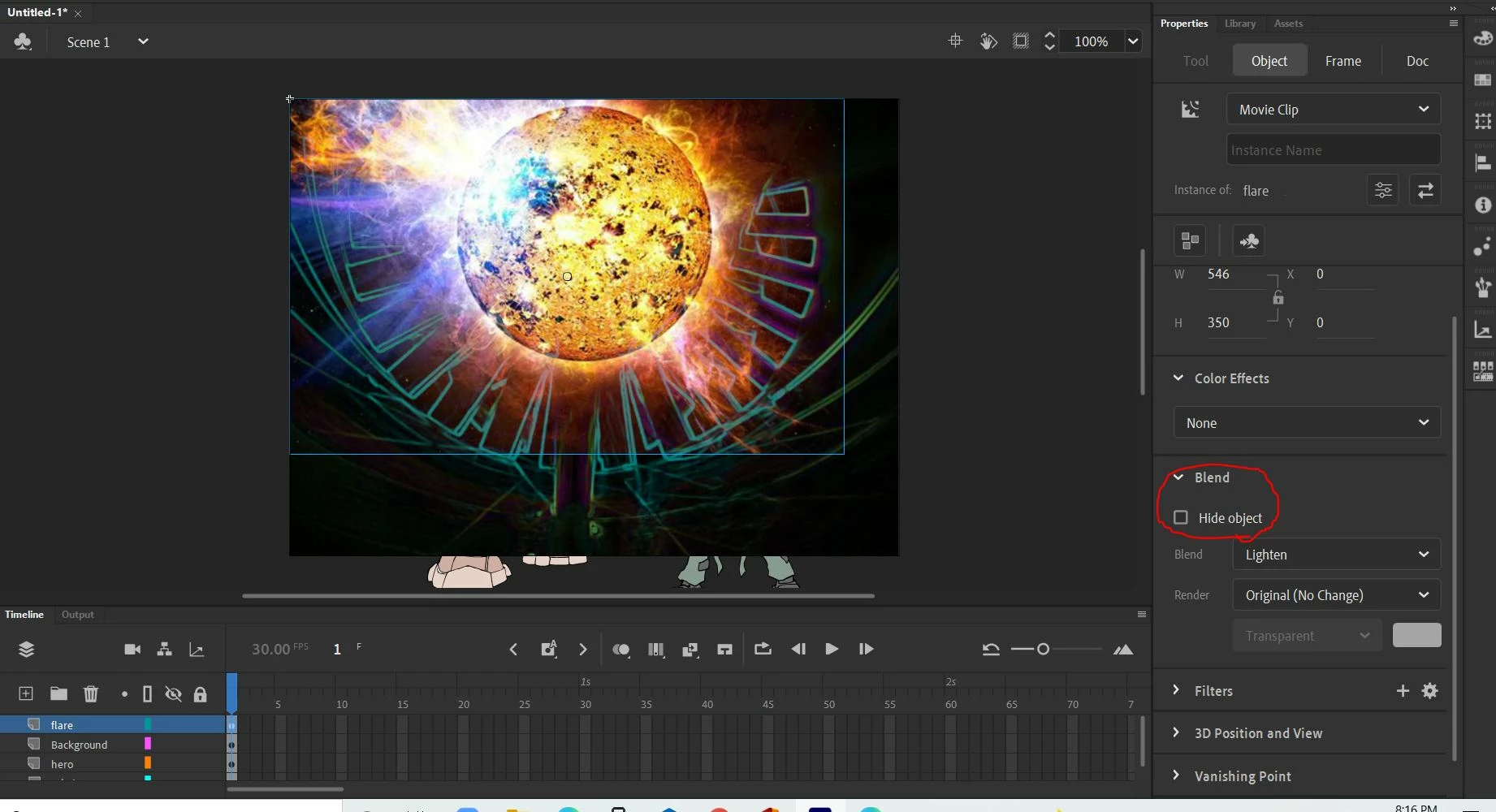
New version 2021.
See how the blend button are different. One says visible and this one shows up hide object. Is it in a different settings or did Adobe remove this?


 AdChoices