
Rocco60
Participant
October 5, 2017
解決済み

Bone Tool in Animate CC 2017 won't connect symbols - why?

  • October 5, 2017
  • 返信数 1.
  • 4948 ビュー

Hello!!

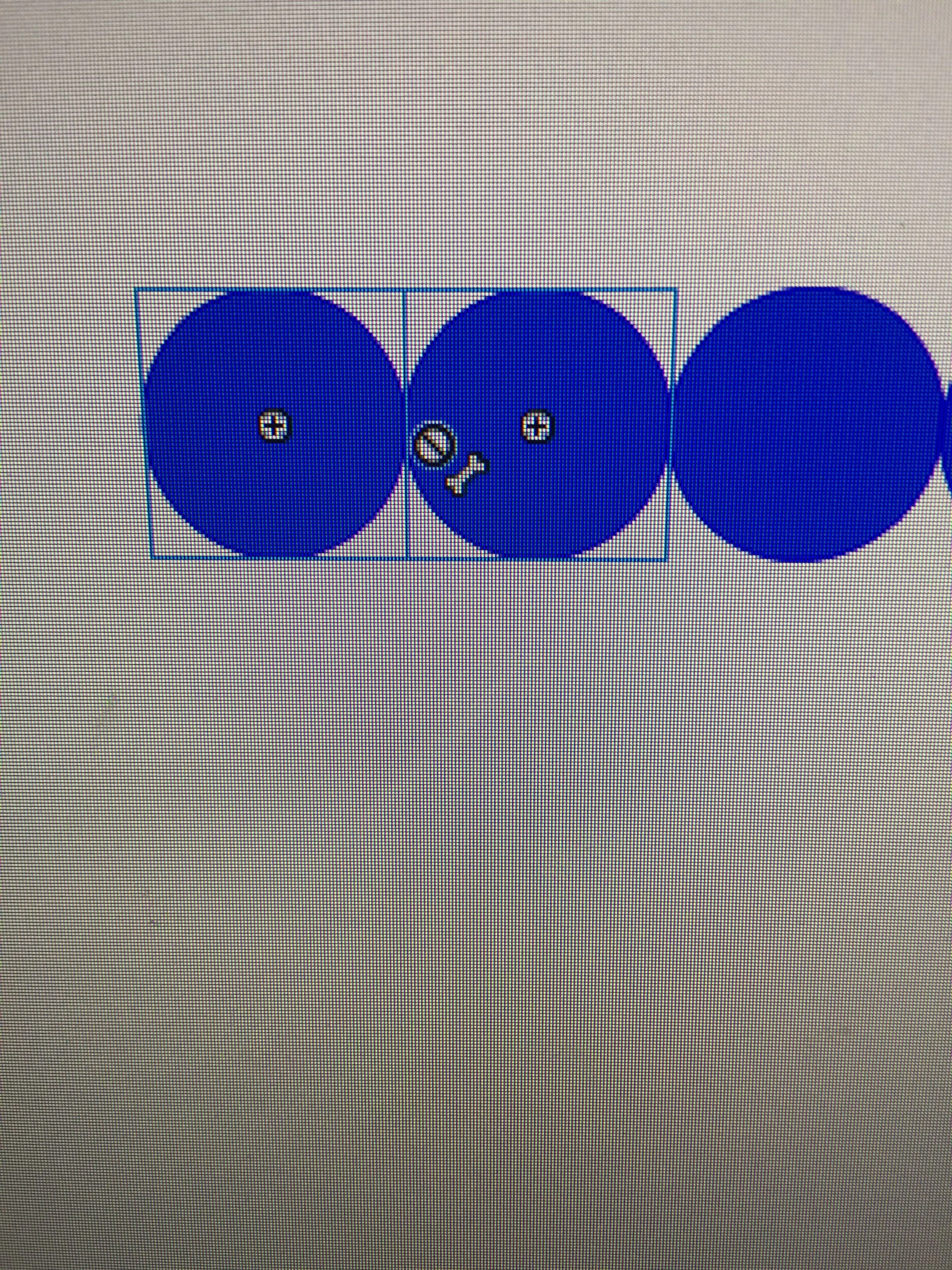
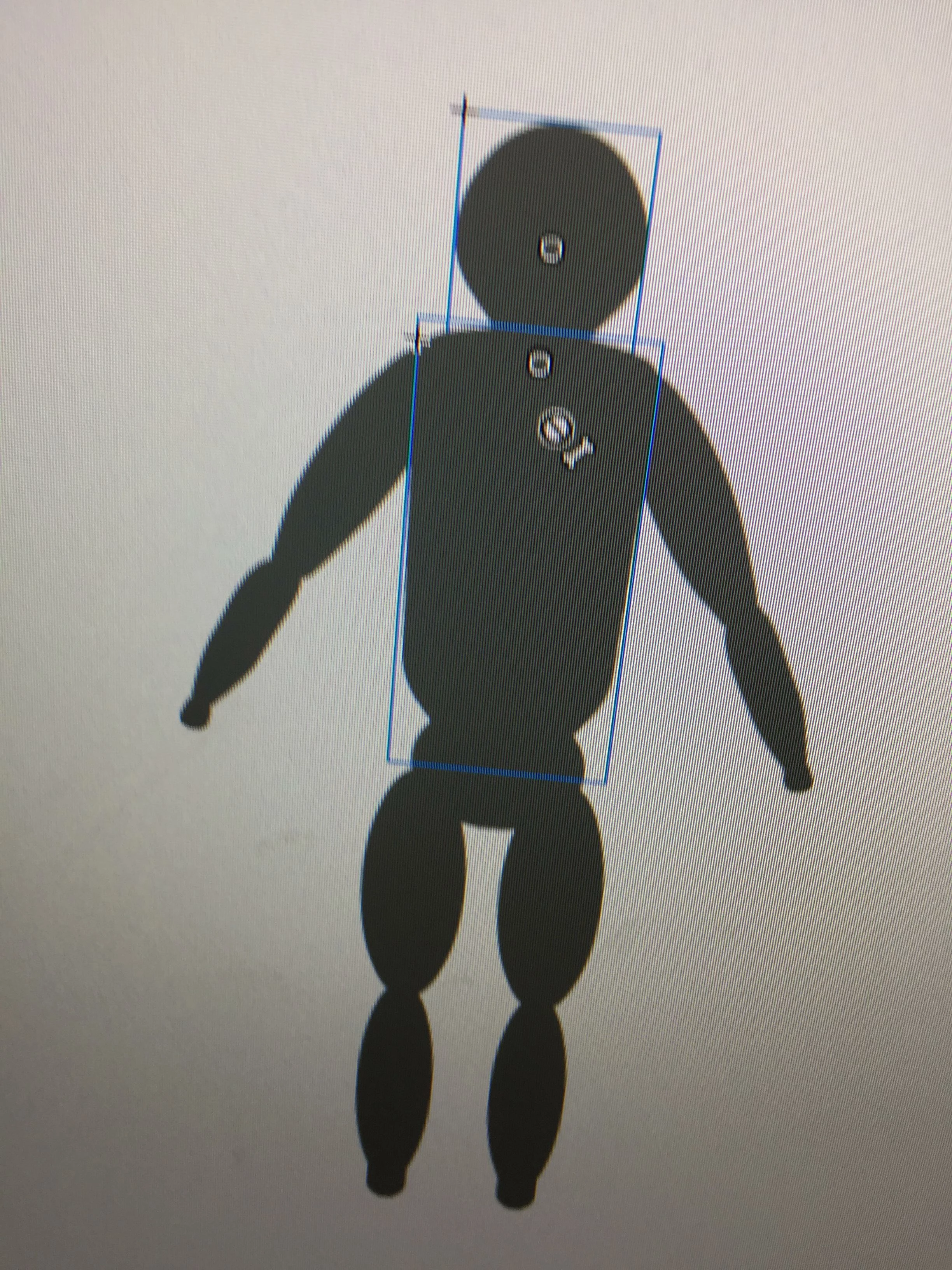
Whenever I try to connect symbols or parts with the Bone Tool (Animate CC 2017) it will not connect.  I have included images.  I am following the procedures I have always used with Flash CS6 but to no avail.  Does anyone else have this issue?

Thanks,

Morty
    このトピックへの返信は締め切られました。
    解決に役立った回答 Preran

    Not an expert, but just wanted to make sure that you have read this article Use the Bone tool animation in Animate CC

    If you are doing everything right, can you try recreating preferences to see if that helps? https://helpx.adobe.com/flash/kb/re-create-preferences-flash-professional.html

    Thanks,

    Preran

    返信数 1

    Preran
    Community Manager
    PreranCommunity Manager解決!
    Community Manager
    October 6, 2017

    Not an expert, but just wanted to make sure that you have read this article Use the Bone tool animation in Animate CC

    If you are doing everything right, can you try recreating preferences to see if that helps? https://helpx.adobe.com/flash/kb/re-create-preferences-flash-professional.html

    Thanks,

    Preran

    Participant
    June 13, 2019

    I'm seeing the same problem. Bones won't connect or create. Sometimes there's an error message, sometimes not. There's must be something else required to setup the objects that isn't explained in the Bone tool article cited. Or, the software's buggy. I'm on Animate 19.2.1. Bones will create/link to symbols created within Animate, but not on imported objects that have been converted.

    Participant
    January 11, 2020

    I am also facing the same problem here.