


Browser test view shows some text boxes and images differently positioned than in the Animate layout
Sometimes when I make position changes to some (not all) text boxes or images in my Animate layout they don't appear in the changed position in the browser test view.
Example:
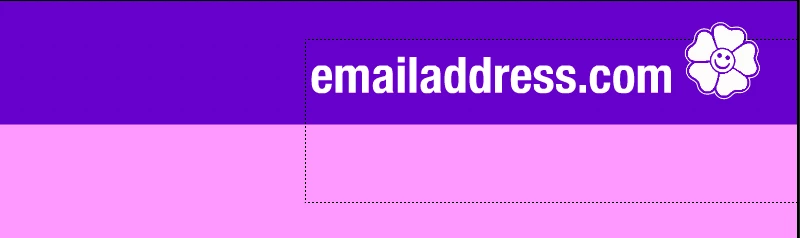
Below is how I positioned the email address text box in the headder in my Animate layout.
But... below is how the email text box appears in the browser test view
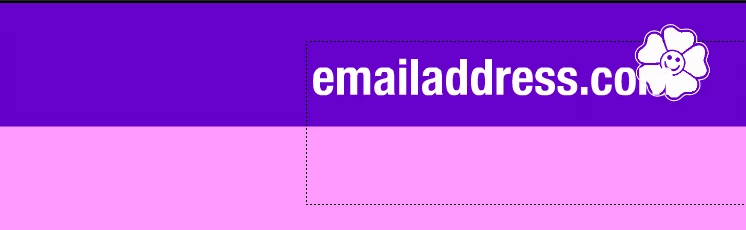
I've deleted the text box layer and created a new layer and re-typed the email address text box and placed it in the Animate layout where I wanted it and saved it. But, the browser text view continues to reposition the newly created text box over the logo icon in the browser text view, an overlapping positioning of the text box I never did at no time in the Animate layout . It seems as if I reposition a text box or an item too many times in the Animate layout, somehow the browser test gets stuck on a former positioning or goes out of sync with the Animate layout and doesn't recongize the new reprositioning changes I've made to items in the Animate layout. What causes this to happen? And, what can be done to get text boxes or images to appear in the browser test view as they are positioned in the Animate layout when they don't appear in the browser test view as they are positioned in the Animate layout?
 AdChoices