Inspiring
January 18, 2018
Answered

Brush is acting like an eraser?

  • January 18, 2018
  • 6 replies
  • 34312 views

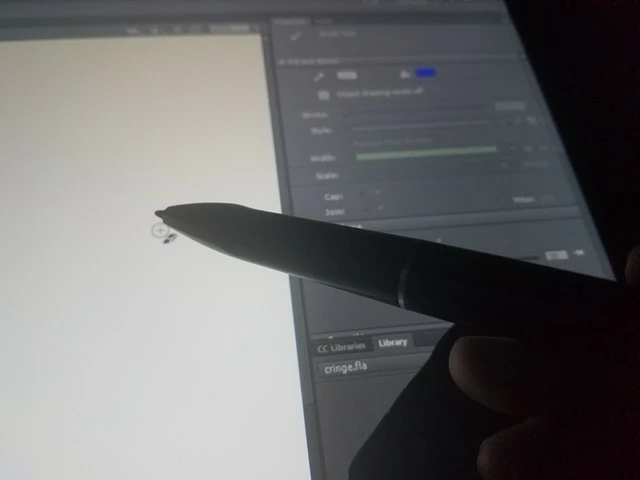
All of a sudden my brush tool displays an eraser icon and I can't draw anything. Whats going on and how do I fix it?

Correct answer DennisJa

Could you tell us what fixed it for you?


The brush was on some type of short cut which allowed any tool to erase. I ended up turning it on some how without know how to switch back. In my tablet driver settings I simply clicked a button called "Switch brush" as one of my short cuts and it went back to normal

6 replies

Participant
September 5, 2022

Hit C on the keyboard. 


Participant
April 21, 2021

My XP-PEN was working fine and then all of a sudden the pen turned into an eraser. What worked for me is to change the USB slots.

Participant
May 31, 2022

Didn't work for me. The only thing that worked was restarting my MacBook Pro. That worked for a while then it happened again.

Participant
June 22, 2020

oh my goodness thank you so much for this, I was having the exact same issues and I had no idea how to solve it! Almost strangled myself with frustration lol thank you

Participant
January 17, 2020

Omg same!!! Its getting really annoying. I saw how u solved urs but i use an xp pen deco 03 tablet and as far as i know, xp-pen's driver doesnt have a setting like that. Help

February 10, 2020

I also have xp pen, and I figured it out! It seems to be the buttons on the pen that enable this annoying setting. By randomly pressing them I figured out that if you hold down the top one for a moment then it diables this annoying setting.

Figured this out by messing around, since those useless buttons seem to be the cause of a lot of my problems.

Participant
February 11, 2020

How did you fix it? I have xp pen artist 12 and yesterday my pen started acting like an eraser when it said it was on the brush tool. I have gone into the penTabletSetting and everything looks normal. In photoshop when I use the trackpad it is the brush but when my pen is close to the tablet screen it turns into the eraser. What should I do?

Participant
July 10, 2018

I just saved the thing I was working on, closed the app and when I opened it everything was fine :DD

_keyframer
Community Expert
Community Expert
January 18, 2018

Hmmmm, try restarting Animate. If that doesn't work restart your computer.

Animator and content creator for Animate CC
DennisJaAuthor
Inspiring
January 18, 2018

Its been acting like this for the past 2 weeks now. Restarting does nothing.

DennisJaAuthor
Inspiring
January 18, 2018

I also don't think it has anything to do with my drivers. Photoshop works just fine, and I can use everything else normally in flash like clicking on buttons and stuff.