
Brush offset while using two screens
Hello, I have an issue that is related to the way animate handles monitor sizes, i guess.
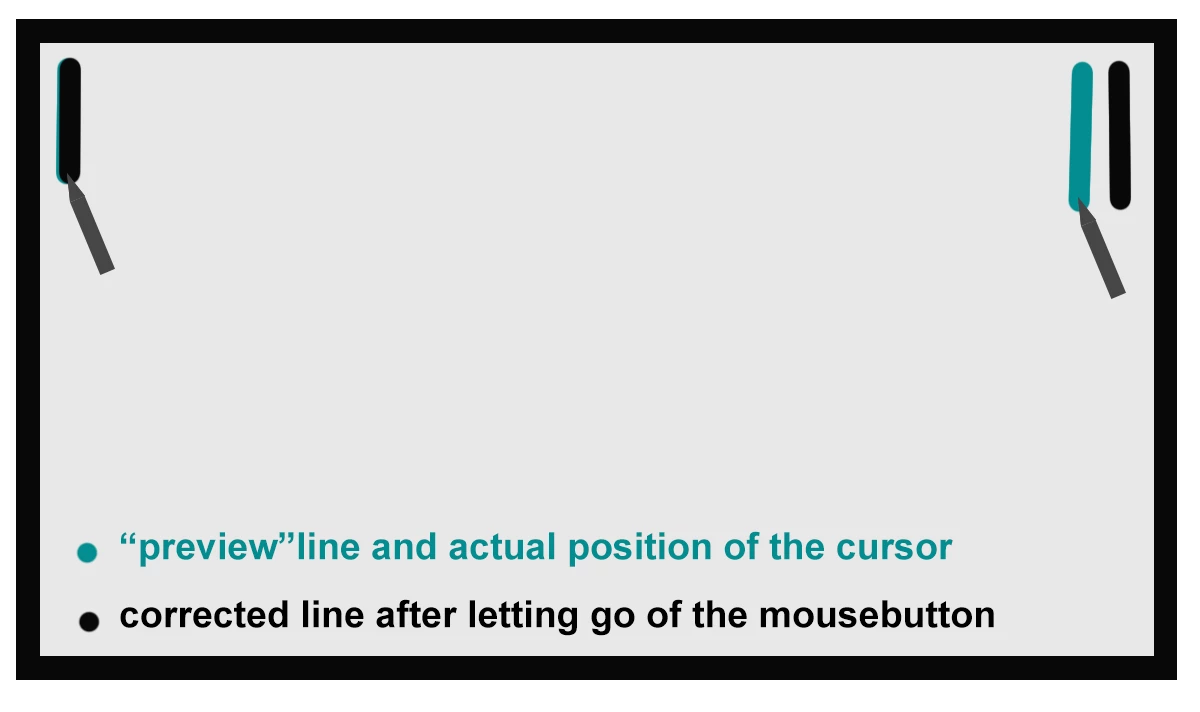
Whenever I use the brush tool the preview of the stroke is exactly the way i drew it. When I let go of the mouse however the brush stroke correction starts to happen. While this is normal, in my case the whole stroke is shifted to the right for about 1 to 2 mm, which makes it impossible to draw.
As i tried to fix this error (working only with one screen, instead of two, changing the resolution, etc. etc.)
i found out that if I draw a small line in the upper left corner it stays where it should be, but the more i go to the right, the more the final line gets shifted to the right.
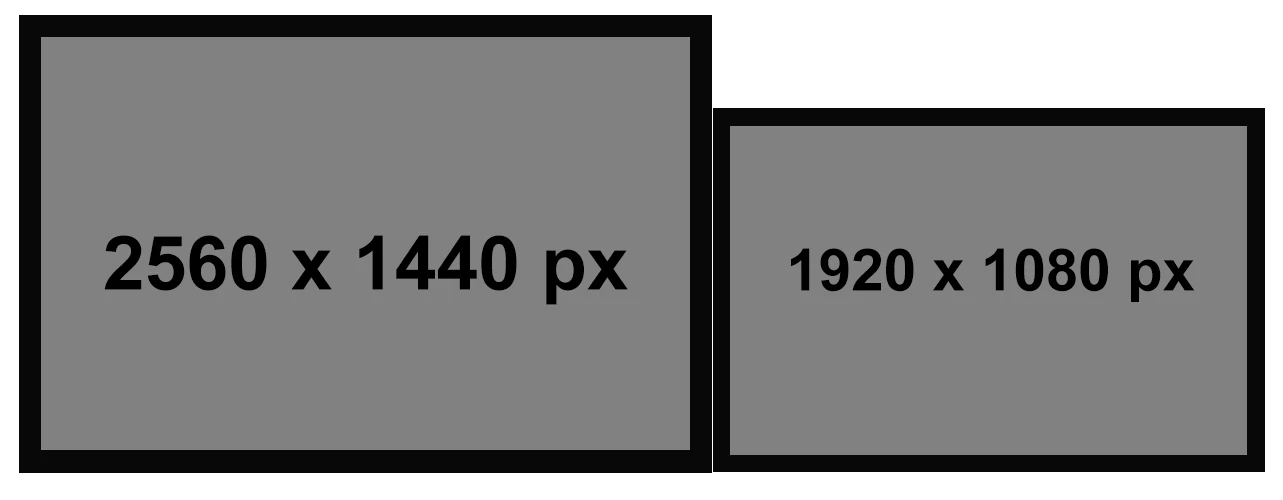
Here is my monitor setup:
And here is the visualized offset I am trying to explain:
I don't experience any issues drawing with this setup in any other software, Illustrator and Photoshop both work fine.
If it is not a bug, and / or if someone has a solution for this problem, please let me know.
Thank you,
Michael


 AdChoices