


Question
Brush Tool Creating Jagged Lines
Hello! Recently, seemingly out of nowhere, the brush tool in Animate has stopped drawing smooth lines and instead does these harsh straight lines instead:
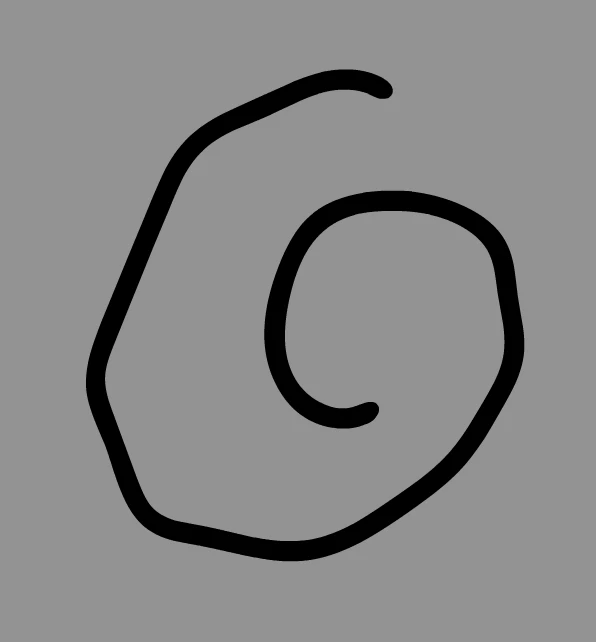
I've tried updating to the newest version of Animate, and had the same problem. I usually use Adobe Animate 2019, I'm on macOS Mojave 10.14.6 and I'm using an Intuous4 tablet, model PTK-640.
I've tried updating the drivers and restarting, but it's still a problem. Weirdly enough, the brush tool works great in Flash CS6 so I know it's not my tablet's fault. Maybe it's a processing issue? It sort of feels like the brush tool is having a hard time keeping up with my fast strokes and tries to "simplify" them as I draw.
Please help me solve this! Thank you!
 AdChoices