
Inspiring
June 9, 2021
Answered

Brushes reset after update

  • June 9, 2021
  • 2 replies
  • 584 views

I like using custom brushes, sometimes they are quite intricate. I often use the width tool to animate strokes this way. Since the last update all te stroke

Before update:
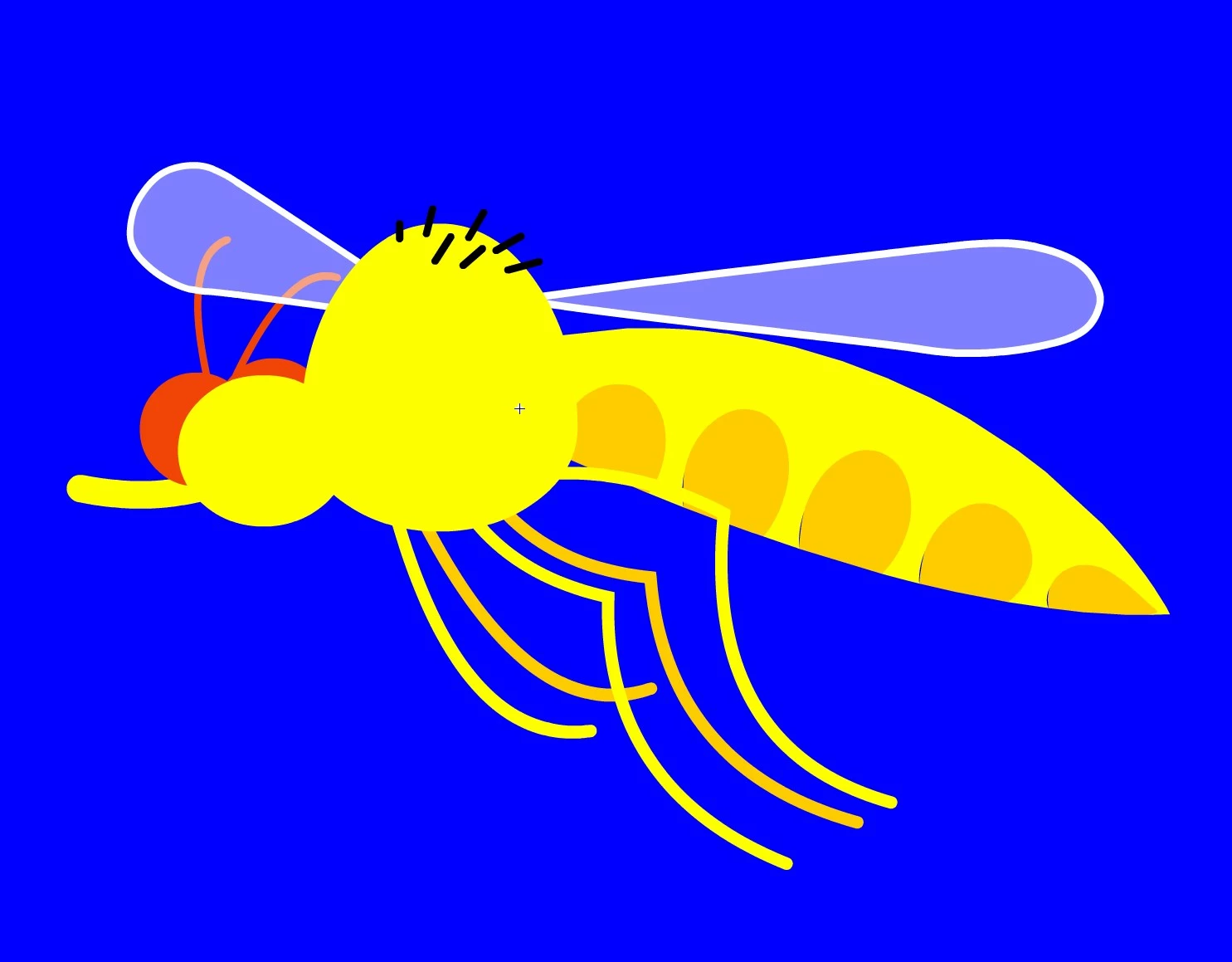
 

After:
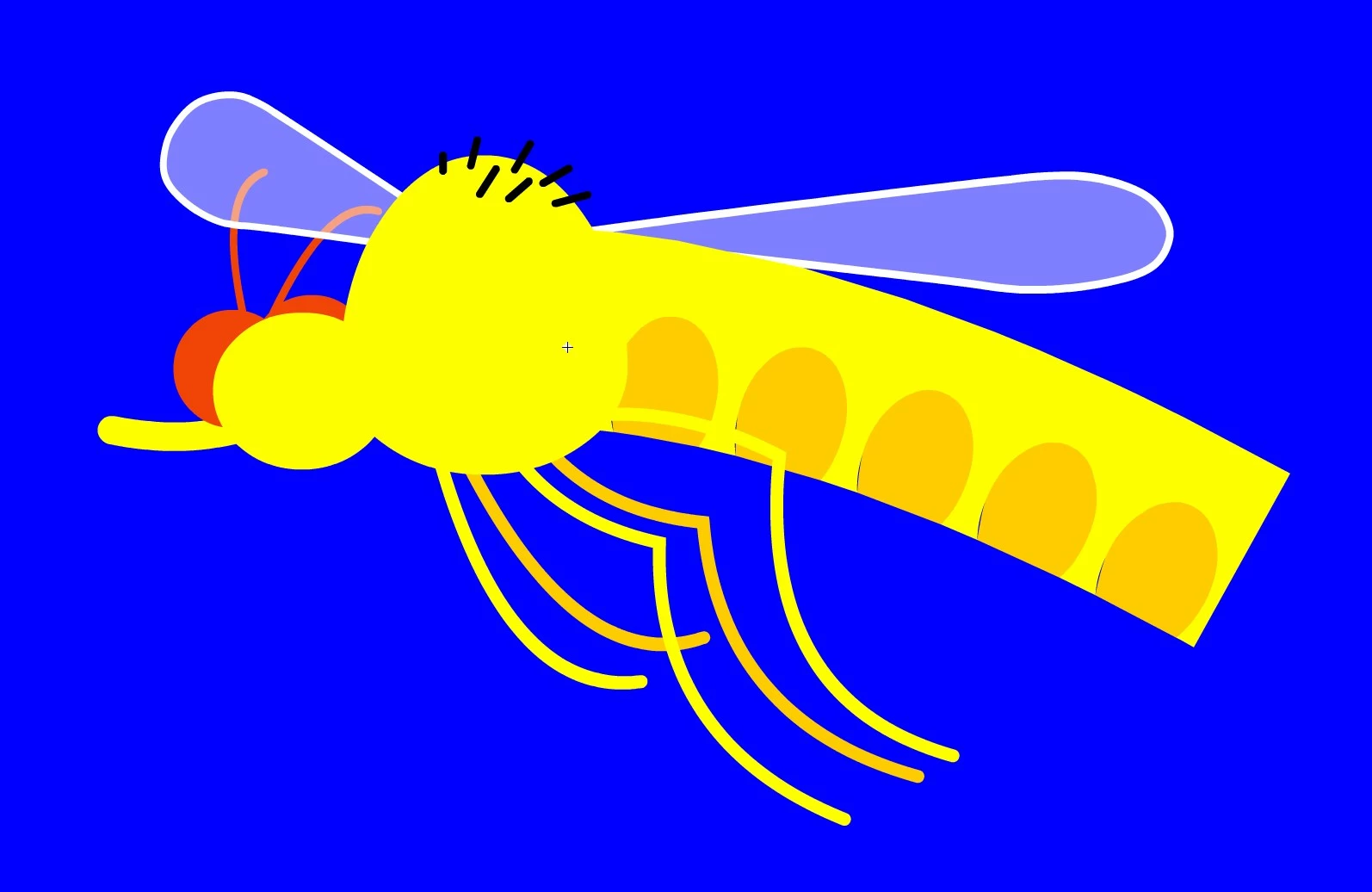
 

I'll need to redo them all as I need a new version of my animation.

Any thouhgts on this are welcome...


    This topic has been closed for replies.
    Correct answer Mohanaraj

    Hi @Bas Kleverlaan This has been fixed in the latest Animate update 21.0.7 released yesterday. Please update your copy of Animate to the latest using Creative Cloud desktop application to avail the fix. 


    Thanks!

    Mohan

    2 replies

    Mohanaraj
    Adobe Employee
    MohanarajCorrect answer
    Adobe Employee
    June 9, 2021

    Hi @Bas Kleverlaan This has been fixed in the latest Animate update 21.0.7 released yesterday. Please update your copy of Animate to the latest using Creative Cloud desktop application to avail the fix. 


    Thanks!

    Mohan

    sergiopop75
    Inspiring
    June 9, 2021

    In addition, if you save the brush profile, you can no longer change brushes, it stays locked, and no longer gives options. Tested in update 21.0.7

    ____2D vector animator since 2000 & PhD
    Adobe Employee
    June 10, 2021

    @sergiopop75  

    •  Are you referring to Paint brush? If Yes are you facing issues while changing "Style" or "Width" options in dropdowns.
    •  It would be great if you can attach a short screen recording or exact steps to reproduce the issue.

    Thanks!

    Inspiring
    June 9, 2021

    After saving, closing and reopening the brushes are again reset to the wrong state...