
layton95
Participant
June 26, 2018
Answered

BUCKET TOOL WILL NOT WORK -- WHERE ARE THE GAPS?

  • June 26, 2018
  • 1 reply
  • 219 views

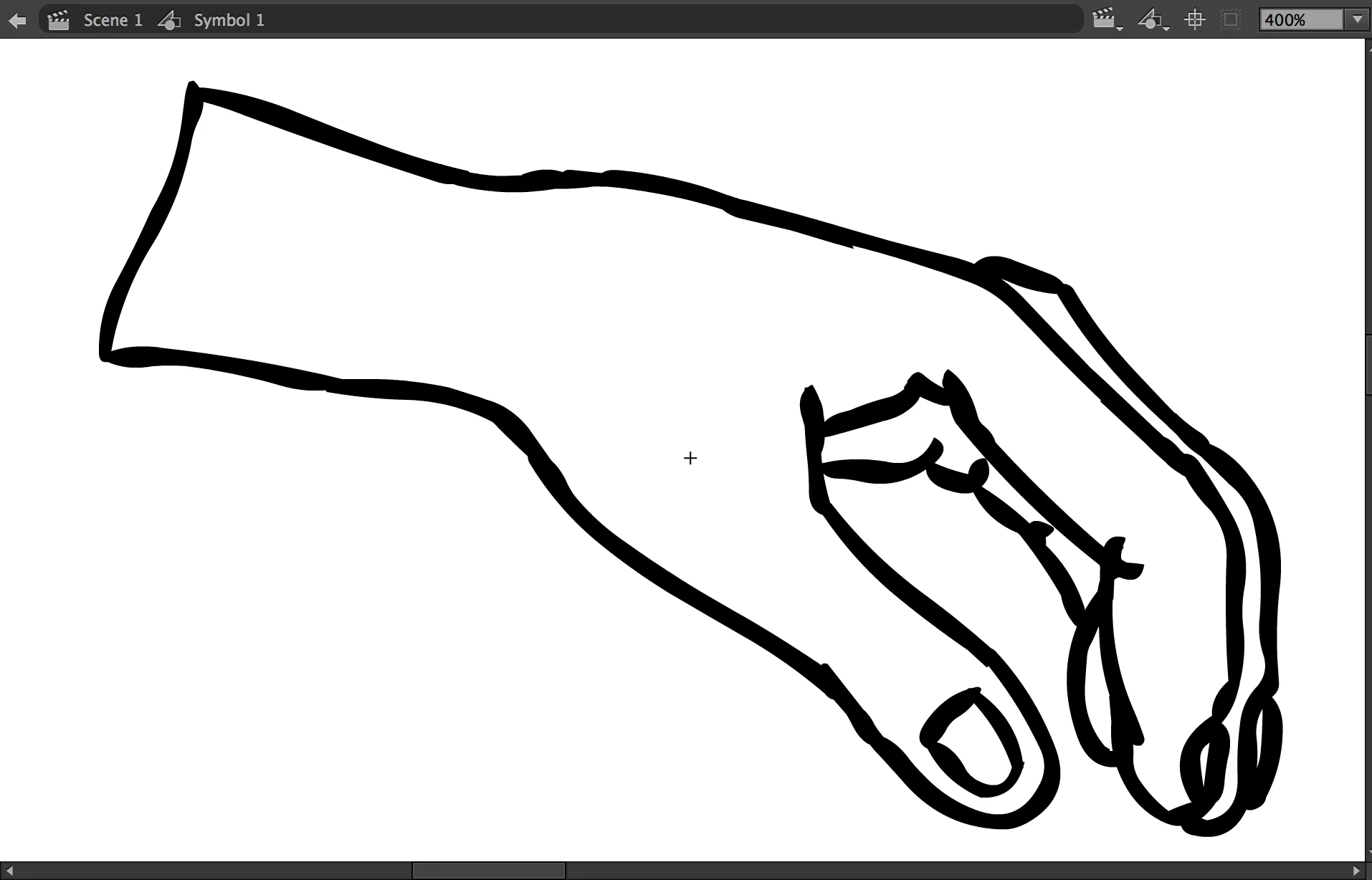
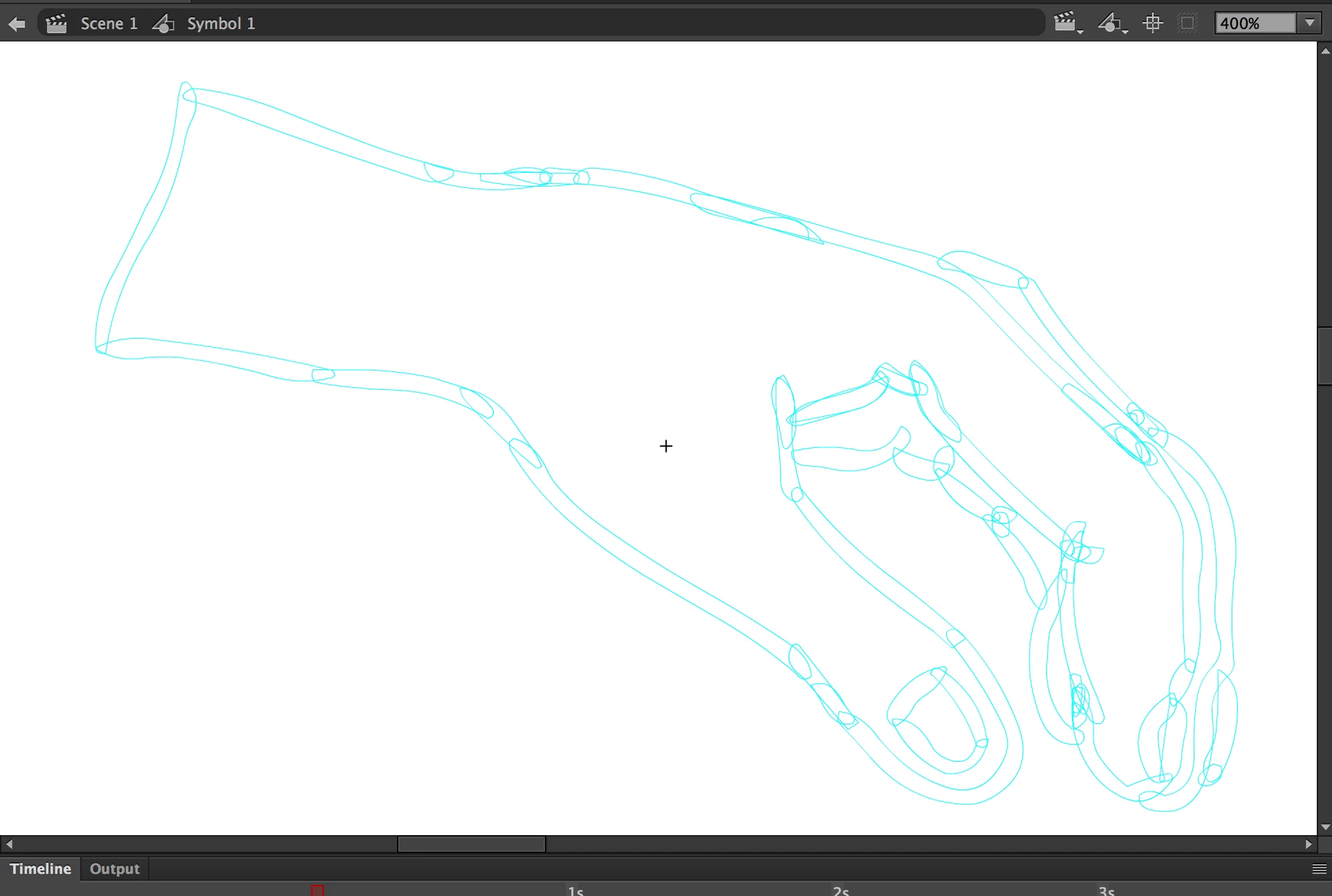
Hi, I've created a quick hand graphic using the brush tool. Unfortunately, now that I want to add some color using the bucket tool I can't. Why is this? According to other forms its simply because I must have a gap somewhere? However, I don't see any. Perhaps my brush strokes need to be merged? Can anyone help--please?
This topic has been closed for replies.
Correct answer _keyframer

I am quite sure you drew the hand with Object Drawing mode turned on. Not to worry. This can be rectified by 1 of 2 ways.

1. Select all and break apart (Ctrl + B) until the objects are all raw vector. Deselect and then use the bucket tool to fill.

2. Select all and go to Modify > Combine Objects > Union - this will keep them as one single unionized shape that you can now fill.

1 reply

_keyframer
Community Expert
_keyframerCommunity ExpertCorrect answer
Community Expert
June 26, 2018

I am quite sure you drew the hand with Object Drawing mode turned on. Not to worry. This can be rectified by 1 of 2 ways.

1. Select all and break apart (Ctrl + B) until the objects are all raw vector. Deselect and then use the bucket tool to fill.

2. Select all and go to Modify > Combine Objects > Union - this will keep them as one single unionized shape that you can now fill.

Animator and content creator for Animate CC