
Call jquery function on objet
Hi everyone,
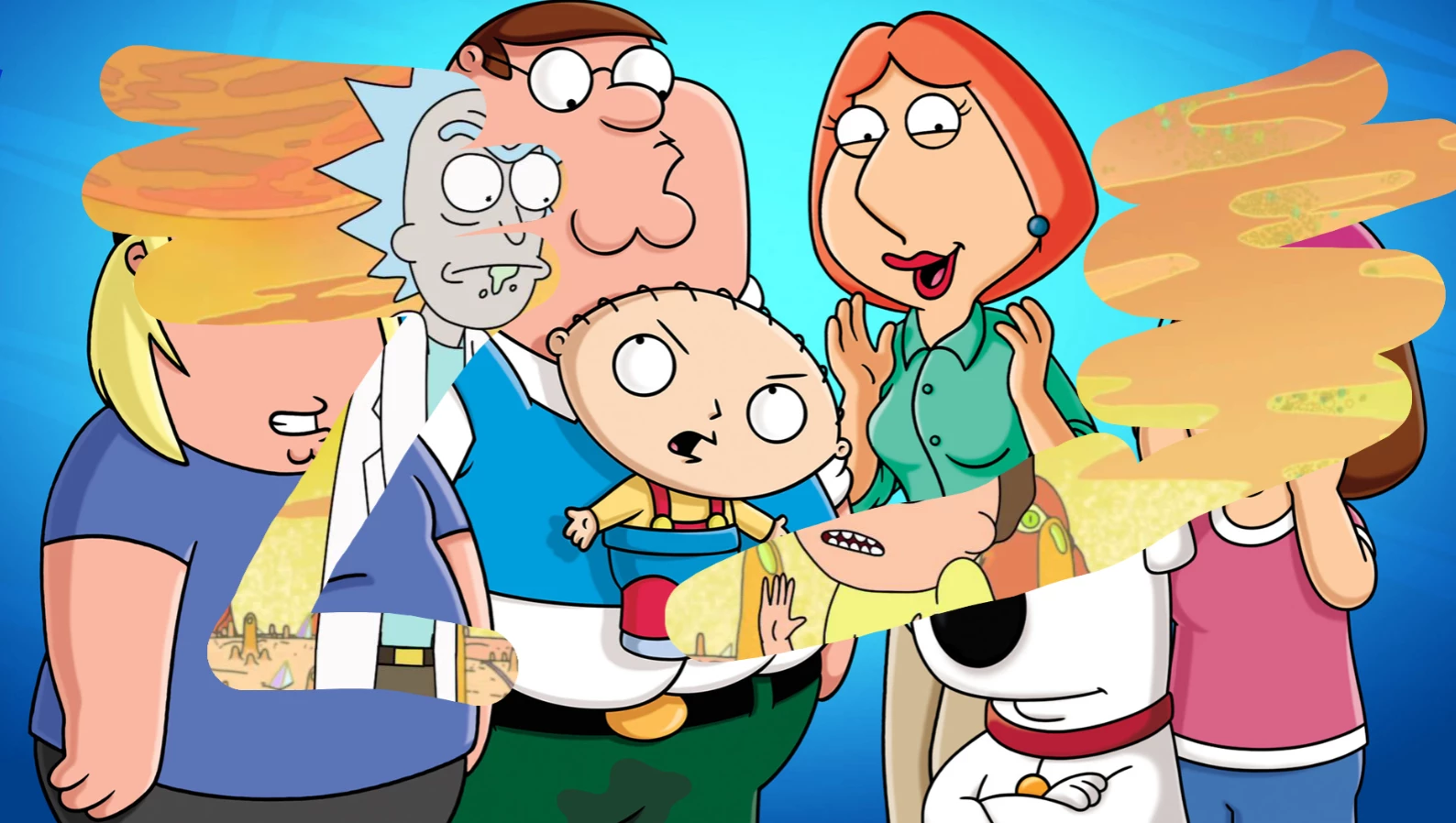
I am trying to apply an erase effect to a jpg file. I want the lower one to be visible as I erase the upper one from two separate layers. I made an example of this. But I had to "break apart" the jpg file. However, I saw at the address below that this can be done with JQuery to image files (PNG, JPG). I added JQuery to my project by following the Global>include steps from the actions panel. I made the image object on the layer that I want to apply the erase effect to a movie clip and set its instance name as "myImage". As in this JQuery explanation, I also wrote the following code to the first frame on a separate layer. "$('#myImage').eraser({});"
However, no matter what I did, I couldn't get the result. I can't apply the erase effect to the upper image. Can you help me run this code or add this effect to an image file with a different method?
JQuery: This page has an explanation and demo
https://www.jqueryscript.net/other/scratch-reveal-image-eraser.html
Below is the output of the project I made using Brake Apart. What I want to do is apply it to the image file (PNG, JPG).


 AdChoices