


Question
Can't drag keyframes in the timeline when there are folders.
If there is a key on a single layer or multiple layers, you can highlight the key(s) and then click-and-drag them to somewhere else in the timeline.
If you're selecting keys that are nested in folders, clicking and dragging will do nothing.
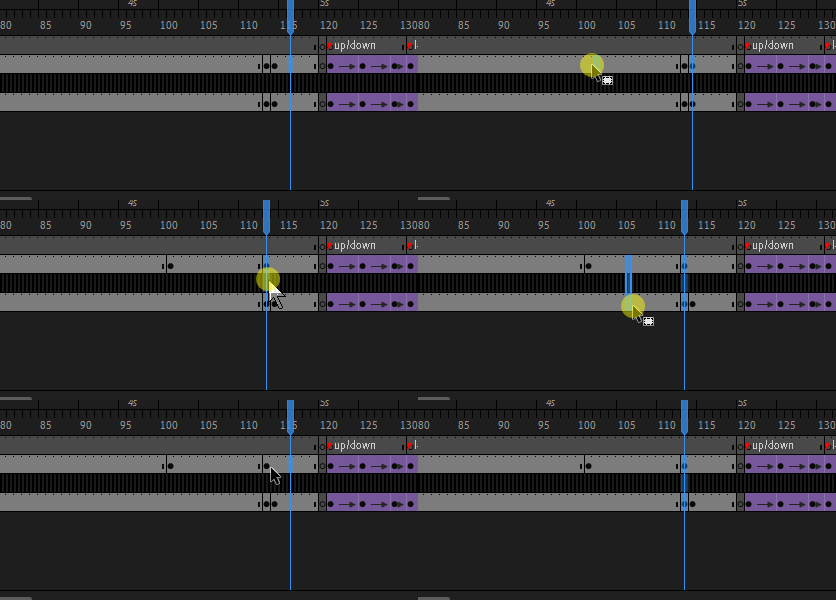
Even if all the folders are expanded, if you cut through a "layer" that indicates a folder, it will not let you move the keyframes.
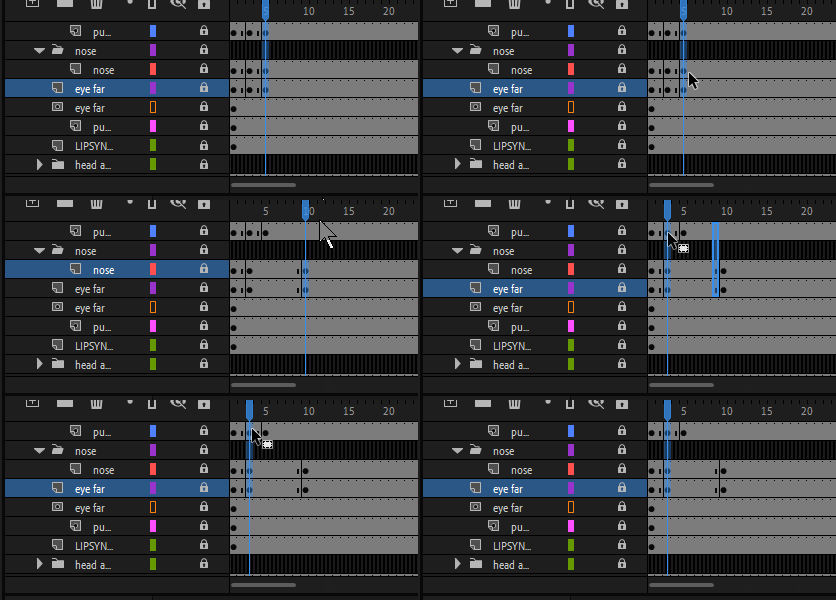
This used to work without issue in all previous versions of Animate and Flash This currently breaks our animation workflow as we have layers nested in folders and subfolders, and need to be able to keyframe through it all and move them around.
 AdChoices