

Can`t extract Svg from Adobe Animate
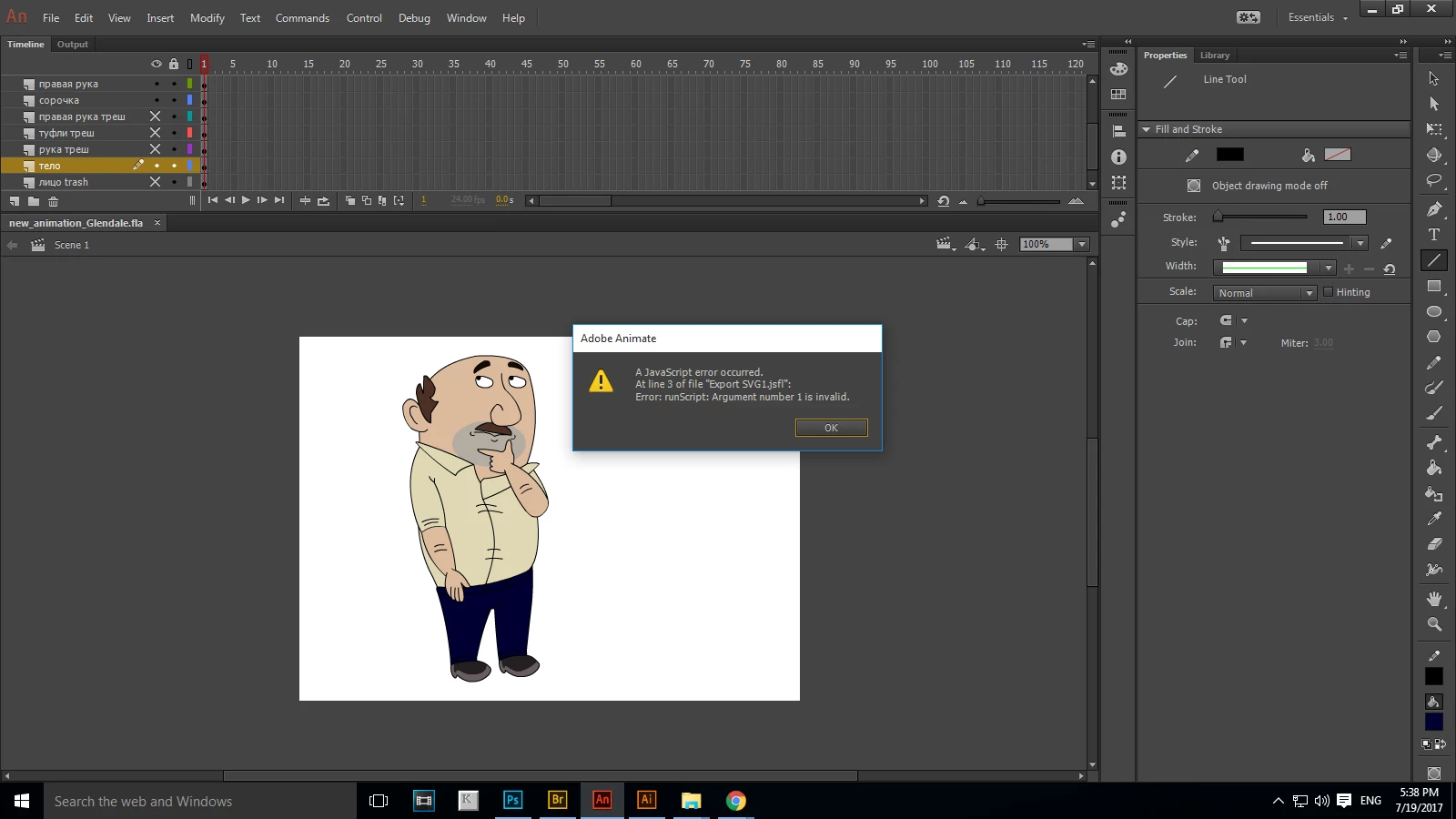 Hello there, i was just trying to find out how can i extract svg files from Adobe Animate, beacuese i really in big need of it, for not making work with the image from Adobe Animate, that i am doing usually, now i just want not to loose quality of the image and work with svg, because i am using Adobe Illustrator, it is very comfortable for me. The task is, that i was trying to find the way to extract Svg from Animate. I clicked File> Export> Export Image> Svg image. but there showed an error wirror, which was saying << a javascript error occurred at line of file export svg error runscriptL argument number 1 is invalid >> ... something like that. I was just wondering is there any way to avoid this eroor, or to use other options for extracting flash scenes or files from Adobe Animate to Svg or other vector files, maybe EPS or AI, i dunno. I am attacking the screenshot of the error, hope someone can help me with this issue. Beforehand thanks a lot for the interest in solving such problem. Have a nice working day


 AdChoices