
Can't select a single frame without selecting all of them.
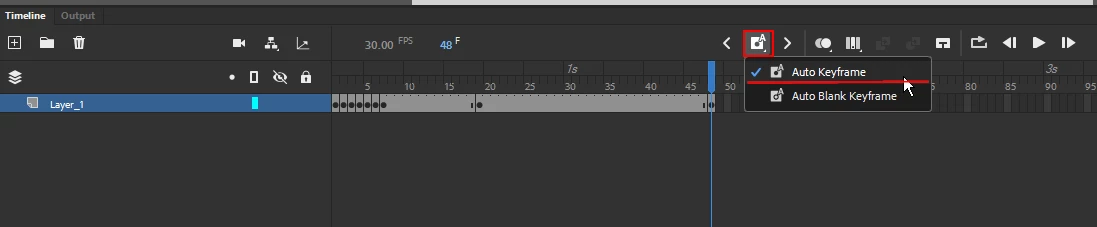
I recently got a new laptop, and wanted to make sure my settings were imported from my old one on Animate. Exported settings file, imported it onto the new computer, and then none of the keybinds worked. So maybe it's because I had to reset all my settings, but I used to be able to click on a single frame to modify, or delete it if I wanted. Not only can I no longer do this, but I also used to be able to click on an empty frame past the established ones already and have it insert frames for me up to that point. If anyone has any information for me, please help. I haven't been able to find it online yet. (In case your wondering, span selection is not on).
\ Clicking on the middle frame to delete it, and create a new keyframe.
 After deleting the middle frame, all other frames in the group get deleted as well.


 AdChoices