Participant
October 3, 2021
Question

Can't use the magic wand tool (ADOBE ANIMATE)

  • October 3, 2021
  • 2 replies
  • 6468 views

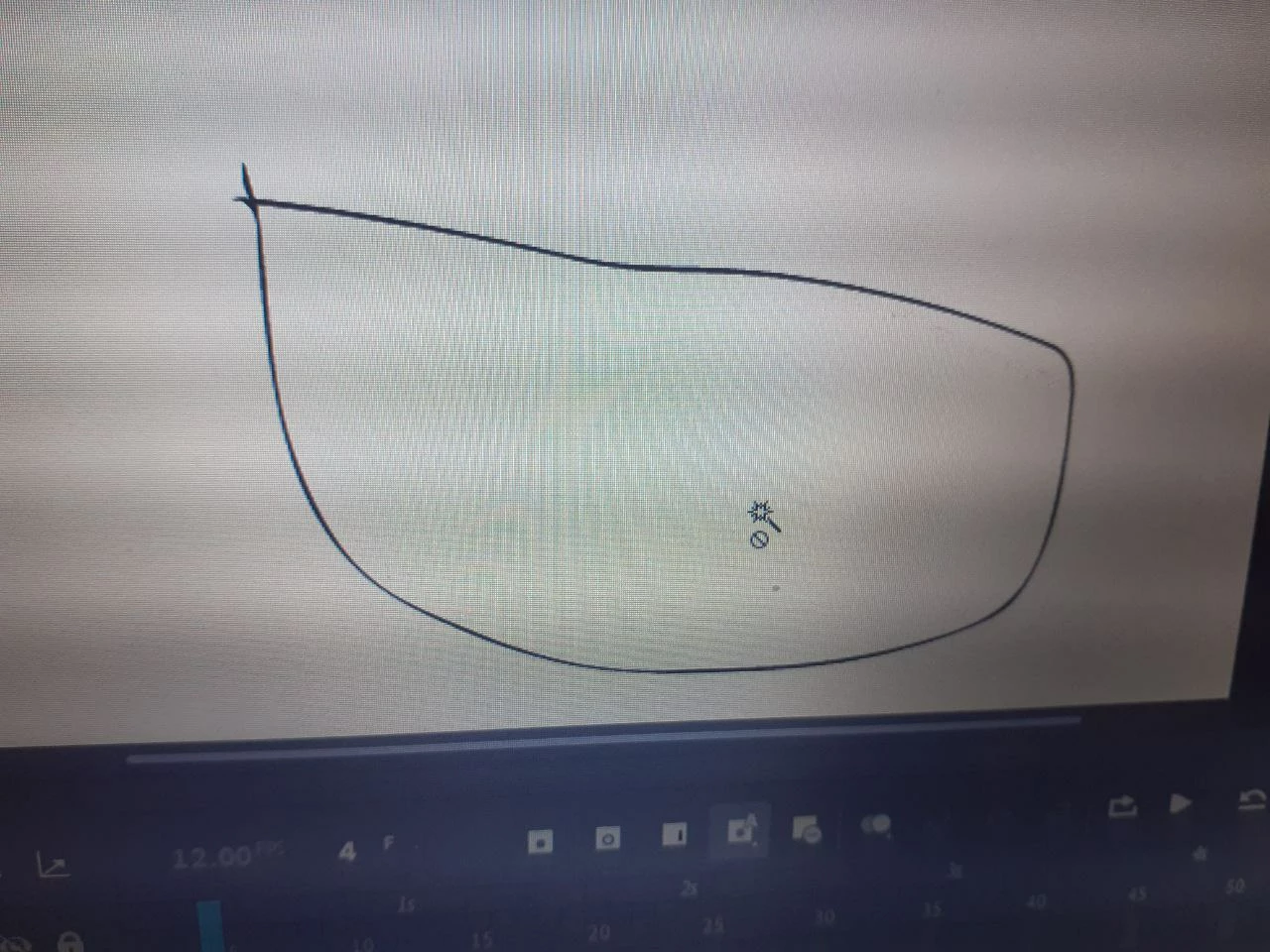
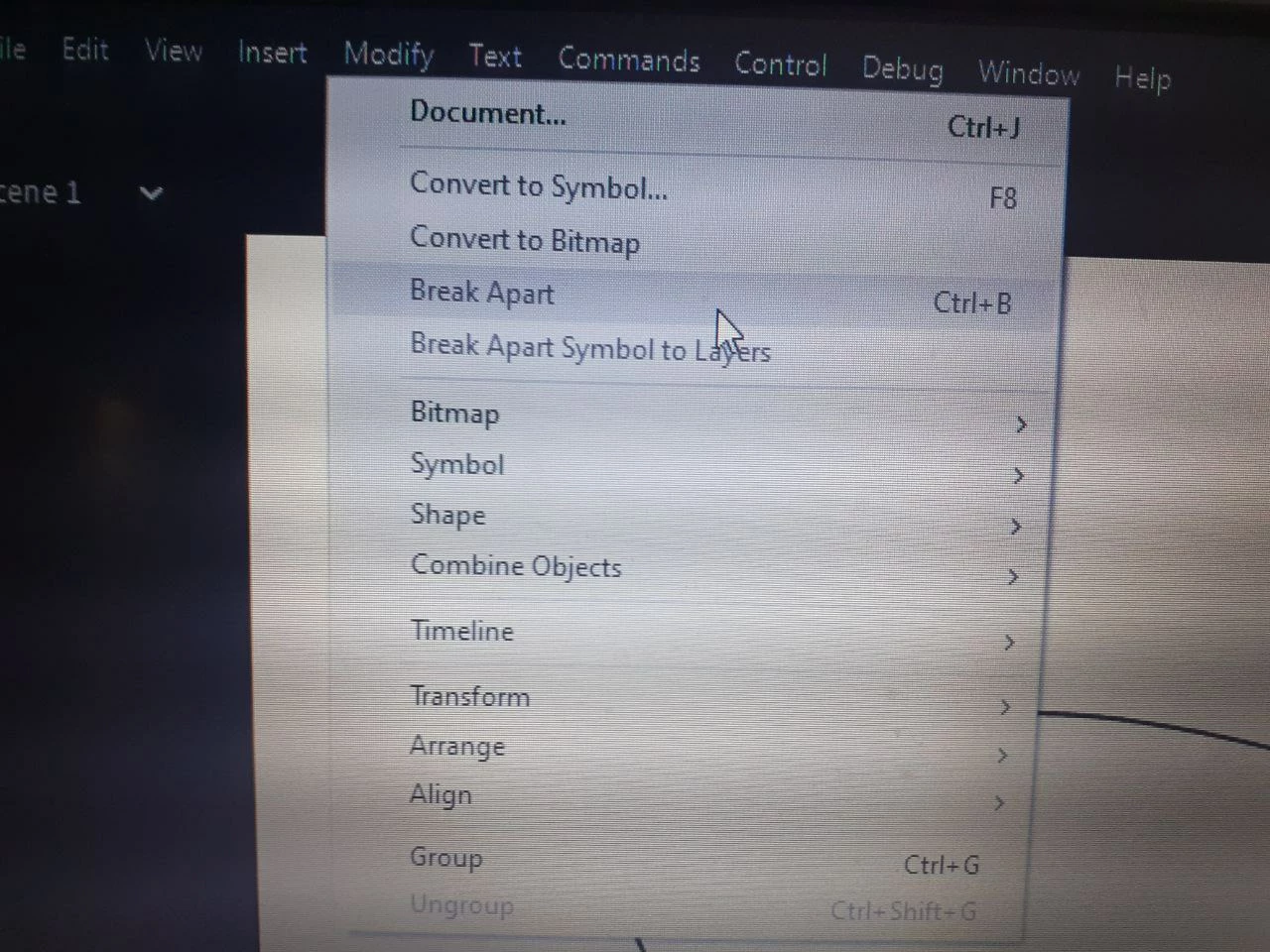
I can't use the magic wand tool in Adobe Animate. I have tried going to the modify section and clicking on the break apart tool but it still doesn't work. Please help me ASAP.

This topic has been closed for replies.

2 replies

Community Expert
October 9, 2021

looks like there is nothing to select. that is why you have the circle with a line through it. 

Inspiring
October 28, 2021

I am using Animate 20.5.1 and I can confirm that most times the Magic Wand doesn't work on bitmaps, like it used to work. It is a 100% bug, because it just sometimes works and sometimes doesn't on the same bitmap shapes. And it used to work well some long time ago


Adobe Employee
October 28, 2021

Hello,

 I am unable to reproduce the issue at my end. Can you please share a screen recording of the issue when it happens?


This will help us investigate on the same.


Thanks!

Myra Ferguson
Community Expert
Community Expert
October 9, 2021

It appears that you're trying to make a selection on a shape (a vector graphic) with the Magic Wand. The Magic Wand Tool selects colors of a raster graphic that has been broken apart. To select a fill within a shape, select the Selection Tool (V) and click on the area you want to select. Here's more information on selection tools in Animate:

Selecting objects in Animate CC