
Participant
January 21, 2019
Question

CC Animate How To Publish VR Panorama To Website

  • January 21, 2019
  • 1 reply
  • 1736 views

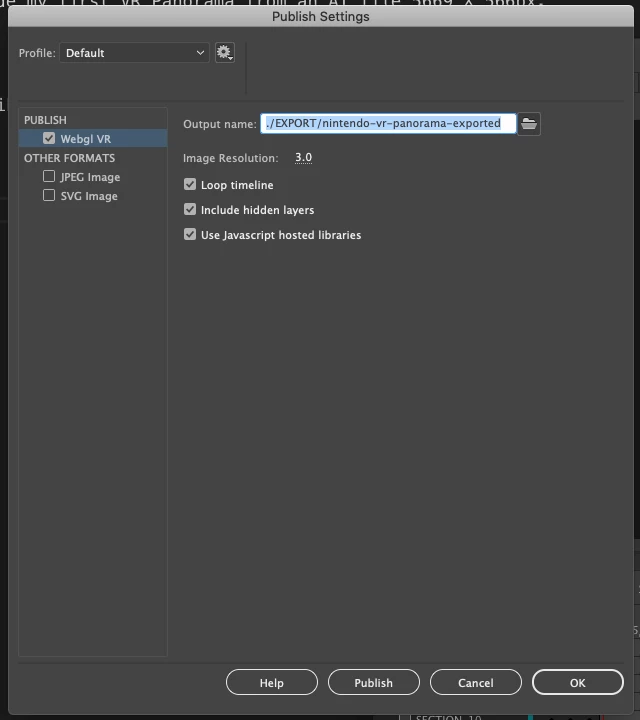
I have made my first VR Panorama from an AI file 5669 X 566px size.

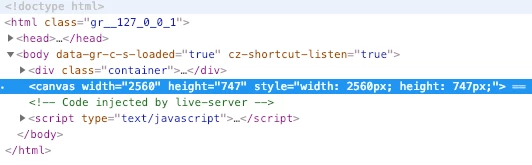
I would like to publish this to my website but the sizing is difficult to contain. The <canvas> tag is generated through JavaScript and resizes when the browser window is adjusted. I try to wrap this tag with my own <div> starting immediately and ending inside the <body> but it is attached or prepended outside this added element.

I also attempted to adjust the CSS through the Chrome inspection tools but it is not working.

How can I contain and publish the exported <canvas> inside a container of my size choice for my website?
This topic has been closed for replies.

1 reply

Community Expert
January 22, 2019

See if this tutorial will help. Create VR Panoramic and 360 content |

Participant
January 23, 2019

Thanks Nick, but this does not help. I also saw these:


WebGL-glTF export (standard and extended) |

Learn how to useauthor and publish Virtual Reality content in Animate

They don't help either.

Participating Frequently
October 19, 2022

Did we get any answers for this? In general I can't even get the VR projects to play just from the published html folder. The only way I get a VR project to play is via the TEST feature within Adobe Animate. Any tips would help...