
ramseybrony17
Participant
March 6, 2019
Answered

Change Name from the Library

  • March 6, 2019
  • 4 replies
  • 3305 views

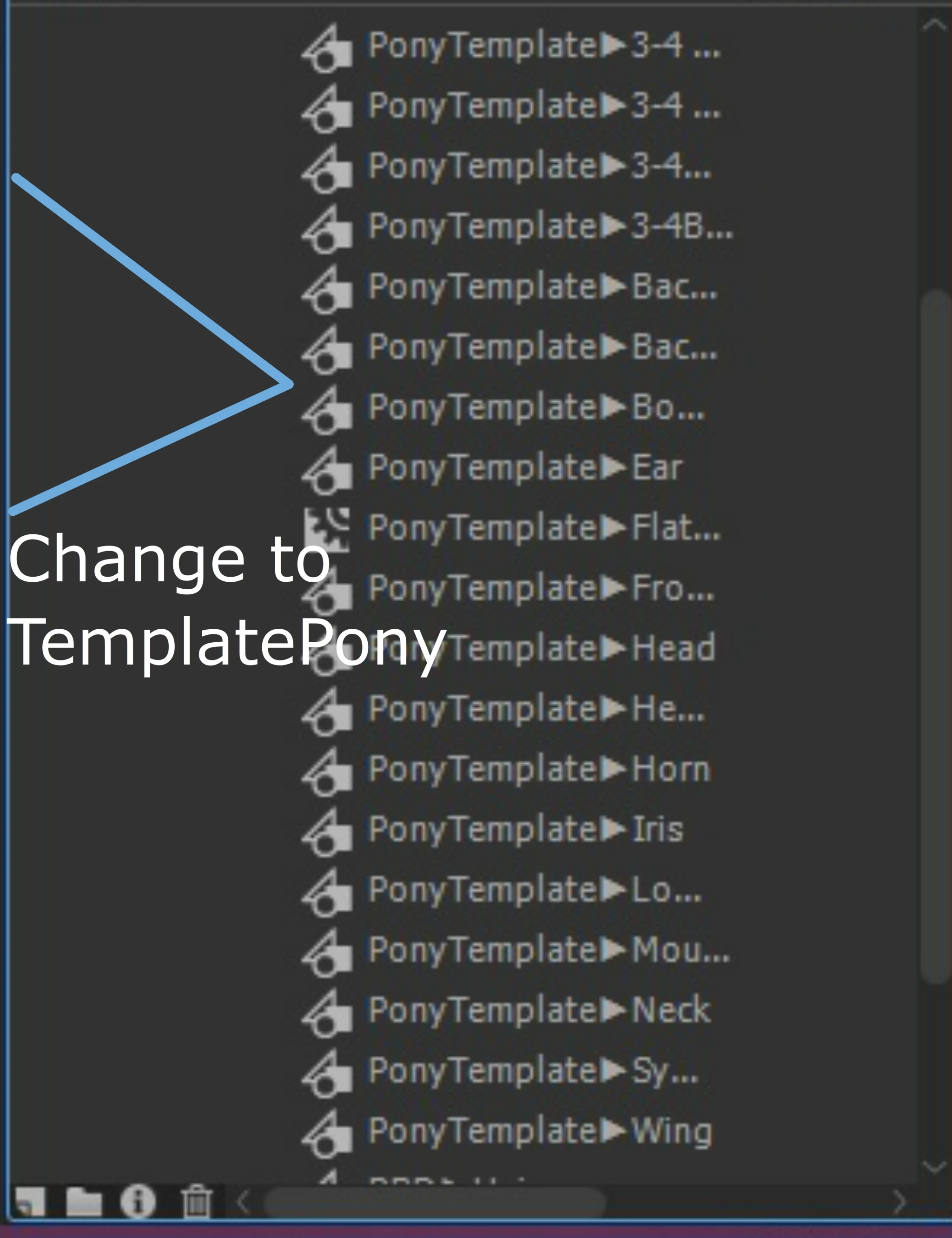
I want to change from "PonyTemplate" to "TemplatePony". Is there a faster way to rename it instead of rename those one by one?

This topic has been closed for replies.
Correct answer JoãoCésar17023019

Hi.

You can use JSFL.

https://help.adobe.com/archive/en_US/flash/cs5/flash_cs5_extending.pdf

A suggestion (you have to select the items in the Library):

var doc = fl.getDocumentDOM();

var lib = doc.library;

lib.getSelectedItems().forEach(function(item)

{

    item.name = item.name.replace("PonnyTemplate", "TemplatePonny");

});

JSFL script Replace Library Items Names download:

animate_cc_jsfl_replace_library_items_names.zip - Google Drive

To use the script, drag and drop it over the Animate CC IDE or double-click it or run from Commands > Run Command....

Regards,

JC

4 replies

n. tilcheff
Legend
March 6, 2019

LB Rename and LB Enumeration from EDAP Tools do just that - batch renaming of library items.

LB Rename | electric dog :: flanimate power tools

LB Enumeration | electric dog :: flanimate power tools

Nick - Character Designer and Animator, Flash user since 1998 | Member of the Flanimate Power Tools team - extensions for character animation
ramseybrony17
Participant
March 6, 2019

I can create folders, but I want to change some files that I had in my library instead of rename those one by one.

As for the arrow, I used the line tool just for example.

Legend
March 6, 2019

ramseybrony17  wrote

I can create folders, but I want to change some files that I had in my library instead of rename those one by one.

As for the arrow, I used the line tool just for example.

You have managed to misunderstand everything I said.

I mentioned folders because it seems like it would be a lot easier to create a single folder named "TemplatePony" and put your assets in that, instead of prefixing dozens of symbols with the same text. That's why folders exist.

The "arrow" I mentioned was NOT the drawn arrow in your screenshot (wait, that isn't a screenshot... you actually took a cell phone picture of your screen?), but the arrow characters in your symbol names. You know, these: ▶▶▶▶▶▶▶▶▶▶▶. Having non-textual characters in symbol names just seems begging for trouble.

Legend
March 6, 2019

Did you actually put a Unicode arrow glyph in the names of all those symbols?

You know you can create folders in the library, right?

JoãoCésar17023019
Community Expert
JoãoCésar17023019Community ExpertCorrect answer
Community Expert
March 6, 2019

Hi.

You can use JSFL.

https://help.adobe.com/archive/en_US/flash/cs5/flash_cs5_extending.pdf

A suggestion (you have to select the items in the Library):

var doc = fl.getDocumentDOM();

var lib = doc.library;

lib.getSelectedItems().forEach(function(item)

{

    item.name = item.name.replace("PonnyTemplate", "TemplatePonny");

});

JSFL script Replace Library Items Names download:

animate_cc_jsfl_replace_library_items_names.zip - Google Drive

To use the script, drag and drop it over the Animate CC IDE or double-click it or run from Commands > Run Command....

Regards,

JC