
Choppy animation & small symbols (character's faces) does not appear as coloured squares
Hi I am new to Animate.
I am creating a 2 min long animation for my school assignment on my MacBook Pro with 8GB REM. It was not choppy when I started creating it but it became choppy as more images, symbols and camera movements are added and the animation gets long.
it was even choppy and the faces are still showed as squares on test-play and even when it's exported as a mp4 file.
Also, the characters faces appear as square or sometimes it does not appear like below.
(I drewed the character on Procreate and exported as PSD into Adobe Animate.)
So now I am using a Windows computer with 32GB REM which is 4-times more powerful because I thought my MacBook is not powerful enough.
But my animation is still choppy on the Windows computer and the issue with the square faces is not fixed either.
I only used Classic tween. (no motion tweens at all)
The audio is completely fine.
This it what they should look like:
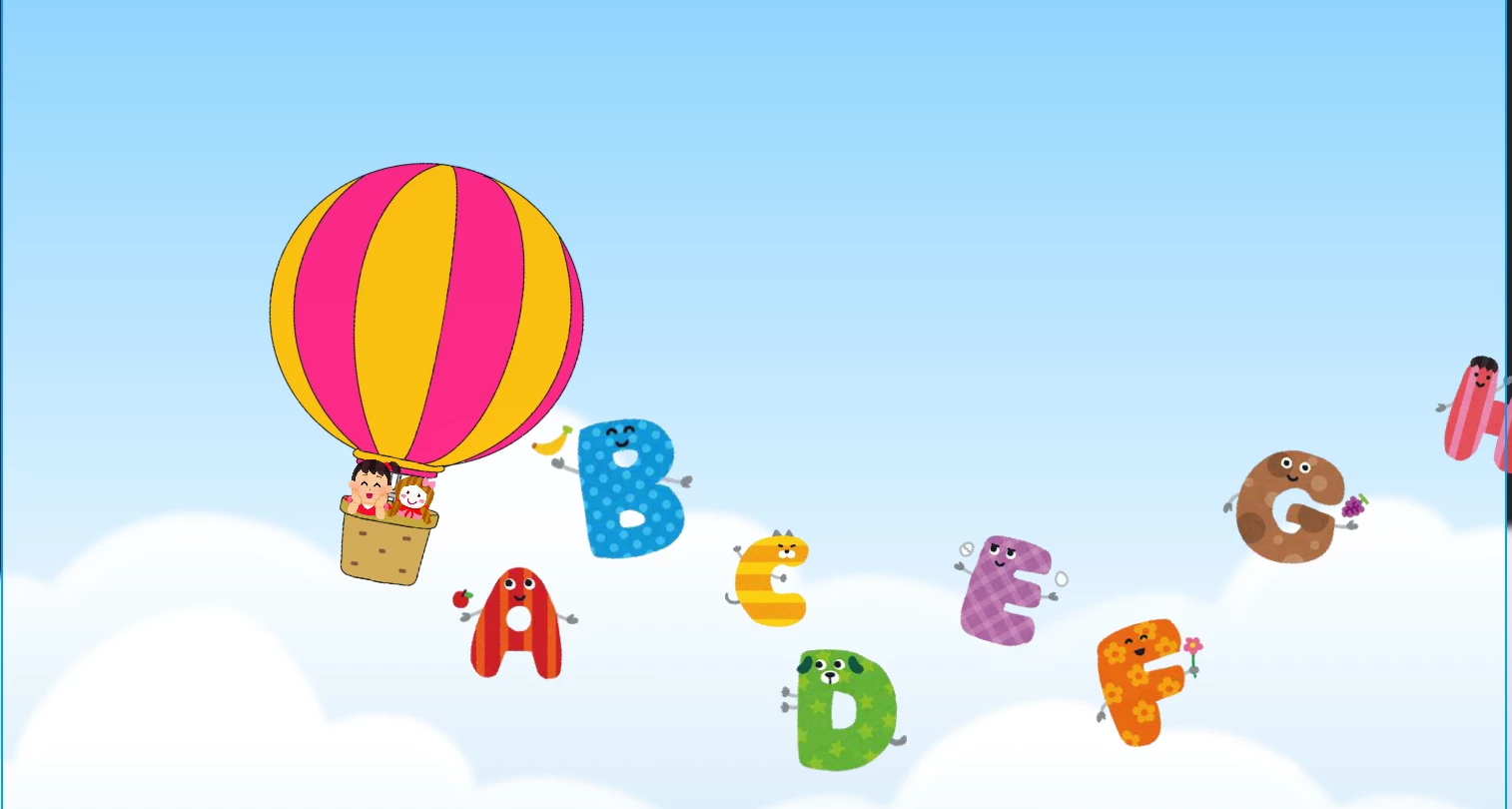

Faces show as squares:



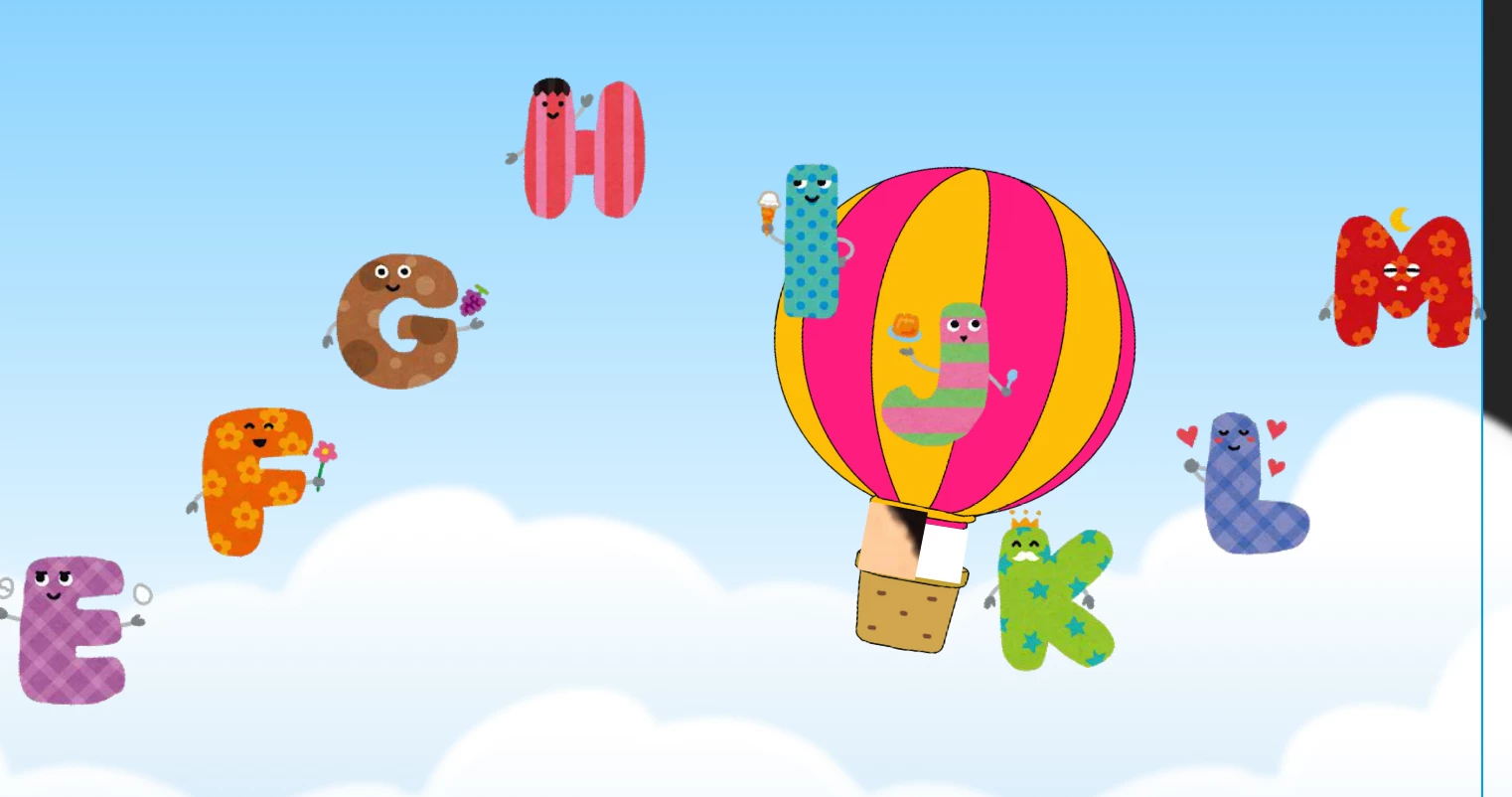
For more deatails
Animation Video: Click here
Does anyone know how to fix these issues?
Thank you!


 AdChoices