Participant
November 13, 2011
Answered

code in frame 1 don't want to work in frame 10, app goes wacko

  • November 13, 2011
  • 1 reply
  • 765 views

I am still using Flash CS3.

I have several buttons in frame one and used the following actionscript which works fine
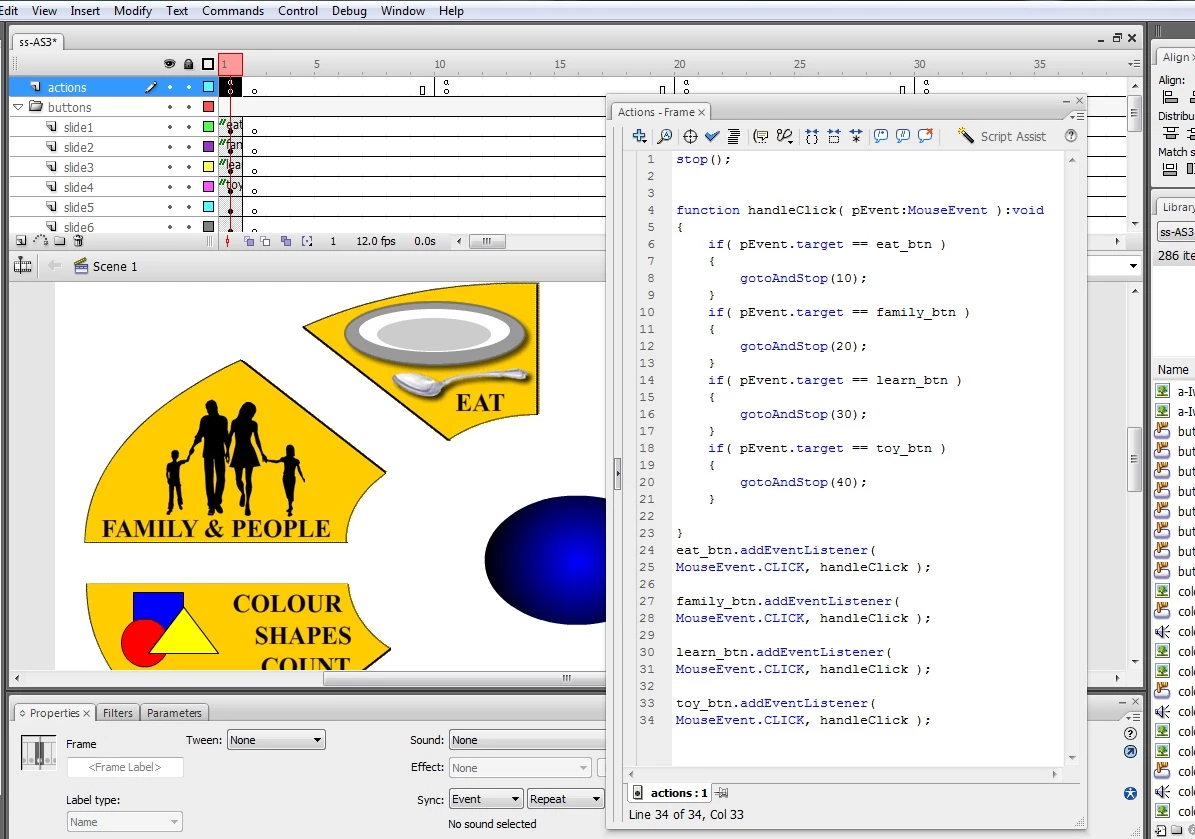

CODE:

stop();

function handleClick( pEvent:MouseEvent ):void

{

          if( pEvent.target == eat_btn )

          {

                    gotoAndStop(10);

          }

          if( pEvent.target == family_btn )

          {

                    gotoAndStop(20);

          }

          if( pEvent.target == learn_btn )

          {

                    gotoAndStop(30);

          }

          if( pEvent.target == toy_btn )

          {

                    gotoAndStop(40);

          }

}

eat_btn.addEventListener(

MouseEvent.CLICK, handleClick );

family_btn.addEventListener(

MouseEvent.CLICK, handleClick );

learn_btn.addEventListener(

MouseEvent.CLICK, handleClick );

toy_btn.addEventListener(

MouseEvent.CLICK, handleClick );

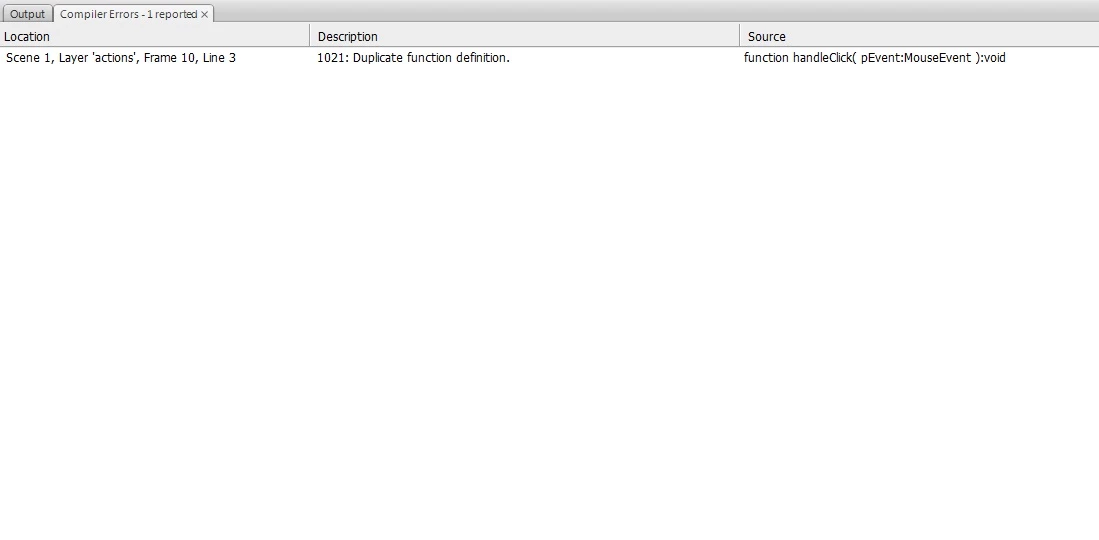
untill I want to use the same coding for my back_btn in frame 10 through 80, my whole application goes wacko!
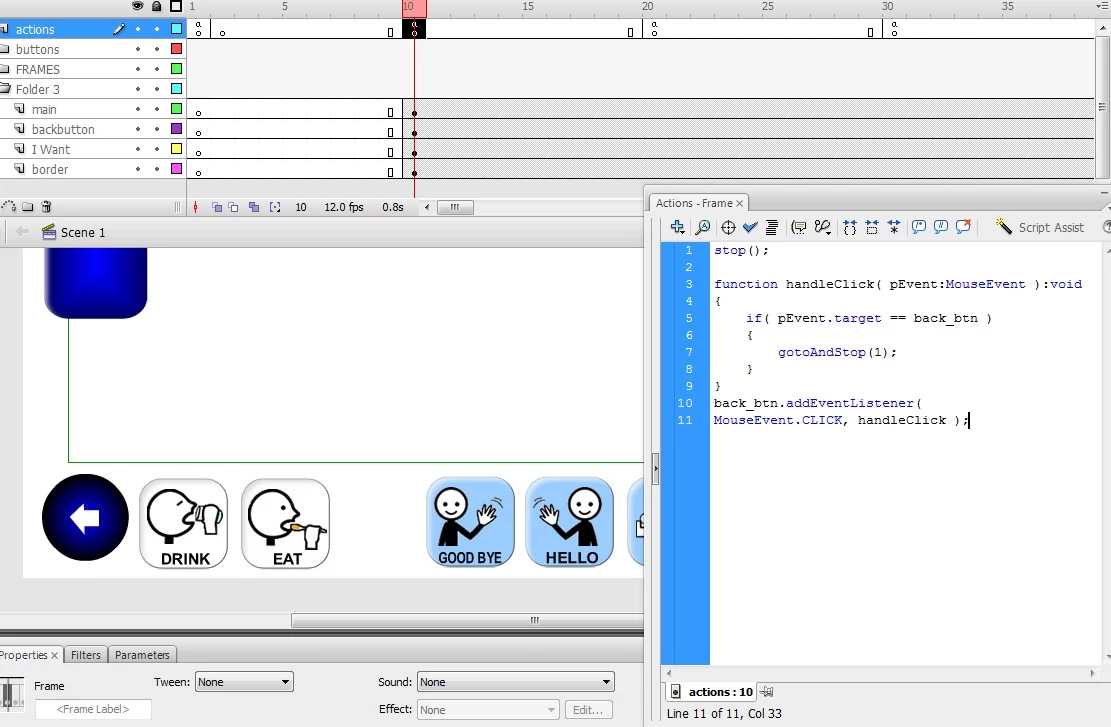
CODE FOR BACK BUTTON USED IN FRAME 10

stop();

function handleClick( pEvent:MouseEvent ):void

{

          if( pEvent.target == back_btn )

          {

                    gotoAndStop(1);

          }

}

back_btn.addEventListener(

MouseEvent.CLICK, handleClick );

Can some one please help explain this, and what I should do to fix this?

Thanks

This topic has been closed for replies.
Correct answer Peter Celuch

Glad to hear it.

1 reply

Peter Celuch
Legend
November 13, 2011

You defined function handleClick() twice. Once in frame1 and once in frame10. Try naming them handleClick1() and handleClick10(). That should do it.

sonar123Author
Participant
November 13, 2011

Thanks Peter

function handleClick10( pEvent:MouseEvent ):void

{

          if( pEvent.target == back_btn )

          {

                    gotoAndStop(1);

          }

}

back_btn.addEventListener(MouseEvent.CLICK, handleClick10 );

I changed both the upper and lower one as follows, and for the other frames to "..Click30..40..50..etc" and it worked like a charm

Peter Celuch
Peter CeluchCorrect answer
Legend
November 13, 2011

Glad to hear it.