


Question
Color Panel range is incomplete / How to pin Color Picker
The color panel isn't displaying the complete range that it should, so the color shown in the gradient (outlined with a circle) and the one actually being applied (rectangle underneath) aren't the same.
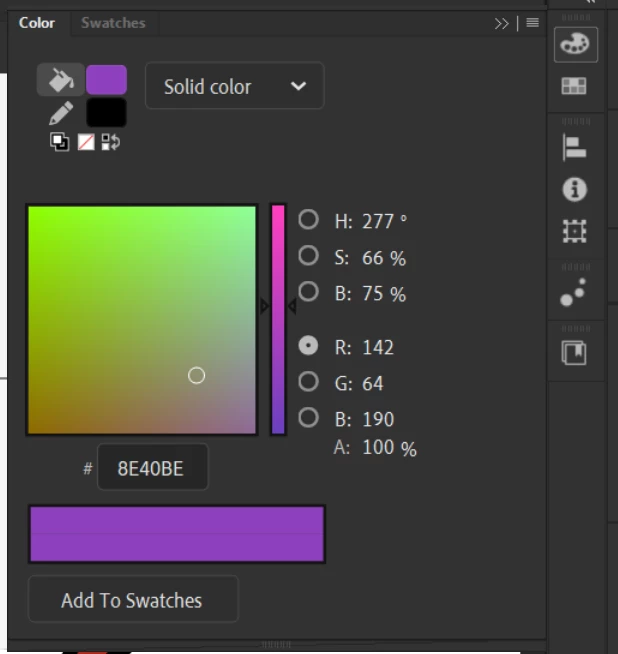
I can tell the color gradient is similar but doesn't cover the whole range when I compare it to the Properties panel's fill Color Picker pop up.
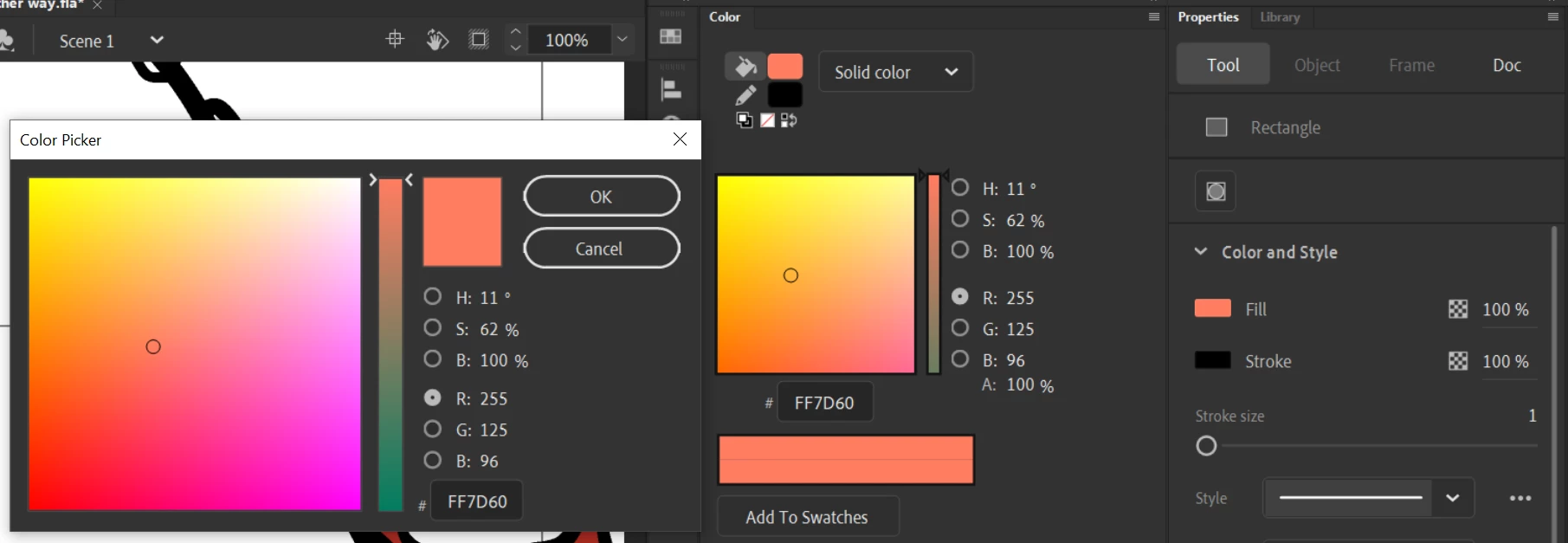
Should these two gradients (Color Panel and Properties > Fill > Color Picker) be the same? My end goal is just to have an accurate color picker that I can always have on the screen (without having to click through to get a popup) that I can choose from. Does anyone have any advice on how to go about this, either fixing the color panel or otherwise?
 AdChoices