

sergiopop75
Inspiring
May 4, 2022
Question

Command for applied Blend mode on frame

  • May 4, 2022
  • 1 reply
  • 239 views

Since version 2019, Animate allows you to apply blending modes to graphic symbols in the selected frame. I want to apply to a graphic symbol a blend mode by command, but it applies it in object mode and my desire is to apply it in the frame. Copying what it does in the labels I create this:


an.getDocumentDOM().getTimeline().setFrameProperty('BlendMode', 'erase');

But it doesn't work.
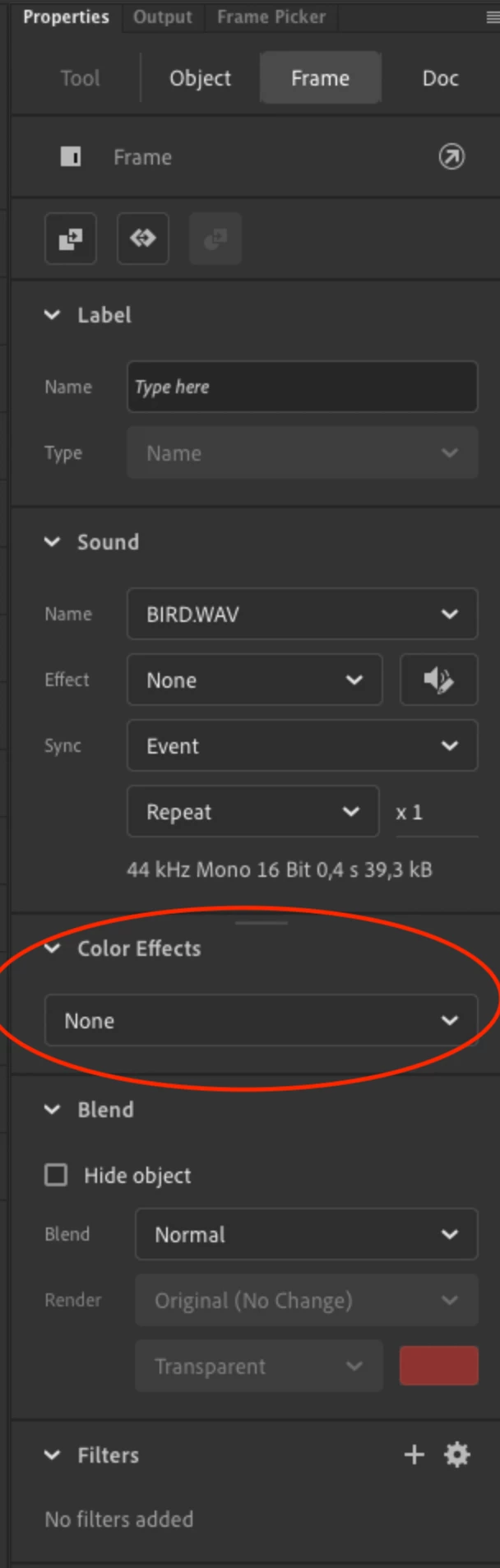
 

Because this code is for a movie clip and applies it in properties/object:
an.getDocumentDOM().setBlendMode('erase').


Is there any way to create the command to apply it on frame?


    This topic has been closed for replies.

    1 reply

    JoãoCésar17023019
    Community Expert
    Community Expert
    May 4, 2022

    Hi.


    This is odd because the History panel shows...

    an.getDocumentDOM().setBlendMode('erase')


    ... when the blend mode of a frame is changed.


    But if a JSFL is run, it doesn't work.


    Not sure why...


    I think it's worth letting the team know about it.

    https://www.adobe.com/products/wishform.html


    Or maybe the extension developers here have an idea.


    Regards,

    JC


    sergiopop75
    Inspiring
    May 4, 2022

    Thanks, that's why I was asking here because it comes up in the history.

    ____2D vector animator since 2000 & PhD