Question
Corrupted file in Animate CC 2018?
Hello, so I was working on an animation project in Animate CC when there was a sudden (very unexpected) power outage. My computer crashed, and so did all of my programs running at the time. I turned on my computer and opened Animate to continue working. I had been saving my work quite often, but when I tried to open my project, I received this notice.
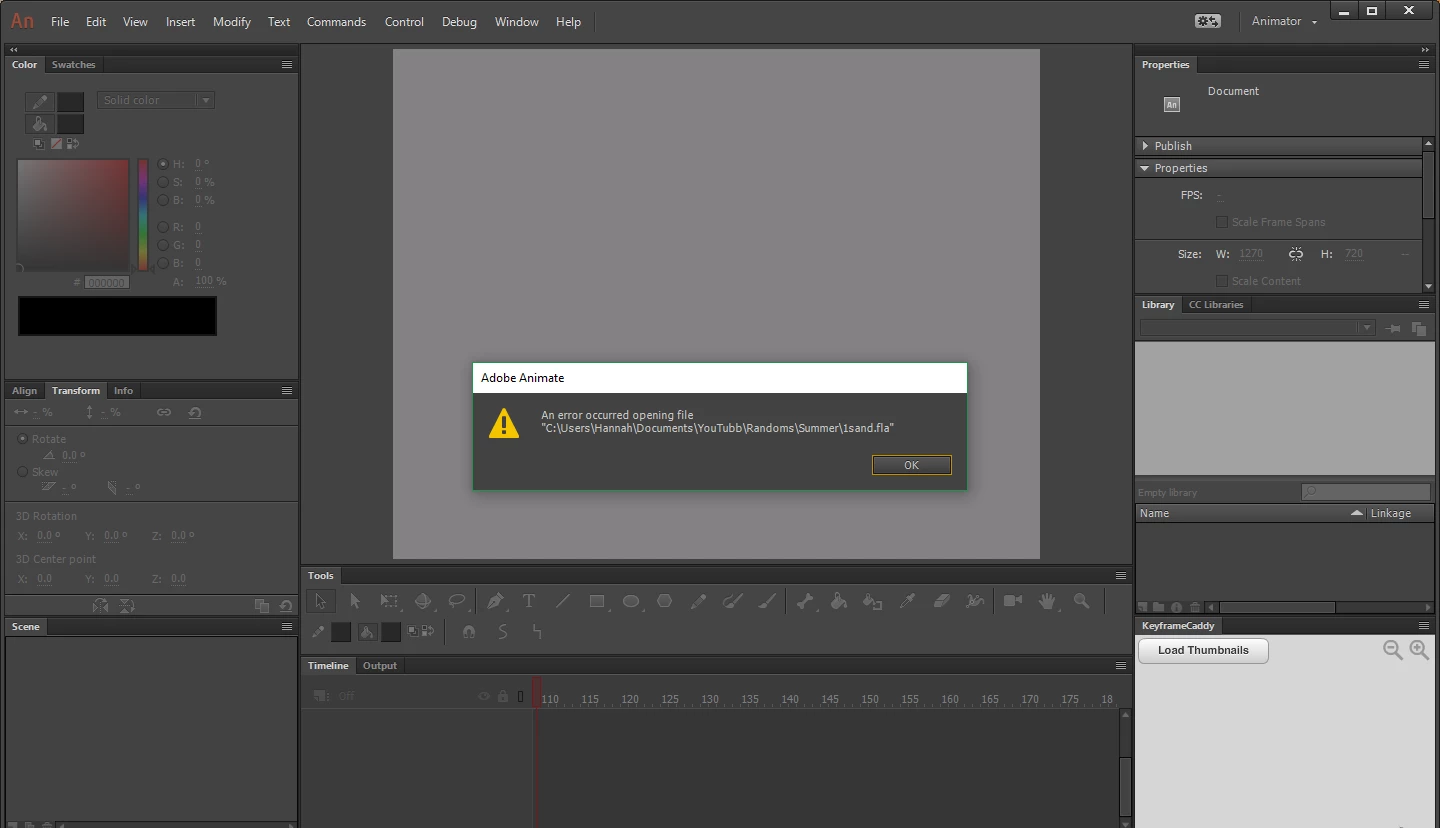
So... I guess the power outage made my file corrupt?
I have tried finding the auto recovery files for this document in many places and have not succeeded. I have the settings turned on to autosave every 10 minutes, but there doesn't appear to be any recovered documents. I really need this file, is there any way I can fix it? And why do I not have any recover files?
 AdChoices