Participant
November 17, 2023
Answered

Create shape out of multiple layers

  • November 17, 2023
  • 1 reply
  • 144 views

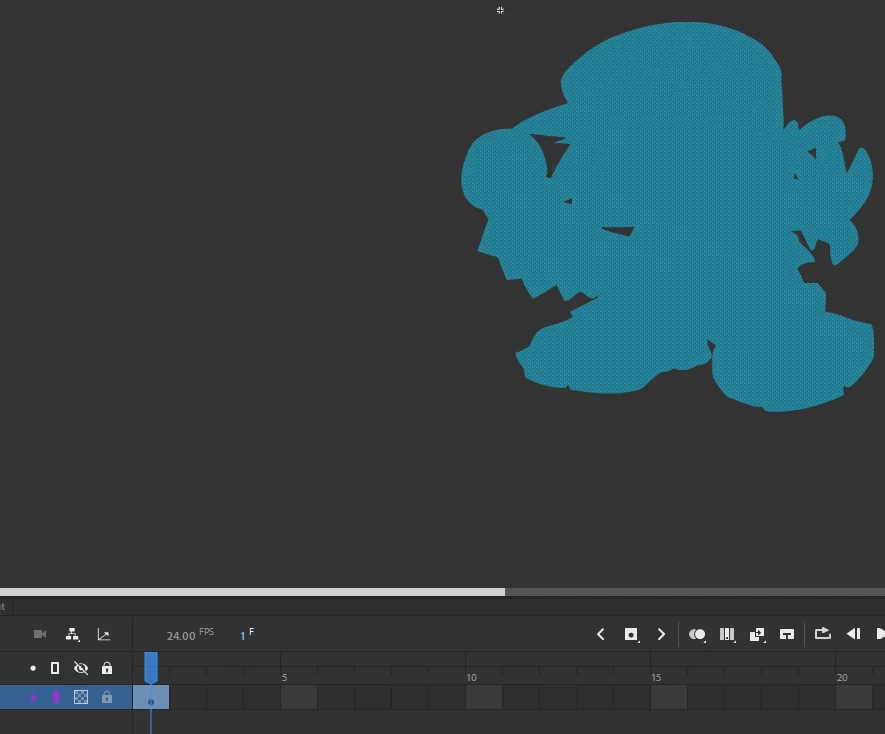
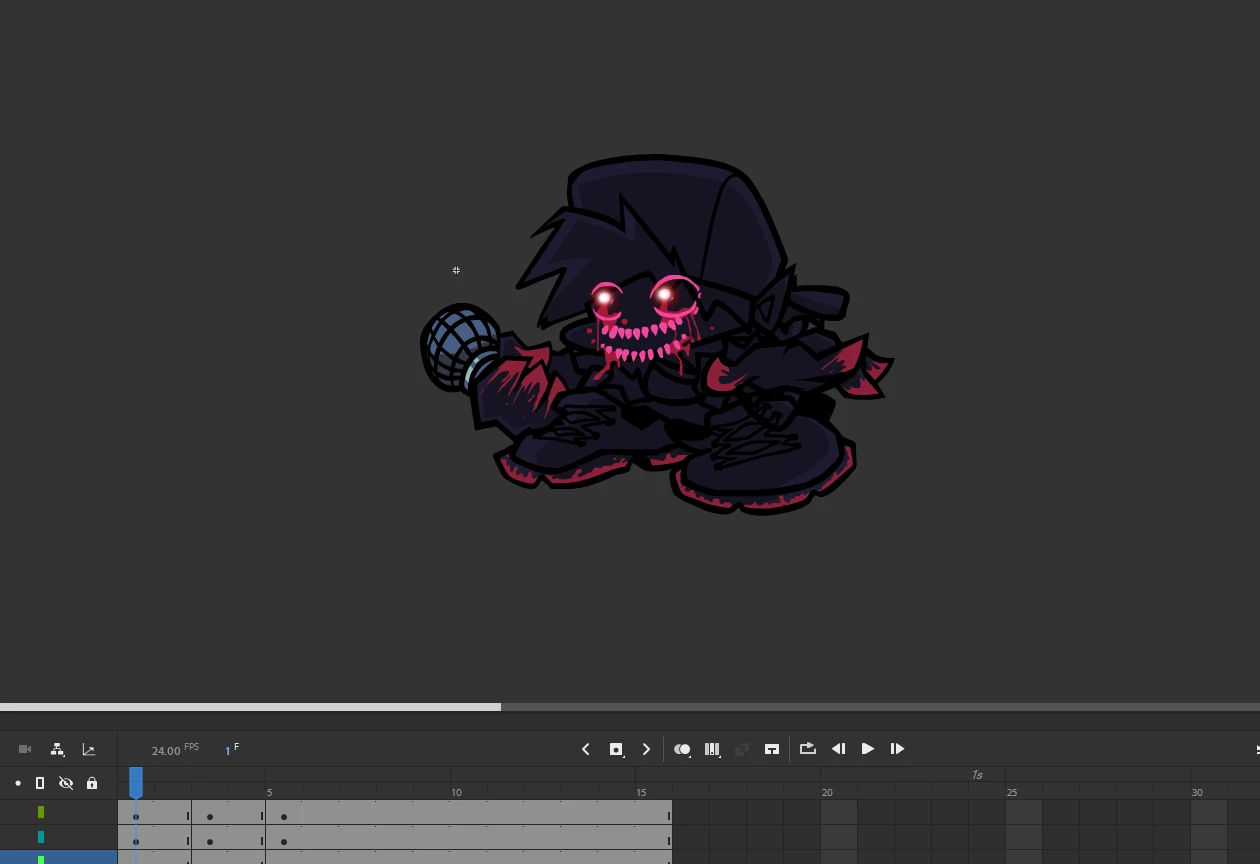
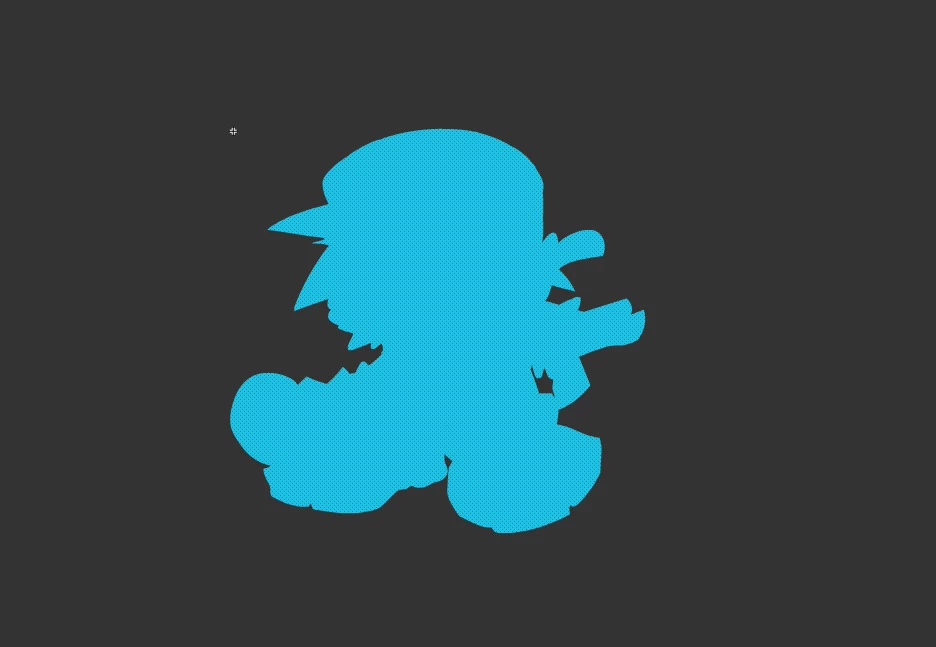
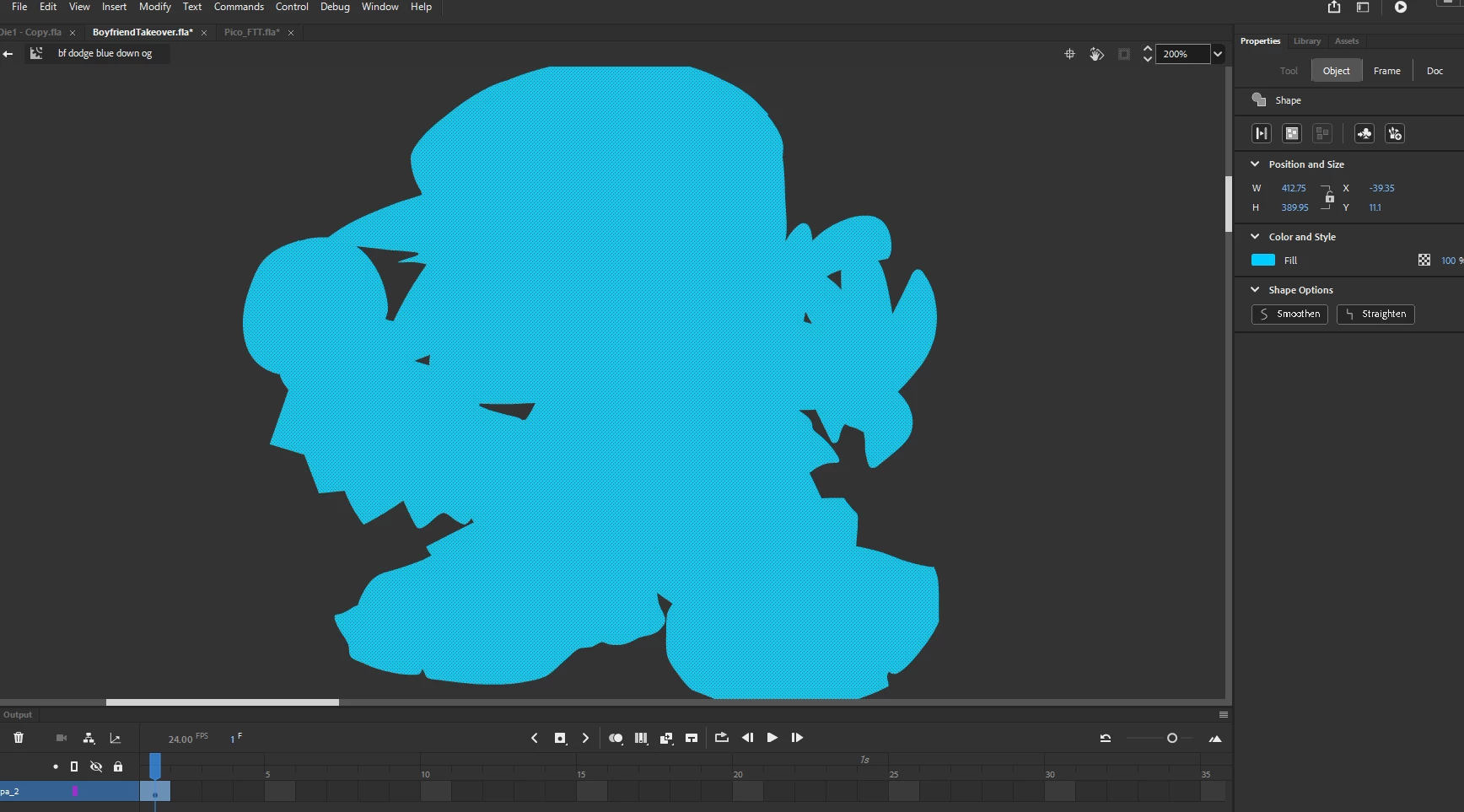
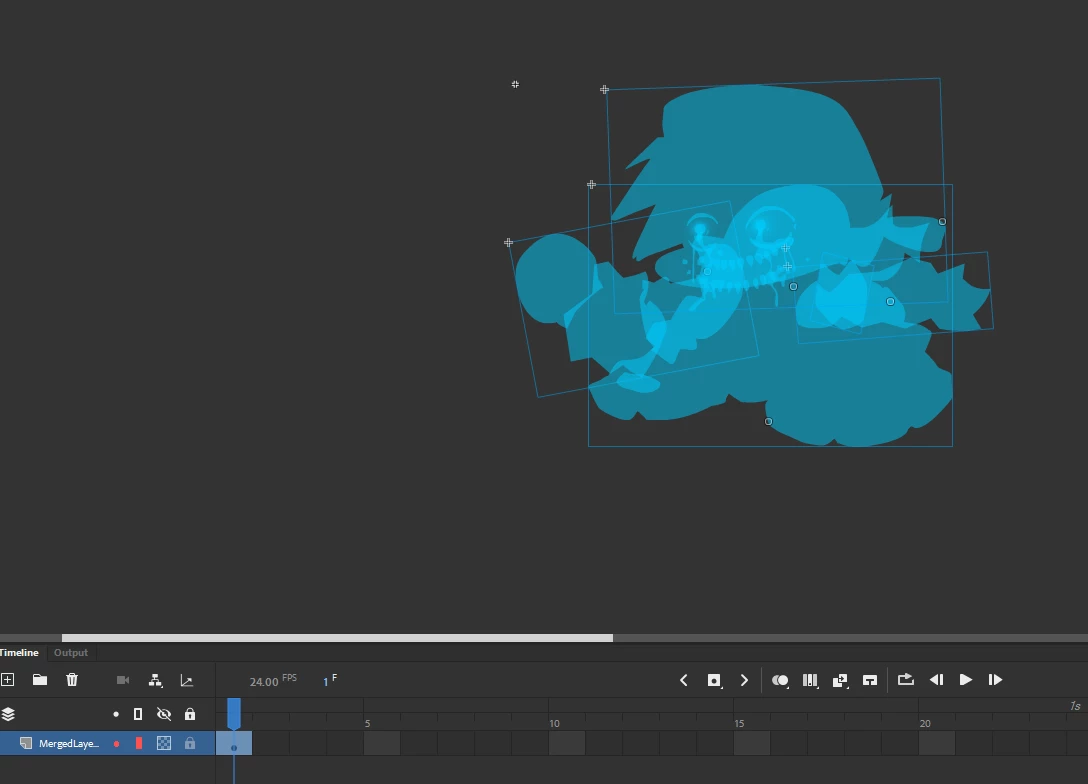
I'm trying to make a transparent flash effect on one of my frames. I've tried few different things such as merging the layers and colouring then, which has the parts that overlap be less transparent. I have no idea how to get the shape tool to fill in a specific area and it doesn't help that there doesn't seem to be anything on this topic from videos or other posts.
    This topic has been closed for replies.
    Correct answer n. tilcheff

    When the shapes are on the same layer, use Modify > Break Apart to make them one raw shape. 

    Depending on how they are nested, you may need to break apart multiple times until all becomes raw vector shape and merges together after a deselect.


    1 reply

    n. tilcheff
    n. tilcheffCorrect answer
    Legend
    November 17, 2023

    When the shapes are on the same layer, use Modify > Break Apart to make them one raw shape. 

    Depending on how they are nested, you may need to break apart multiple times until all becomes raw vector shape and merges together after a deselect.


    Nick - Character Designer and Animator, Flash user since 1998 | Member of the Flanimate Power Tools team - extensions for character animation