


Creating a scrollable text with Label component — can't format it
I need a scrollable text field for my banner.
The easiest way I found to do that is using label component:
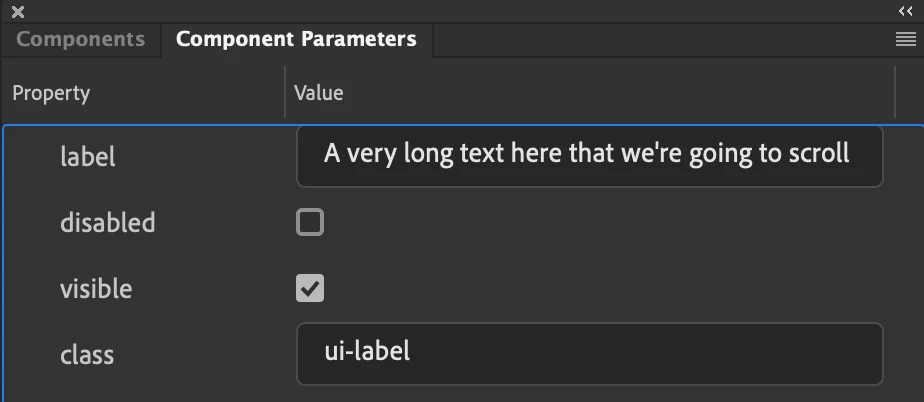
Then I added a custom style to the html file for .ui-label (overflow:auto) and for the ::-webkit-scrollbar, and here's the result:
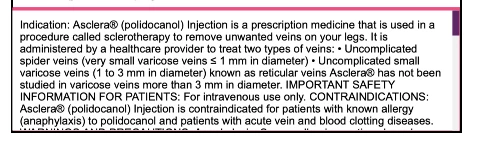
BUT... I can't apply any style to this text, and the client suddenly decided to decorate the hell out of it: bold, italic, bullets, margins, etc. I tried to put parts of the text in <span>, but all tags just appear as plain text in this text field. Does anyone know any good tricks for this case? Is there any way to format this piece of text in Label component? Maybe replace it afterwards (in .html or .js) somehow with formatted version?
Please don't force me to remake the whole thing in Google Web Designer, where a scrollable text can be done in 1 minute.
 AdChoices