
Current Exporting Issues rendering selected parts of the timeline
Dearest Adobe-using folk,
Currently i have Animate exporting issues!
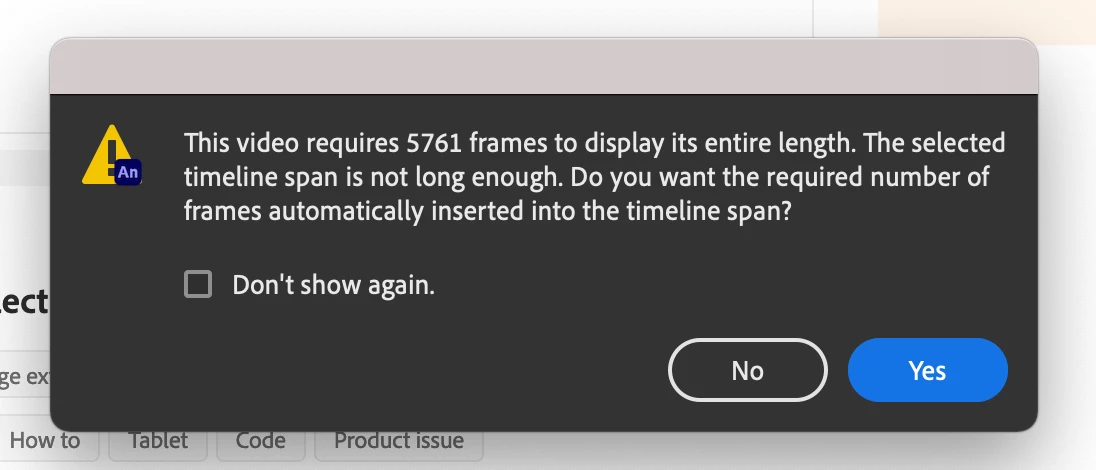
Every time i want to export a selected part of the timeline instead of the entirety of all 18000 Frames in my timeline, Animate keeps telling me that the selected 78 Frames that i want to export aren't exportable, due to the the selected timeline span not being long enough, and that for some reason the video requires at least 5761 Frames to display its entire length. Doesn't matter if i want to export the frames as a Movie or a PNG Sequence! Its incredibly nerve-wracking as im using Animate to complete my bachelor movie! I currently can't find any other solution apart from rendering out each frame as a separate PNG one at a time. If anyone has experienced a similar problem, or has found a solution to this problem, let a desperate man know!


 AdChoices