
Franck Payen
Inspiring
March 15, 2023
Question

Delete specific swatches folder ?

  • March 15, 2023
  • 1 reply
  • 360 views

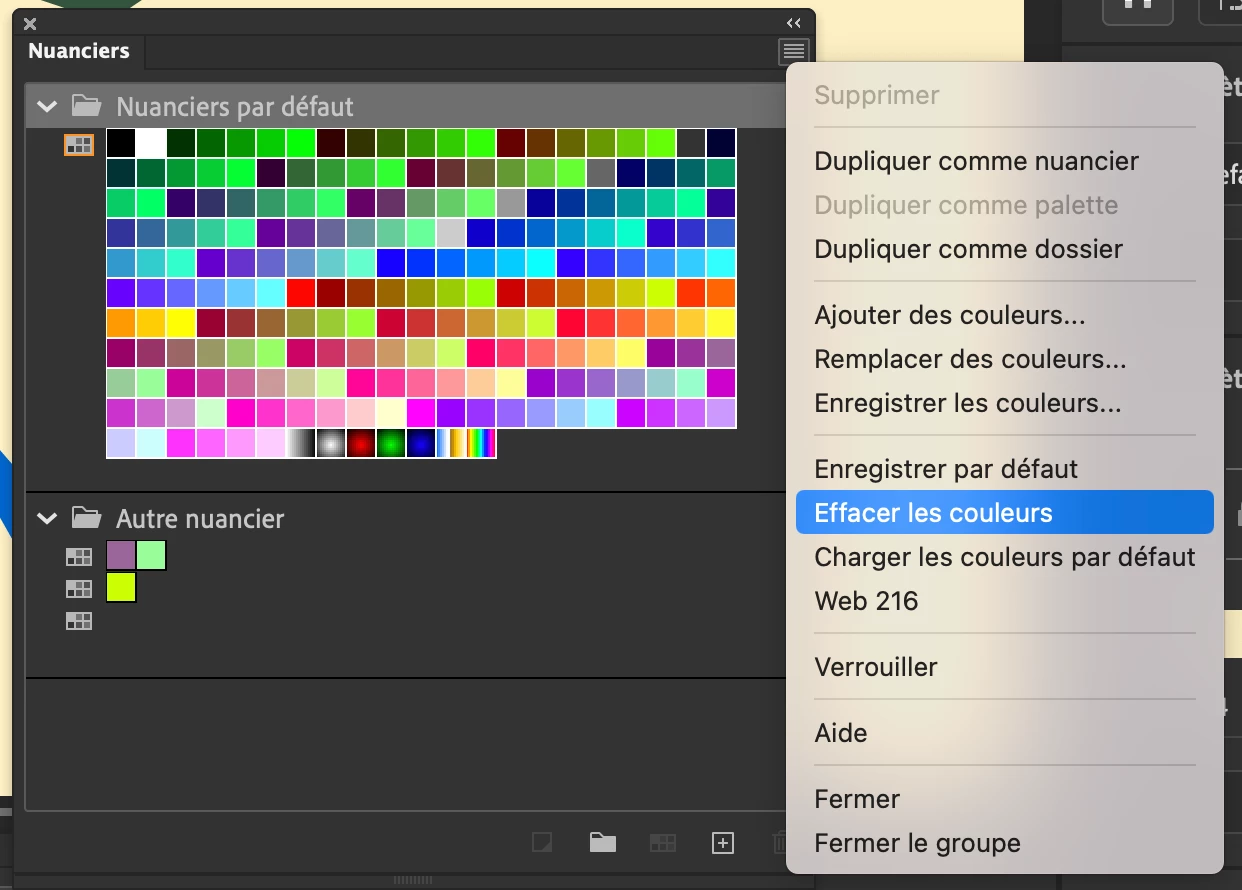
Imagine, you start a production with default swatches, and build a smaller subset (here called "autre nuancier").


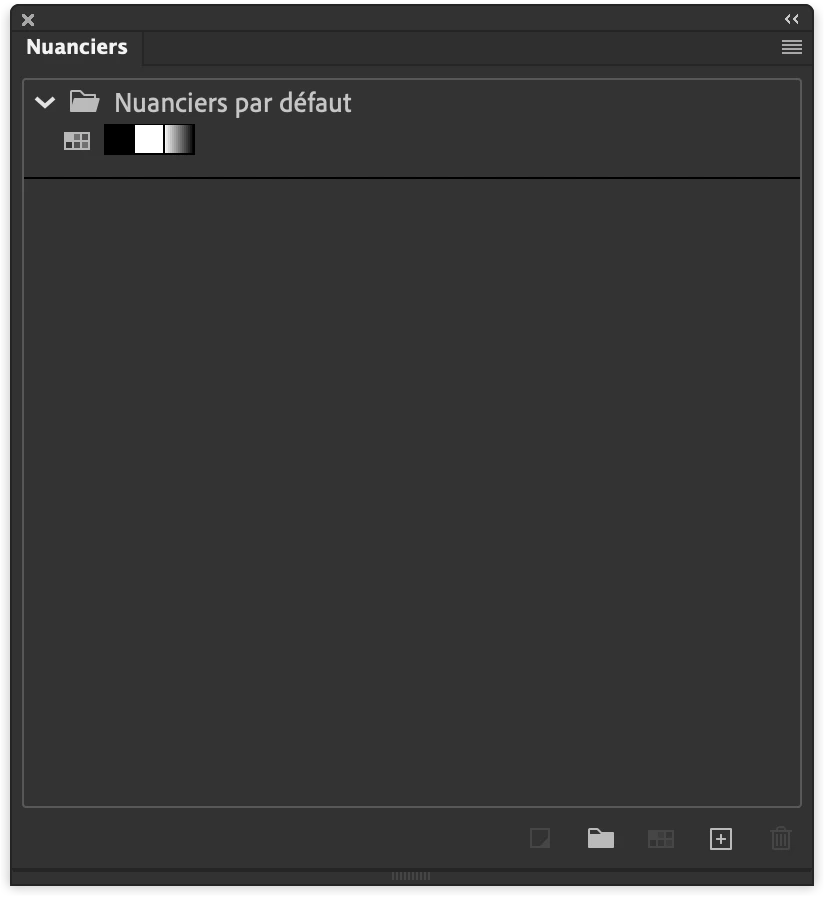
How do you get rid of the full "Nuancier par défaut" at once (without clicking 216 times on the garbage button AFTER having selected a color) ?

I tried "delete all colors" which removes EVERYTHING (I want to keep my "Autre Nuancier")
I tried to save the colors, but it contained the default swatches.


This topic has been closed for replies.

1 reply

Mario_CR
Community Expert
Community Expert
March 15, 2023

Hello Frank,

The default swatches can't be deleted; however you can collapse the folder to get it out of the way.

Franck Payen
Inspiring
March 19, 2023

Hey Mario, although you misunderstood me, you seem to confirm what I feared: 

My goal is not only deleting the existing default, but also keeping a folder of swatches I built specifically for a project. And as I understan you, there would be no soltion.

As a sidenote, I digged into the .clr file, but it's binary, I admit I'm not confident in ruining the swatches forever 🙂