


Participant
Jun 11, 2024 1:08 AM UTC
Question

disappearing sprites


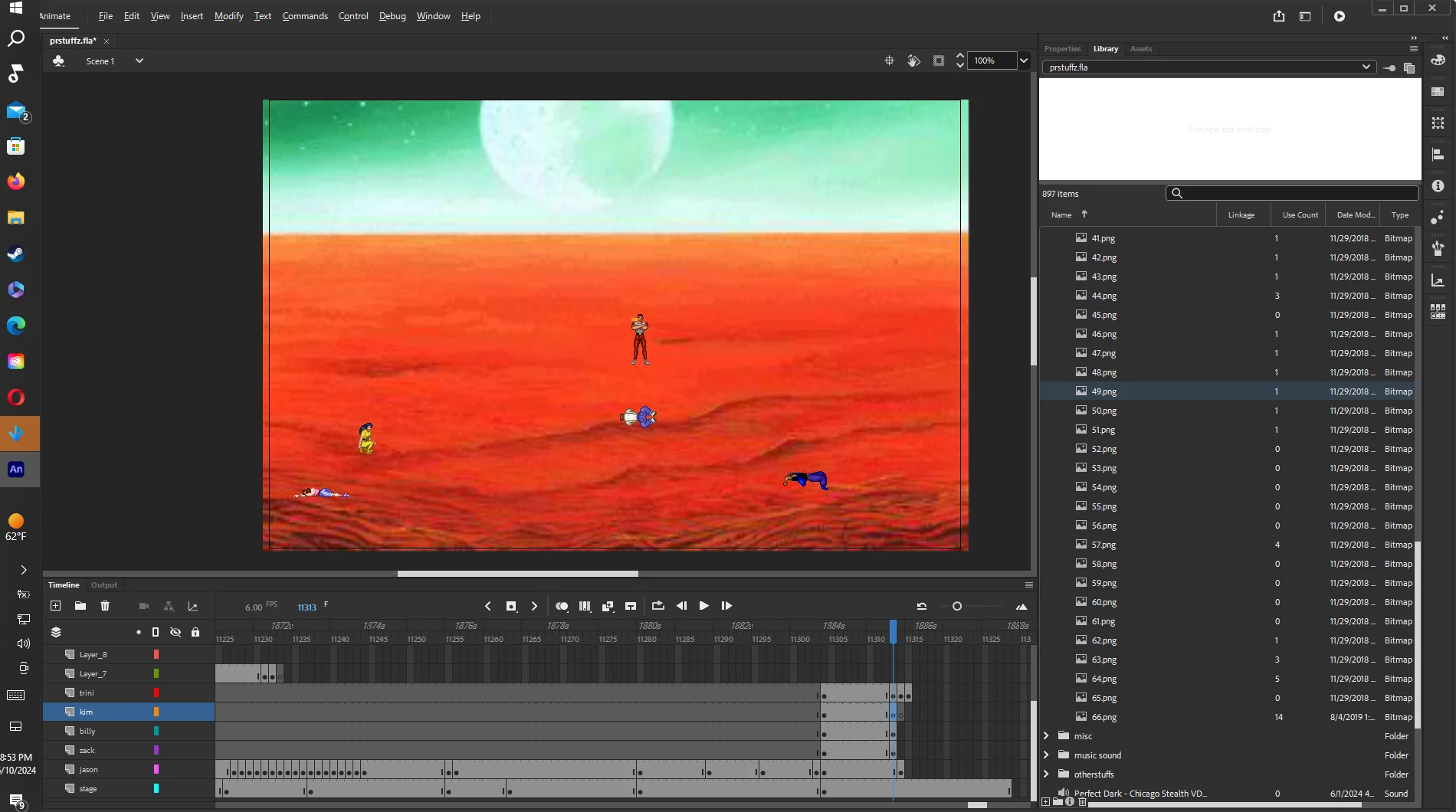
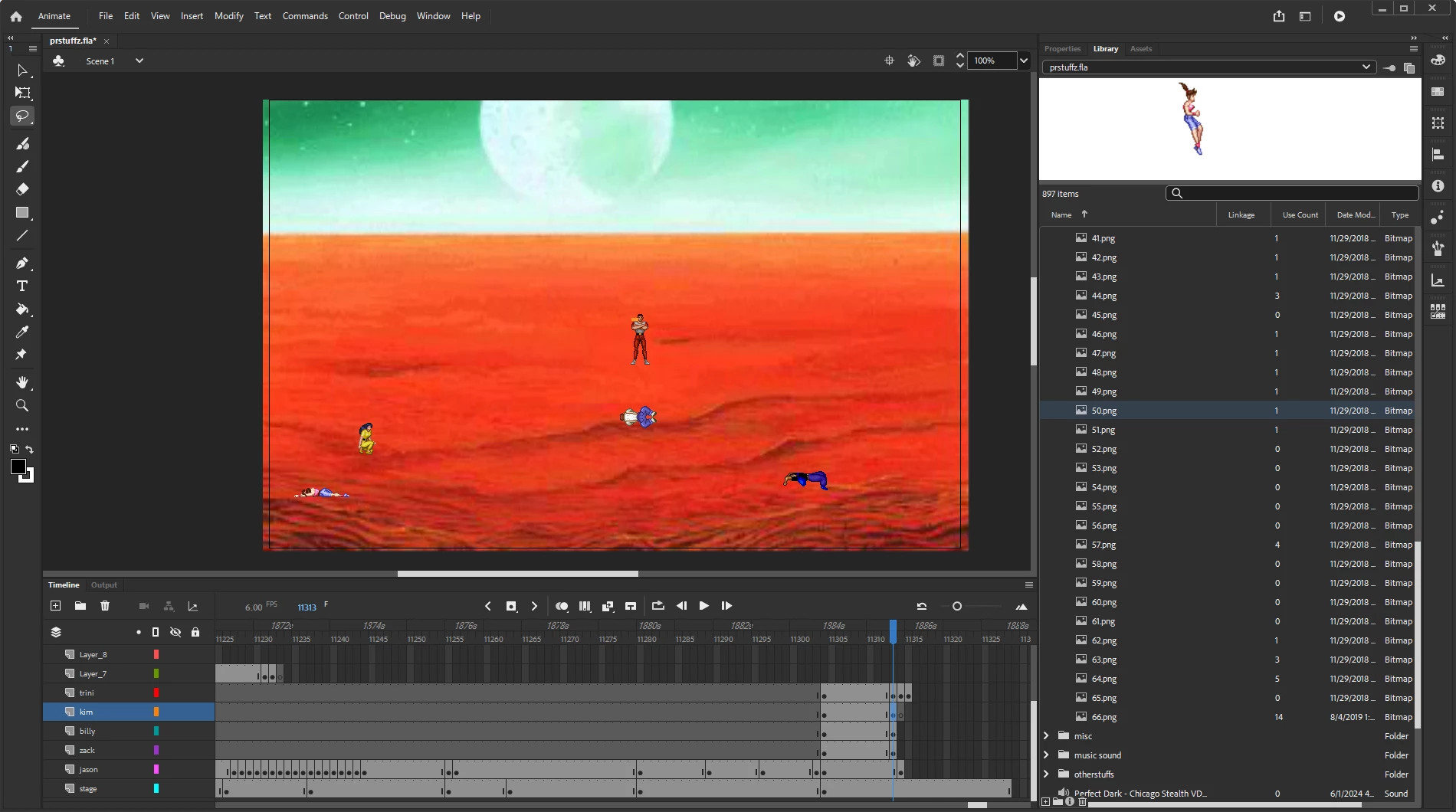
As you can see in the library, number 49.png is missing and the next picture is 50.png and its there.  This seems to happen sometimes. I usually have to reload all of my sprites and make a name the second one thge name with a 2 aftr the name. Then I add the first one into the second one so I dont have lots of the same thing named. Is there any reason this keeps happening?
    This topic is closed to new replies. Start a new post to keep the conversation going.

    5 replies

    kglad
    Community Expert
    Community Expert
    Jun 11, 2024 1:23 AM UTC

    check png 50 before import.

    Translate
    Participant
    Jun 13, 2024 12:44 AM UTC

    The sprites in my foler on my computer are fine. I reuploaded them and you can see the two work fine once reuploaded. 

    Translate
    kglad
    Community Expert
    Community Expert
    Jun 13, 2024 12:48 AM UTC

    so problem's solved?

    Translate