


Answered
Drawing on top of something erases it
(screenshots below)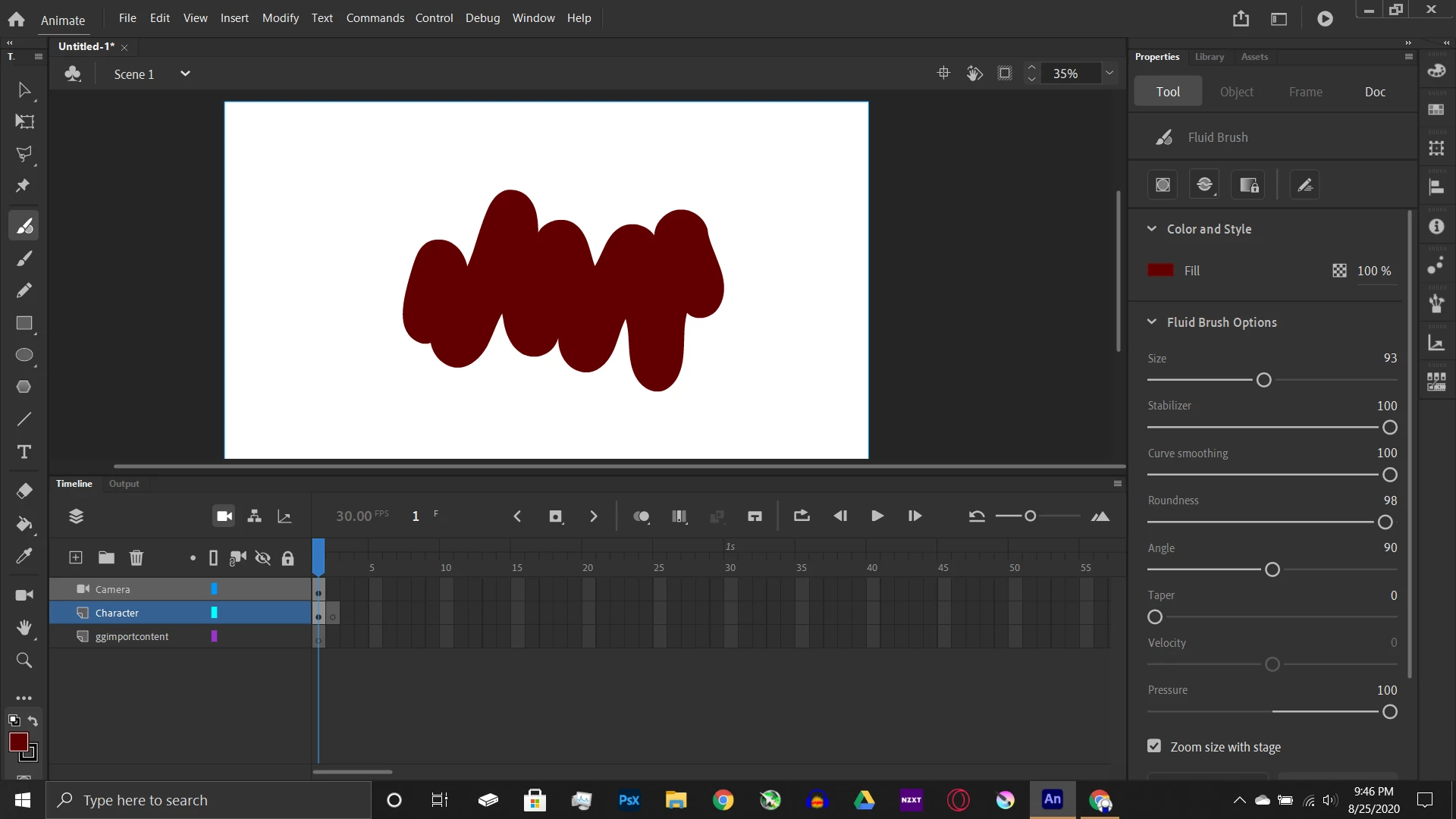
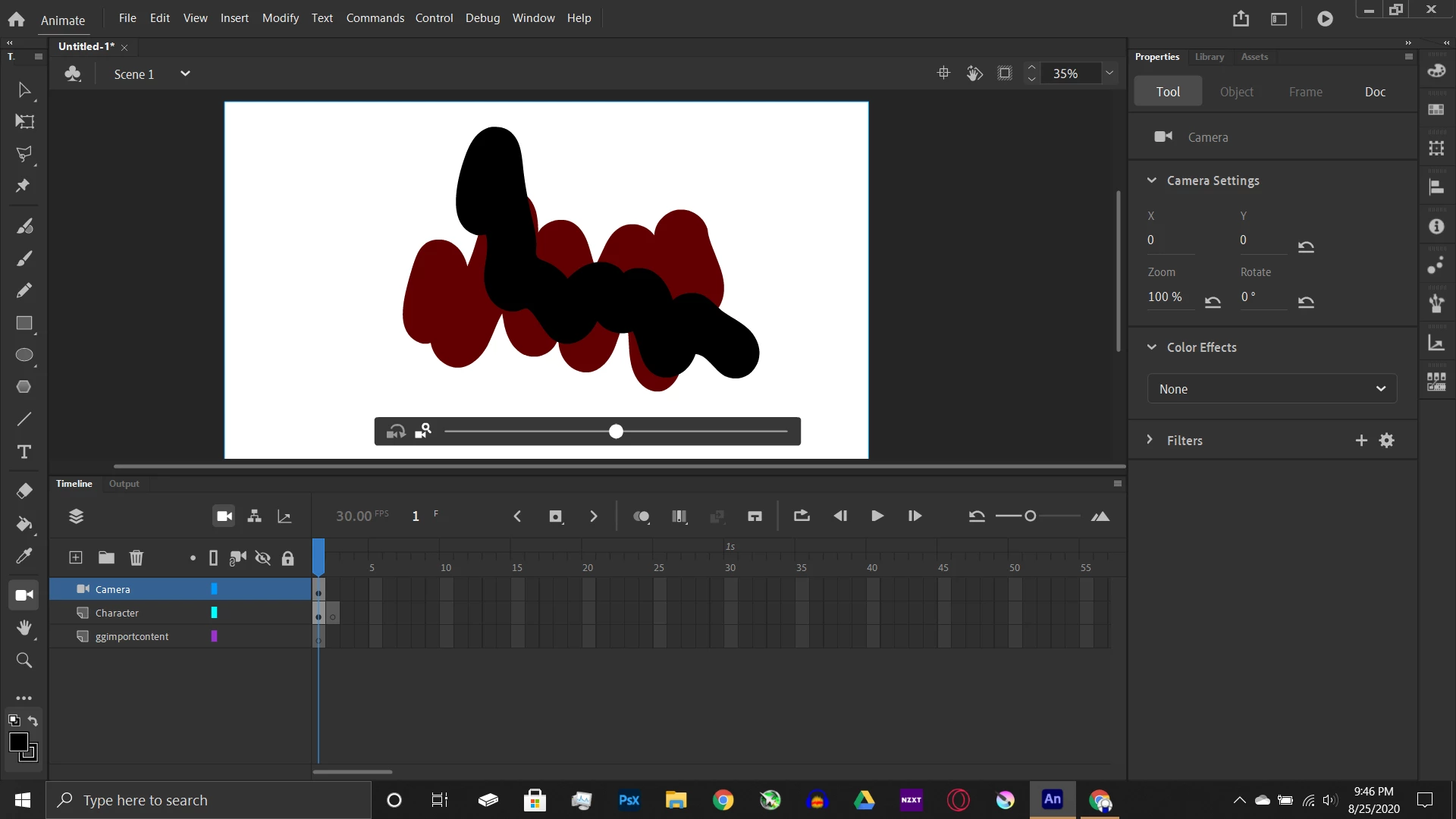
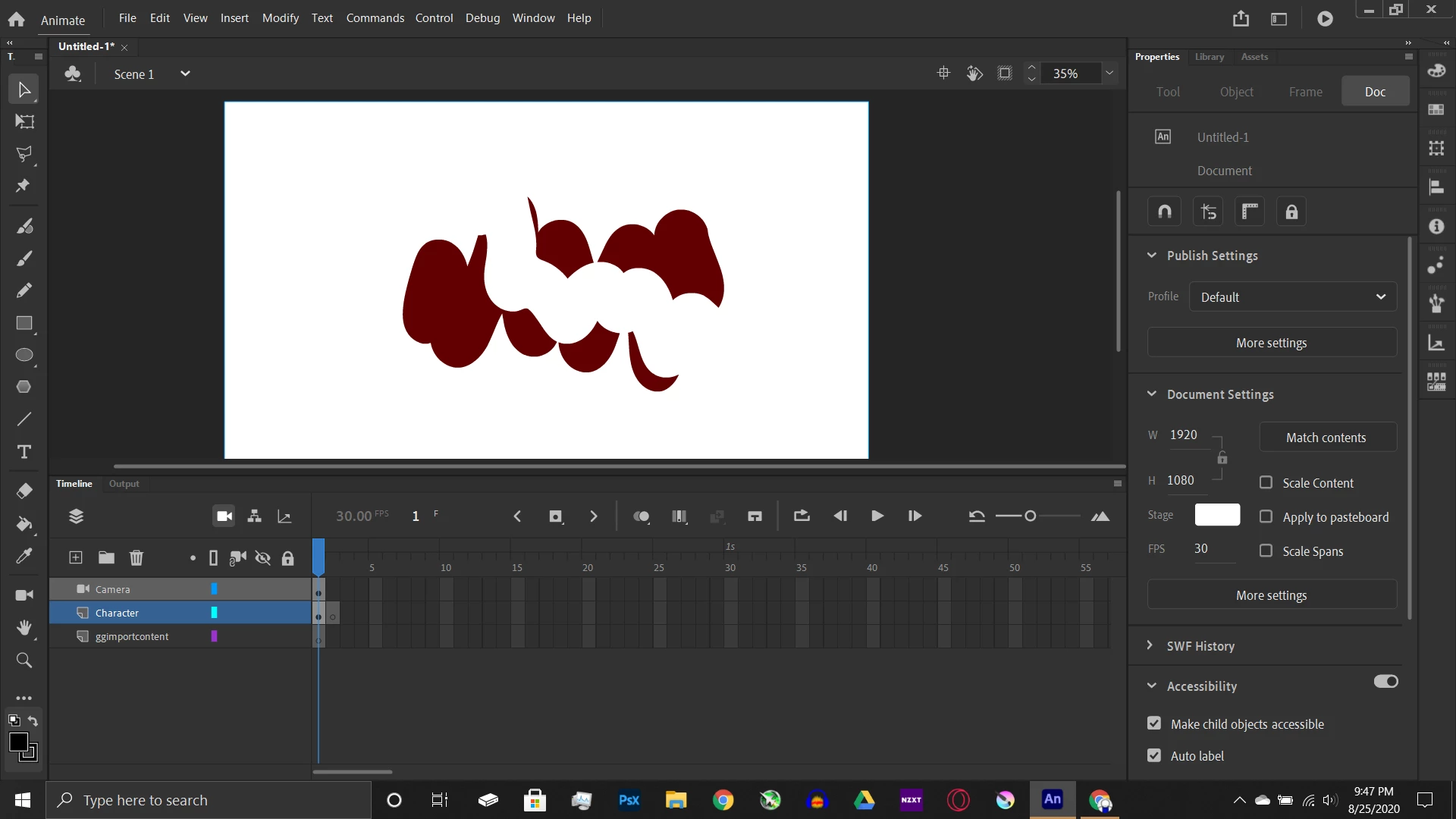 I was wondering if there was a way to access the canvas layers because it seems that adobe puts all the drawings into one layer.
(Also please keep in mind I am a newbie so I could easily be screwing up)

 AdChoices