Dynamic Photo Gallery in Flash using AS3.0 and XML, but it doesn't work and missed up my app.
Hi,
I am creating an iPad app using AS3. The app contains three sections.
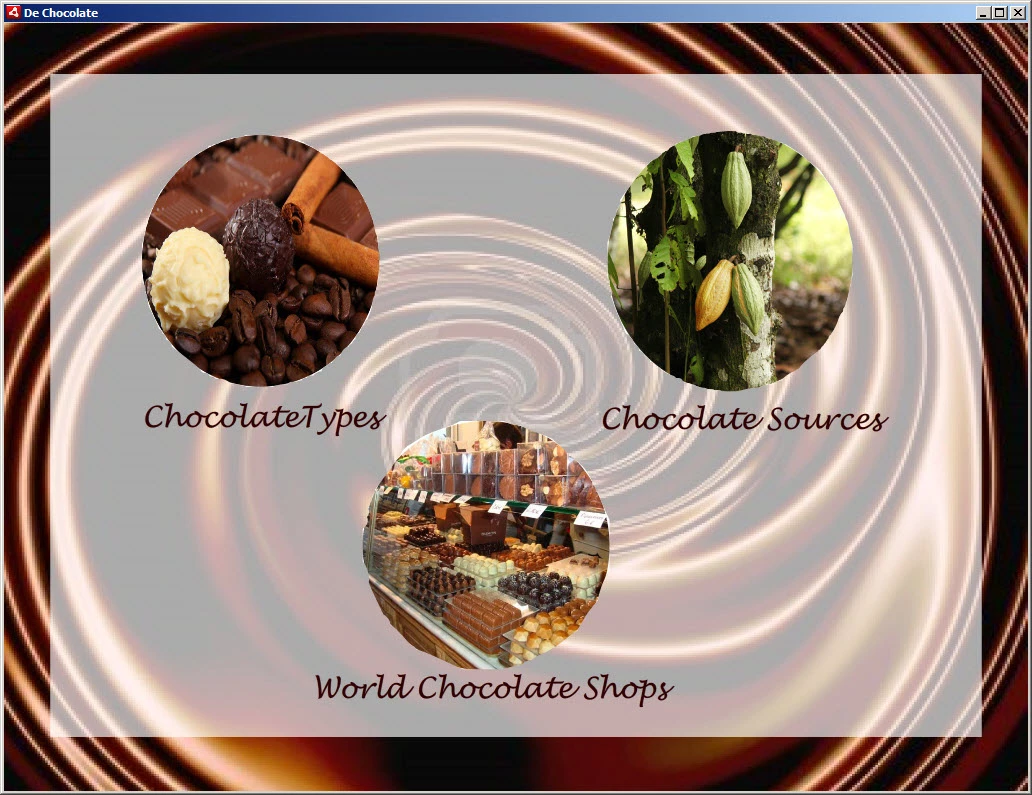
One of those sections (chocolate sources)contains Dynamic Photo Gallery using XML. The photos, thumbnails, and text in this section are loaded from XML.
I faced may issue when I tried to run this app:
- The gallery photos didn't show up
- The thumbnails (buttons to navigate the photo gallery) didn't show up at all. (The thumbnails should show up under the photo gallery box.)
- The text doesn't show up (the text should be in every photo as describtion)
- I want to include Swipe in the photo gallery, how can I do that?
- When I click on "Chocolate Sources" button, the photo gallery appears in every section, here are print screens describe what I mean:
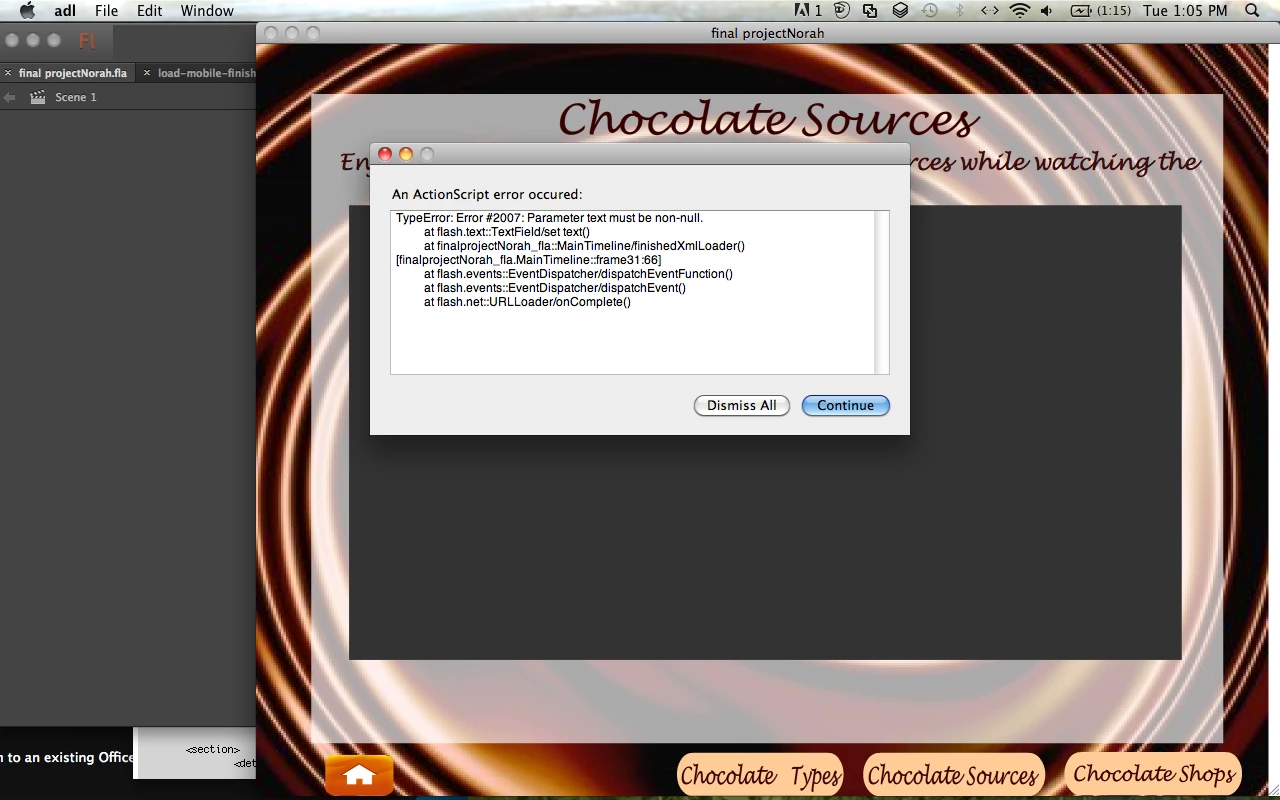
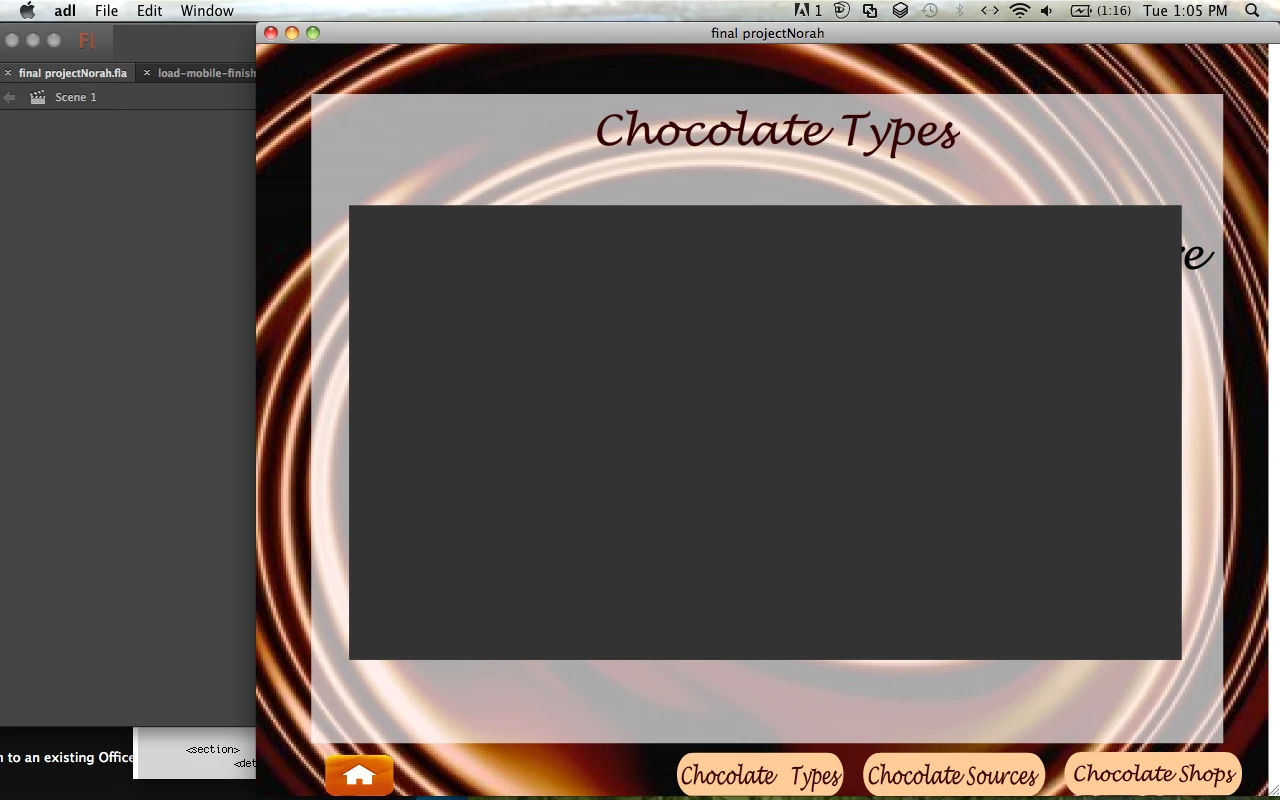
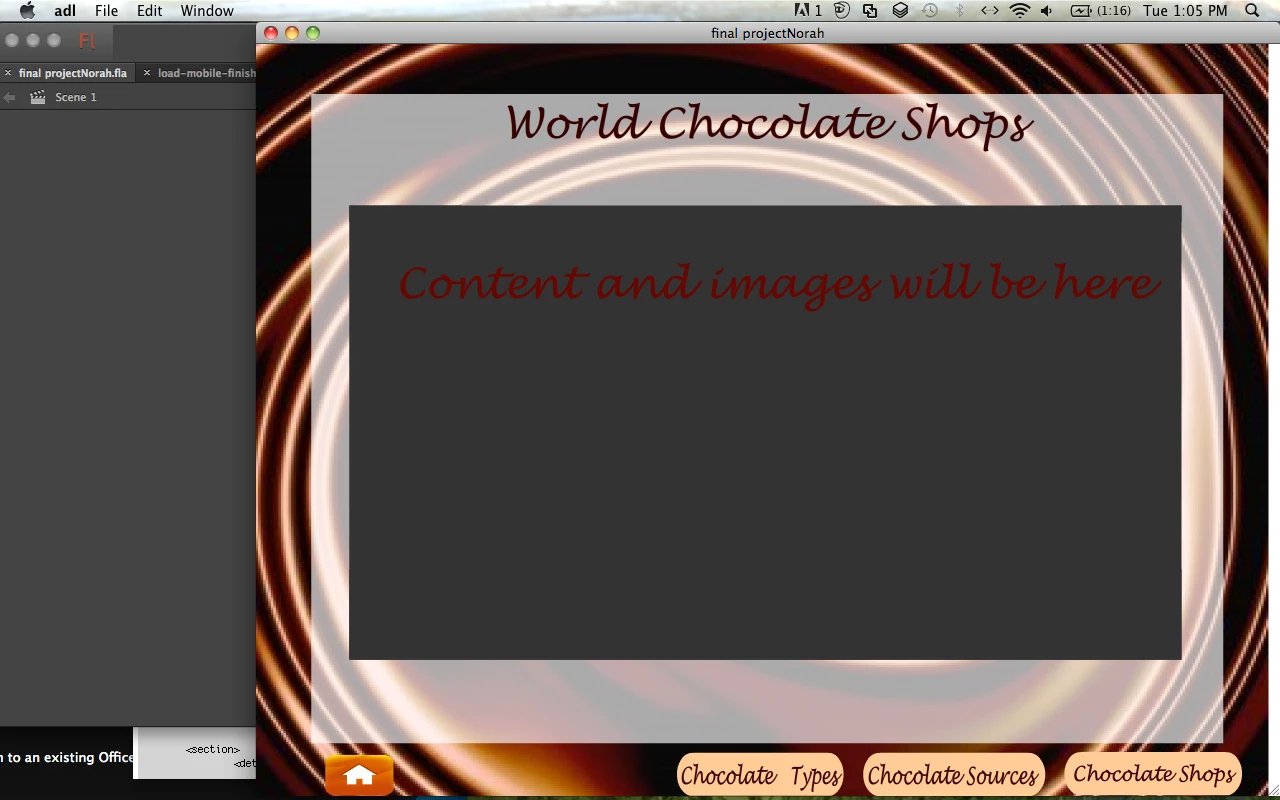
The photo gallery covers the home screen too.
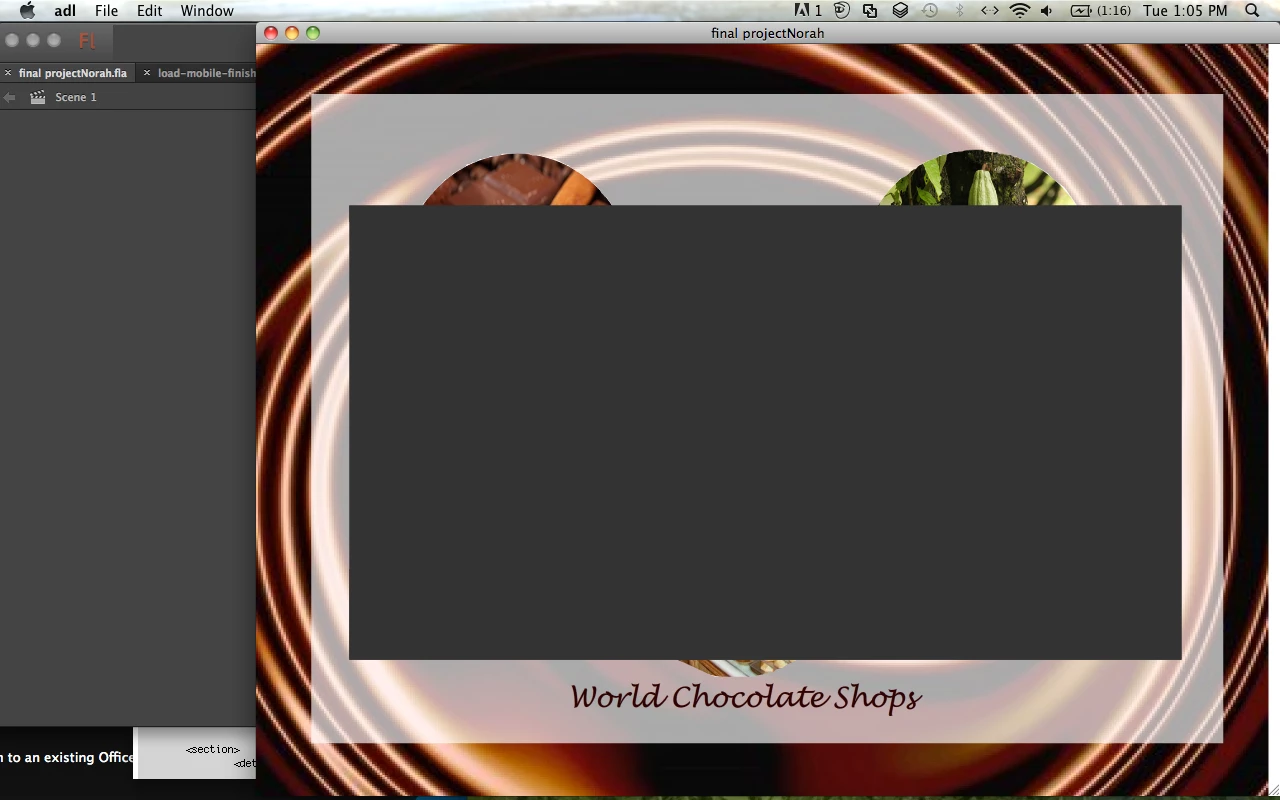
Here is my XML:
<?xml version="1.0" encoding="utf-8"?>
<sources>
<section>
<details>
Cocoa tree exists in the tropics area, such as Central and South America.
</details>
<image>
<url>coca1.jpg</url>
</image>
</section>
<section>
<details>
Cocoa is supplied in many countries such as Indonesia, Ghana, Brazil, Ecuador and Cameroon.
</details>
<image>
<url>coca2.jpg</url>
</image>
</section>
<section>
<details>
Dark chocolate helps to relax and reduce the stress and blood pressure because it has antioxidants elements, which helps in vasodilatory process.
</details>
<image>
<url>coca3.jpg</url>
</image>
</section>
<section>
<details>
Chocolate provides energy and hyperactive sometimes because it contains high level of caffeine and sugar.
</details>
<image>
<url>coca4.jpg</url>
</image>
</section>
<section>
<details>
Chocolate could be mixed with many different flavors, such as mint, strawberry, orange, banana, vanilla, hazelnut, almond, coconut, and etc.
</details>
<image>
<url>coca5.jpg</url>
</image>
</section>
<section>
<details>
Chocolate is expressing of well hospitality and good time due to its lovely taste.
</details>
<image>
<url>coca6.jpg</url>
</image>
</section>
</sources>
-------------------------------------------------------------
And here is my Action Script for "Chocolate Sources" section:
stop();
function Choco1(evt:MouseEvent): void {
gotoAndStop('16');
}
choco_btn.addEventListener(MouseEvent.CLICK,Choco1);
function Souc1 (evt:MouseEvent): void {
gotoAndStop ('31');
}
souc_btn.addEventListener(MouseEvent.CLICK,Souc1);
function ShopIn1 (evt:MouseEvent):void {
gotoAndStop('46');
}
shops_btn.addEventListener(MouseEvent.CLICK,ShopIn1);
import flash.net.URLLoader;
import flash.net.URLRequest;
import flash.events.Event;
import flash.display.MovieClip;
import flash.display.Loader;
import fl.motion.MotionEvent;
import flash.events.MouseEvent;
import flash.sampler.NewObjectSample;
import flash.text.TextFormat;
var xmlLoader: URLLoader = new URLLoader (new URLRequest("sources.xml"));
xmlLoader.addEventListener(Event.COMPLETE, finishedXmlLoader);
var xmlFile:XML;
var xextend:int = 10;
var gal:galary = new galary ();
gal.x = 85;
gal.y = 165;
addChild(gal);
var txfe: TextField = new TextField ();
txfe.x = 25;
txfe.y = 45;
var tformat:TextFormat = new TextFormat ();
tformat.bold = true;
tformat.color = 0xFFFFFF;
tformat.size = "18";
tformat.font = "Arial";
txfe.defaultTextFormat = tformat;
addChild(txfe);
function finishedXmlLoader (e:Event): void{
xmlFile = new XML (xmlLoader.data);
var leng:int = xmlFile.image.length();
txfe.text = xmlFile.image.details[0];
for (var i:int = 0;i<leng;i++){
var b:thumbs = new thumbs ();
b.x = xextend;
b.y = 480;
b.buttonMode = true;
b.details = (i+1).toString();
addChild(b);
b.addEventListener(MouseEvent.MOUSE_OVER, theMosover);
b.addEventListener(MouseEvent.MOUSE_OUT, theMosout);
b.addEventListener(MouseEvent.CLICK, onMosClick);
var bloader:Loader = new Loader();
bloader.load(new URLRequest("thumbs/" + (i+1) + ".jpg"));
b.addChild(bloader);
xextend += b.width + 50;
}
var loader:Loader = new Loader ();
loader.load(new URLRequest ("pictures/coca1.jpg"));
gal.addChild(loader);
}
function theMosover(m:MotionEvent):void{
m.currentTarget.alpha = 0.5;
}
function theMosout (m:MouseEvent):void{
m.currentTarget.alpha = 1.0;
}
function onMosClick(m:MouseEvent):void{
var loader:Loader = new Loader();
loader.load(new URLRequest("pictures/" + m.currentTarget.details + ".jpg"));
gal.addChild(loader);
txfe.text = xmlFile.image.details[int(m.currentTarget.details) -1];
}
-------------------------------
I need an urgent help to fix the errors and make this section work well.
thanks.
 AdChoices