

Editing URLs for Hyperlinks to External Site in Animate 2022
I have multiple .fla files from another designer of animated web banner ads. Currently when viewed through html previews and when published and viewed in a browser window the entire ad space is a clickable link to an external site that pops up in a new browser tab that can be clicked on at any point during the 7.5 second animation. I am trying to figure out where in the Animate .fla
file I can change that URL to a new site, but I am unable to locate it, or find someone else who has a similar question in regards to this. In the .fla file I was given there is a layer in the timeline at the top labeled "actions"
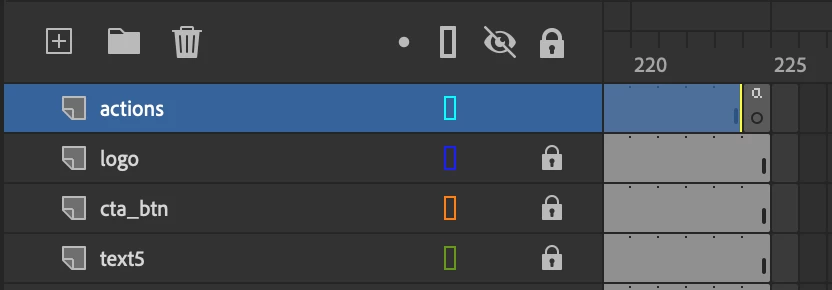
and when I view the Actions window I am able to see functions written to parts of the file like scenes and symbols that have hover-over interactions, but none that look like the hyperlink.
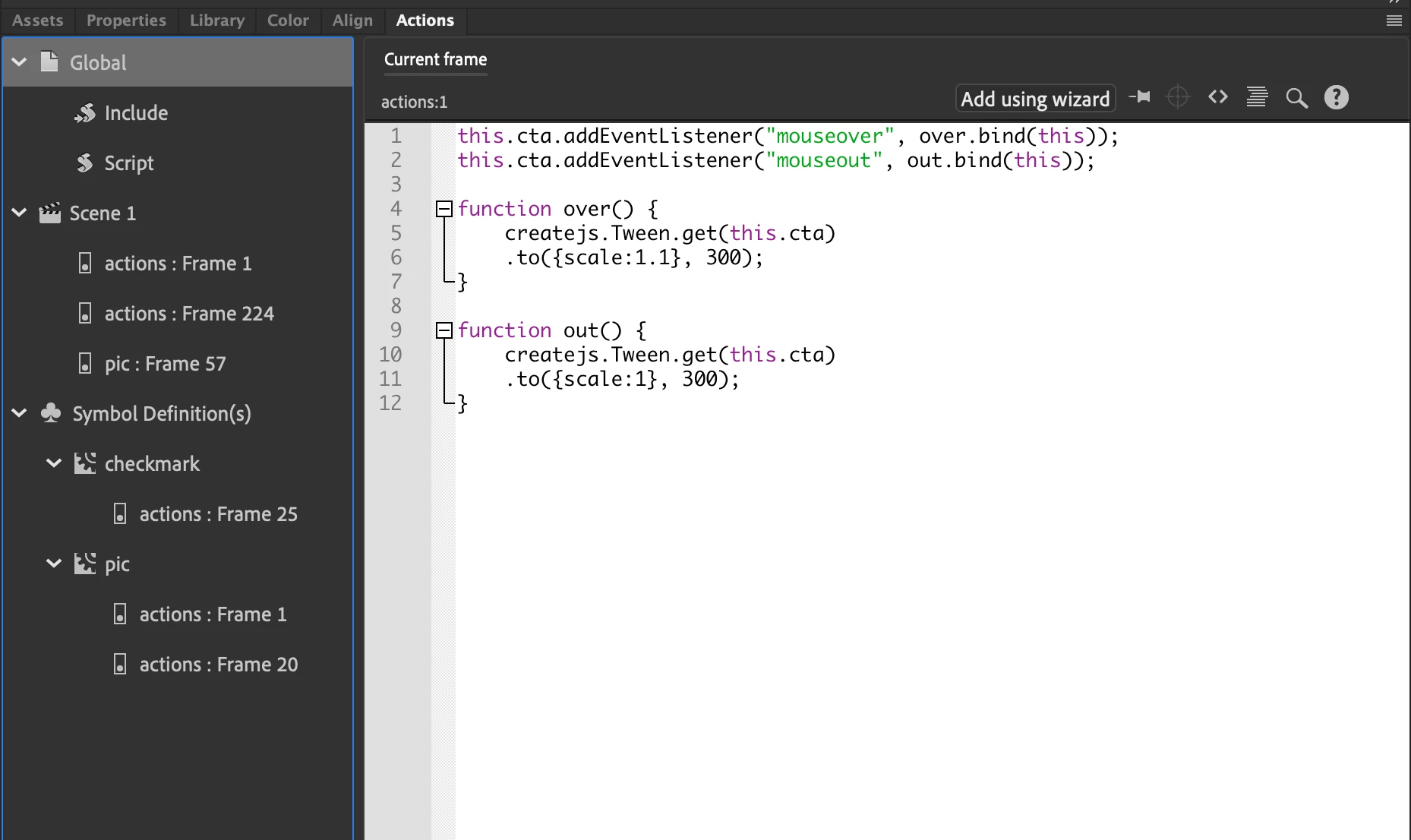
Everywhere I look online tells how to add hyperlinks through Code Snippets, but none on how to edit the hyperlinks once they are made. Any help would be appreciated!


 AdChoices