
Entire screen turns black and glitches out when zooming in/out and resizing brush tool in Animate.
I tried downgrading to an older version (I went from 24 to 23.0.3 I think), and still nothing worked. The people in Hyun's Dojo also tried to help but to no avail. For some reason, this also causes my Mouse cursor to look distorted like someone put it into a shredder and then tried gluing it back together afterward if that makes sense. I also cannot screenshot this because strangely, the glitching stops happening if I move the mouse out of the canvas window. I took a photo using my phone since the glitching stops when I try screenshotting:
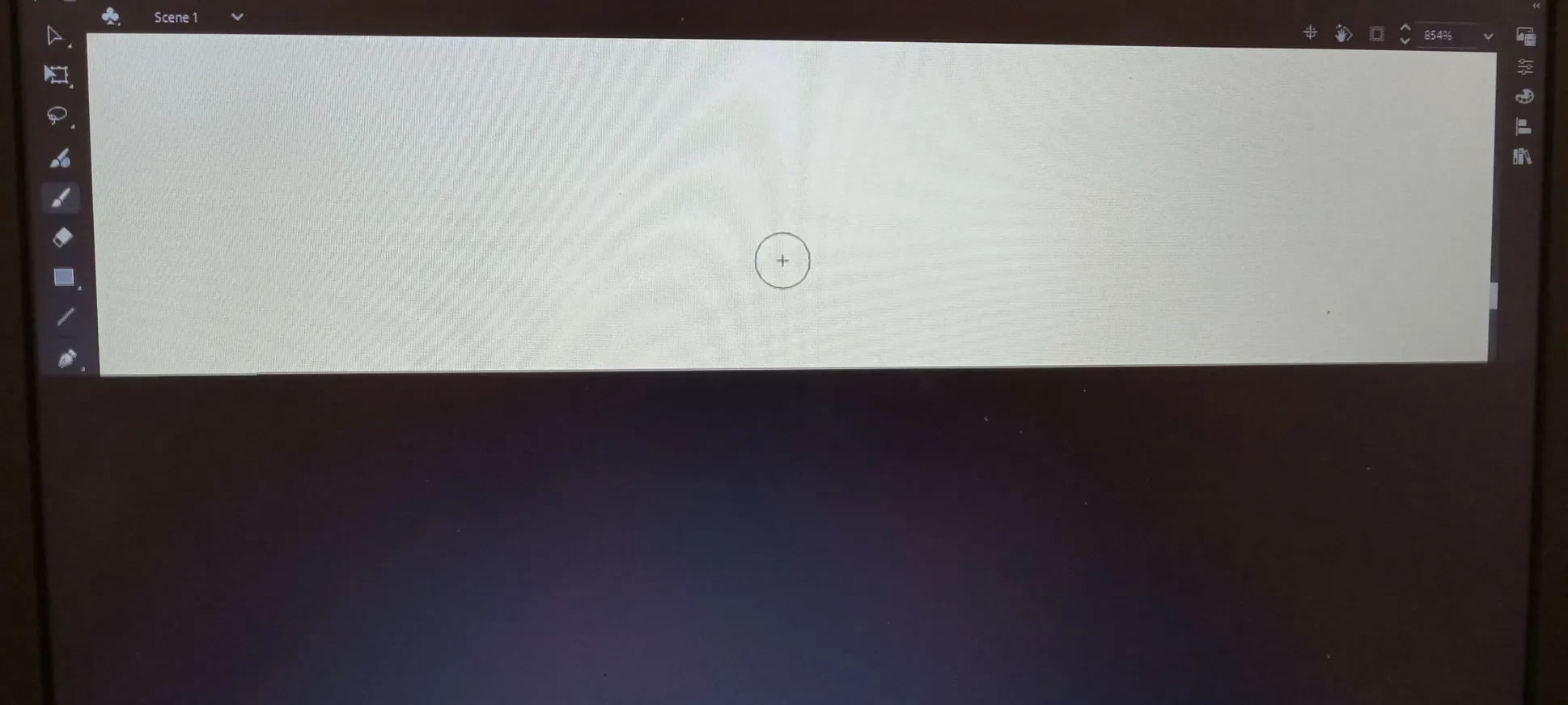
Quick note: This never used to happen before, I accidentally factory reset my laptop in an attempt to try to get OneDrive to stop automatically deleting my files, and when I reinstalled Animate, that's when the issues started occurring. (This is weird to me since I had been using Animate for almost a year and there were no issues till now, even when my laptop was low on storage or battery.)
somebody please help i just wanna animate 😞


 AdChoices