


Question
ERROR: Images imported from illustrator don't show up as intended in Animate
I tried to import a group of images from an illustrator file. This is what I got:
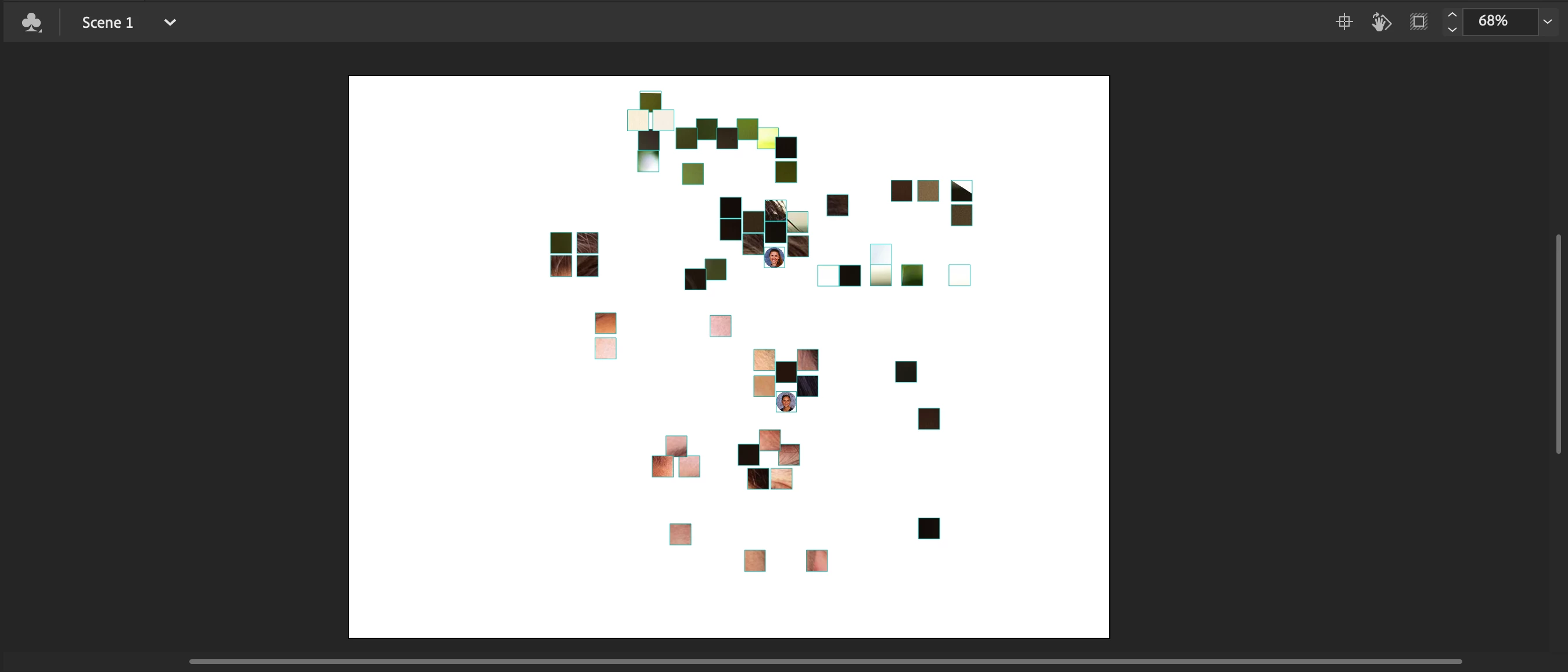
Each square supposes to be a profile picture in a circular frame like how two of them are in the picture. Most of them did not display. Instead, they become a square, inside which is actually a zoomed-in part of the profile picture each square supposes to show.
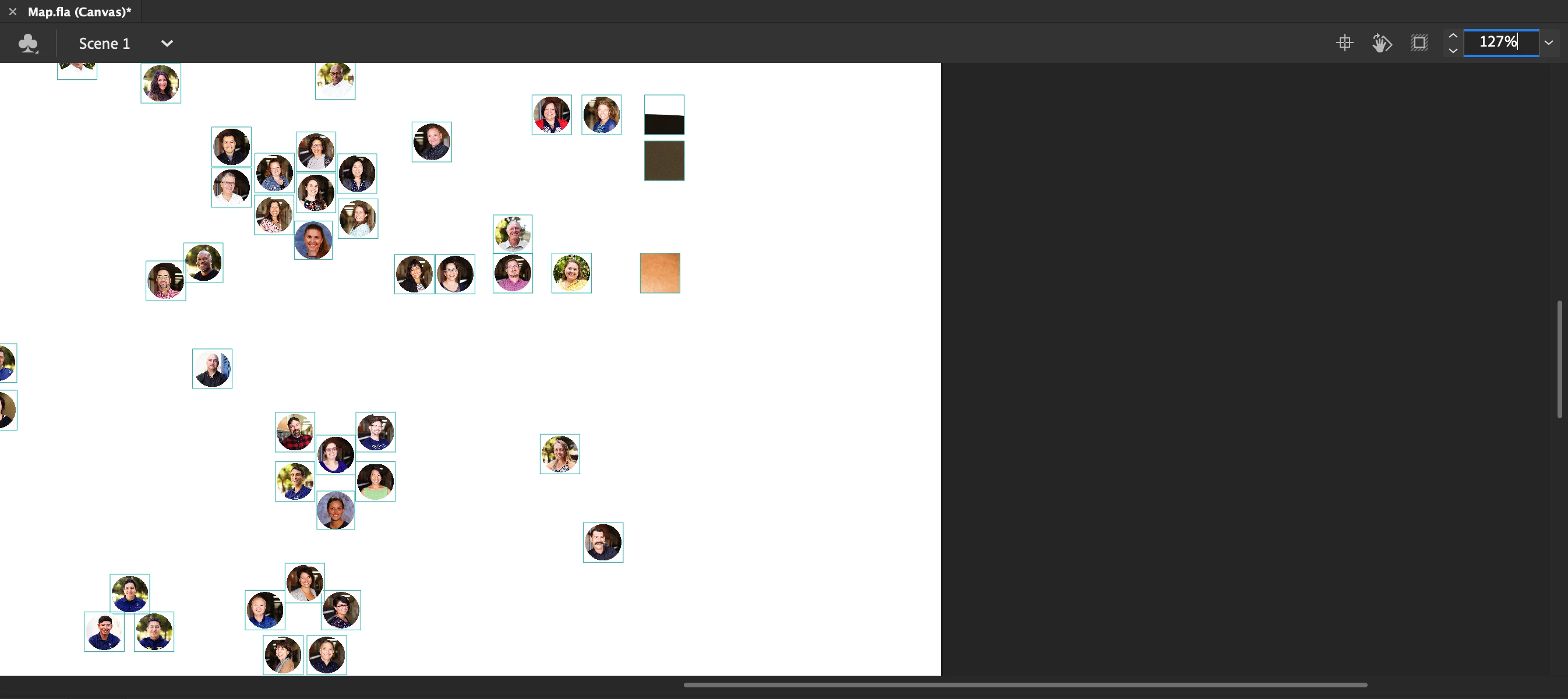
The stranger part is more and more of them start to show up when I zoomed in a bit and moved the artboard to the corner of the window. All of them show up as intended when I zoomed in enough. Can someone tell me what's wrong with those images? 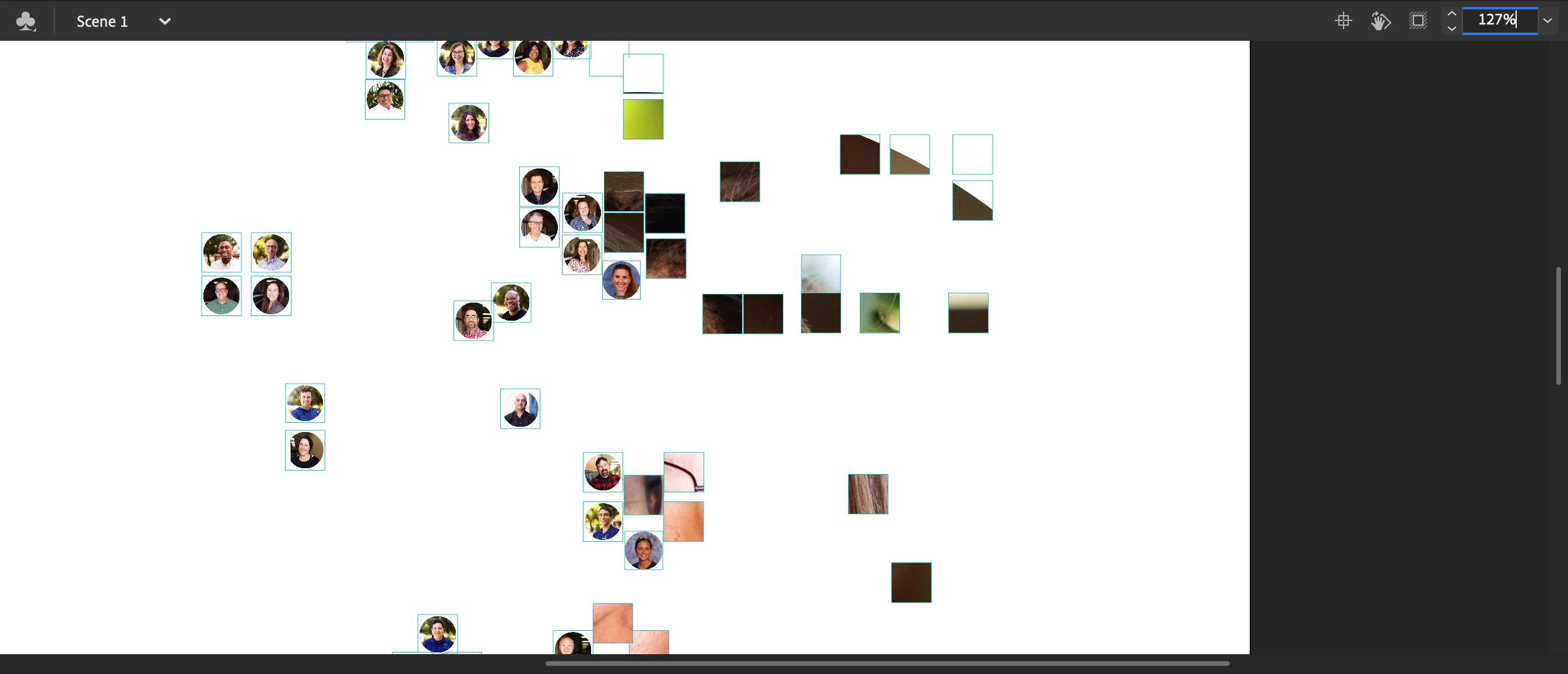
 AdChoices