
chadd3178332
Known Participant
May 17, 2019
Answered

Export document as texture is causing me problems

  • May 17, 2019
  • 1 reply
  • 337 views

I'm not sure how bad the performance was on mobile devices before they added this option but this isn't working correctly for me. First off if you don't use this Adobe animate wont allow easing on "shape tweens" So now when i'm animating just a mask I have to create a spritesheet that adds K size to my project.

Next I have a rollover button that I cant have shape tweens that have easing, this code isn't working when I use "export document as texture.

var self = this;

stage.enableMouseOver();

this.ctaButton.addEventListener("mouseover", fl_MouseOverHandler);

function fl_MouseOverHandler()

{

  self.ctaButton.gotoAndPlay("startAnimation");

}

this.ctaButton.addEventListener("mouseout", fl_MouseOutHandler);

function fl_MouseOutHandler()

{

  self.ctaButton.gotoAndPlay("endAnimation");

}

I test my all banners in the activity monitor the cpu usage wasn't out of control why change this?  Or why change it so i have no choice in the matter because I need to be able to use easing on my shape tweens.
    This topic has been closed for replies.
    Correct answer Nick Gioia

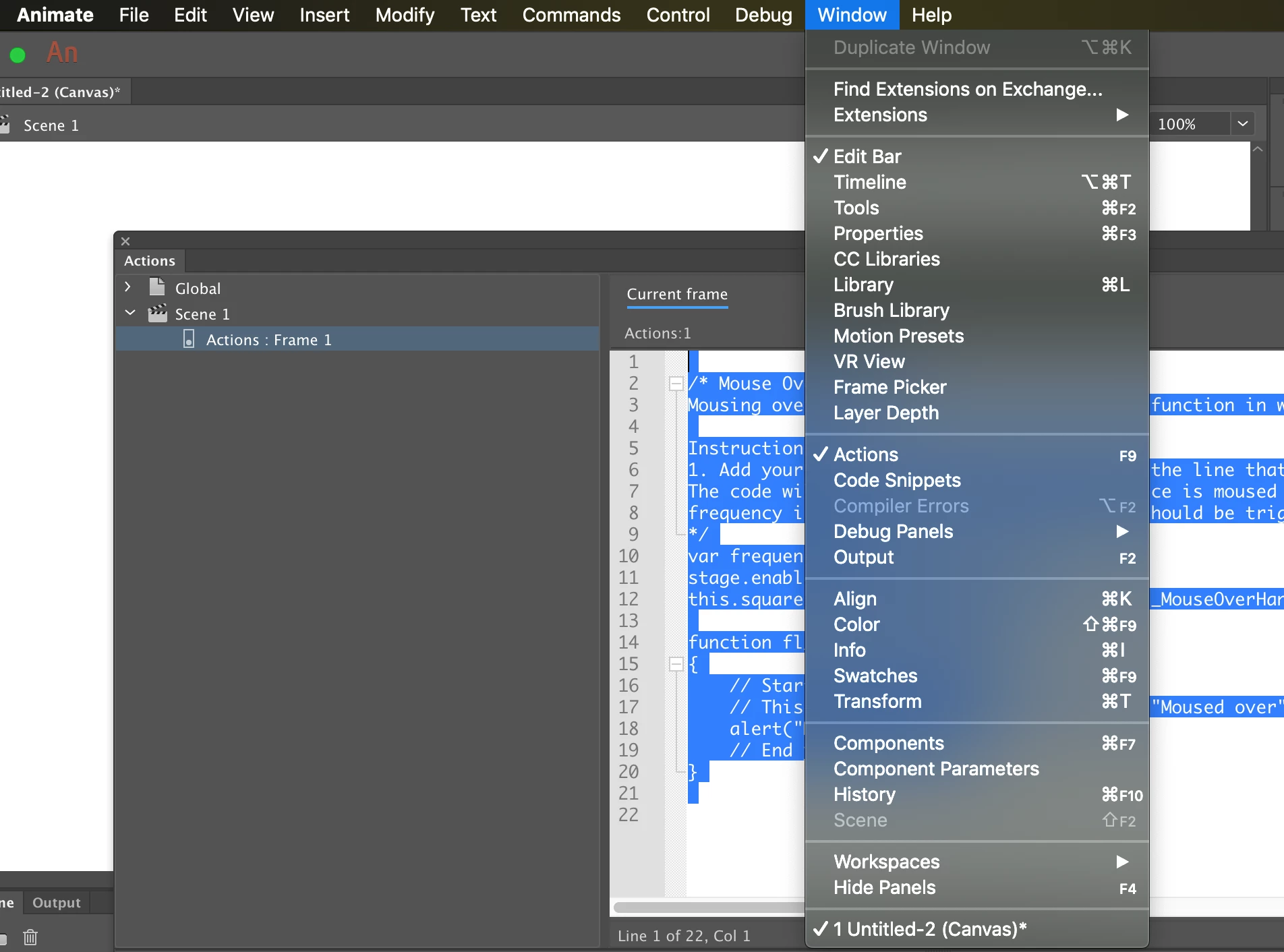
    Use your code snippets.

    /* Mouse Over Event

    Mousing over the symbol instance executes a function in which you can add your own custom code.

    Instructions:

    1. Add your custom code on a new line after the line that says "// Start your custom code" below.

    The code will execute when the symbol instance is moused over.

    frequency is the number of the times event should be triggered.

    */

    var frequency = 3;

    stage.enableMouseOver(frequency);

    this.square.addEventListener("mouseover", fl_MouseOverHandler);

    function fl_MouseOverHandler()

    {

    // Start your custom code

    // This example code displays the words "Moused over" in the Output panel.

    alert("Moused over");

    // End your custom code

    }

    1 reply

    Nick GioiaCommunity ExpertCorrect answer
    Community Expert
    May 18, 2019

    Use your code snippets.

    /* Mouse Over Event

    Mousing over the symbol instance executes a function in which you can add your own custom code.

    Instructions:

    1. Add your custom code on a new line after the line that says "// Start your custom code" below.

    The code will execute when the symbol instance is moused over.

    frequency is the number of the times event should be triggered.

    */

    var frequency = 3;

    stage.enableMouseOver(frequency);

    this.square.addEventListener("mouseover", fl_MouseOverHandler);

    function fl_MouseOverHandler()

    {

    // Start your custom code

    // This example code displays the words "Moused over" in the Output panel.

    alert("Moused over");

    // End your custom code

    }