
Answered
export gif window
hi...
I tried to export something in gif on AN but I could not press on save.
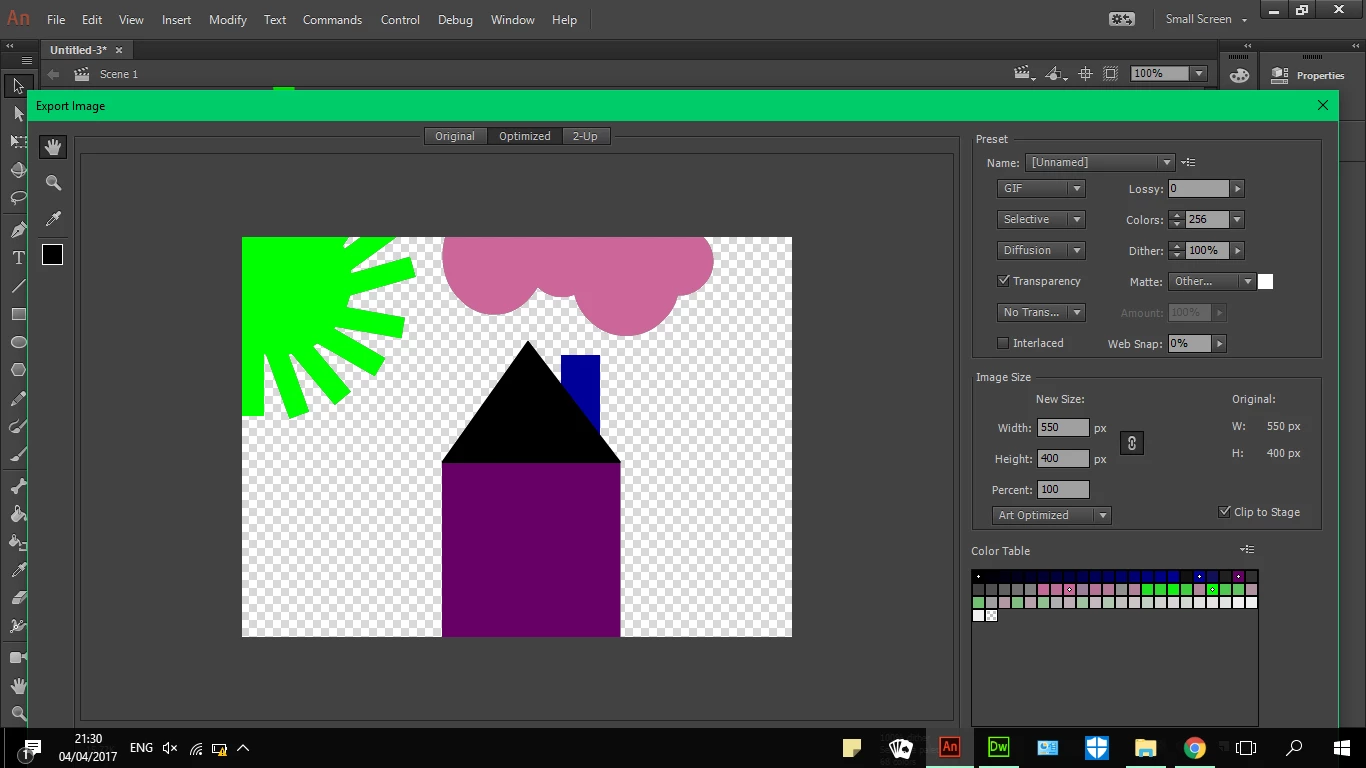
I tried to make the window smaller but it did not shrenk!
help!!!!

hi...
I tried to export something in gif on AN but I could not press on save.
I tried to make the window smaller but it did not shrenk!
help!!!!
Later versions of Animate fixed some issues. If you're not on the latest version try updating. If you are on the latest version you should report a new bug: Feature Request/Bug Report Form
The work-around for these problems in older versions of Animate is to go to your desktop and right-click select Display Settings. In there is a scale slider, that makes applications appear bigger than normal. Try moving that to the default setting, which is often 100%, but sometimes 150 or 200.
Already have an account? Login
No account yet? Create an account
Enter your E-mail address. We'll send you an e-mail with instructions to reset your password.


 AdChoices