joshuay99664753
Participant
March 31, 2019
Question

Export image as A2 size.

  • March 31, 2019
  • 2 replies
  • 4276 views

Hi there, Im wondering how I would go about exporting an image that is supposed to be an A1. its for school and it says I have to export a rendered poster with an A1
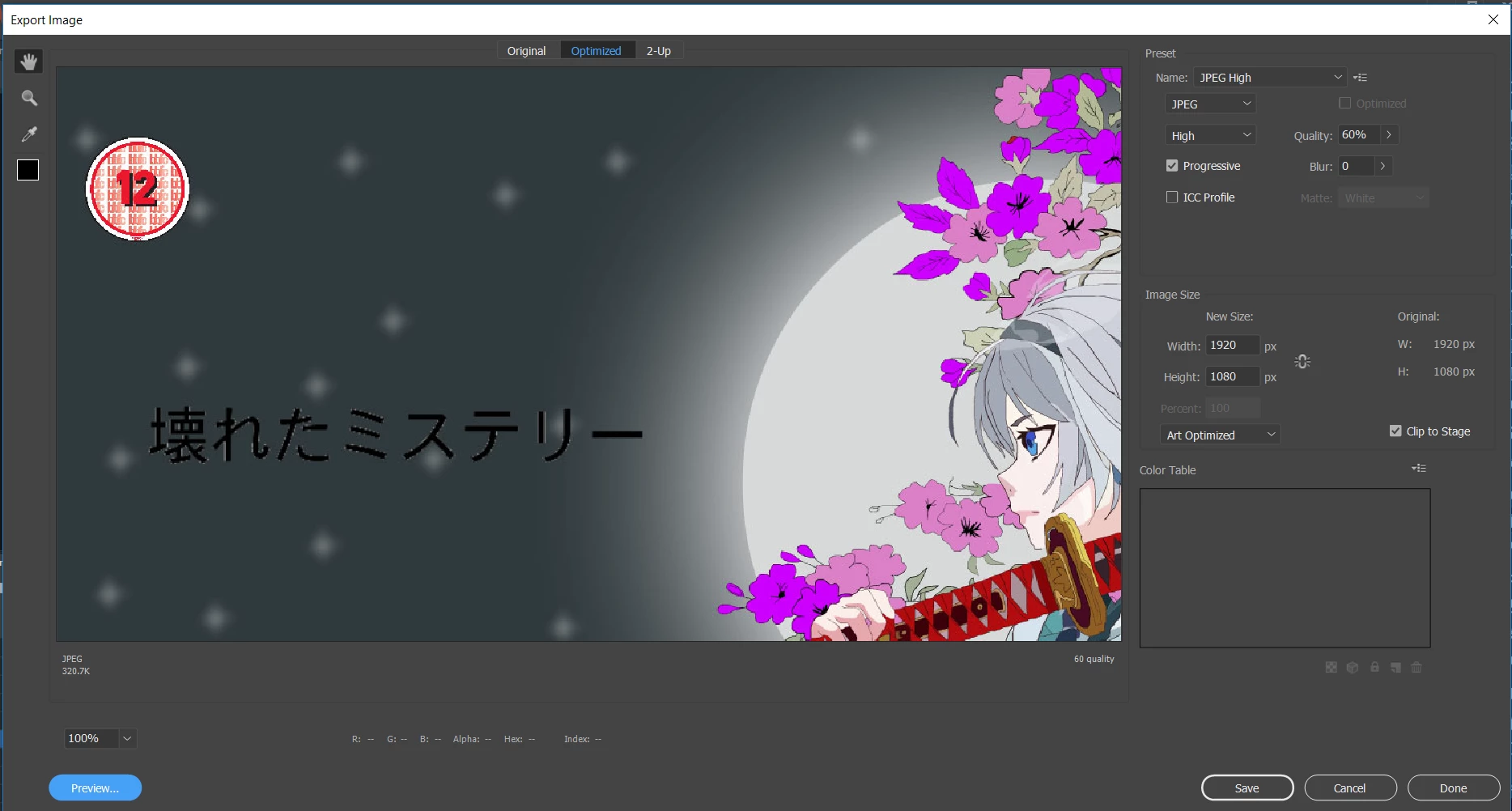
size. Ive googled it and its giving me a bunch of different things, mentioning about ppi and dpi and what not(which I can't seem to find on the export settings either) I just want to export this image as an A2. Could anyone please give me some help on this.

This topic has been closed for replies.

2 replies

Legend
April 1, 2019

Pixels don't have physical dimensions. A2 paper has an aspect ratio of 1:1.41 (or 0.709:1). So change your stage to that aspect ratio, any resolution. Whatever you print can be scaled to fill the page. The higher your resolution, the sharper the printed image will be.

n. tilcheff
Legend
March 31, 2019

Hi Josh,

Create a new file in Photoshop, 300dpi, A2.

Then look at 'image size' and write down the pixel dimensions.

Match that when exporting as jpg or better png which is lossless.

Open the file in Photoshop and in 'image size' uncheck 'resample image' and change the resolution from 72dpi to 300dpi without changing the pixel dimensions.

If Animate refuses to render/export an image that large, you will need to export quarters.

I have done a few A1 posters back in the day and CS6 couldn't go past a certain resolution so I had to export parts and reassemble in Photoshop.

Good luck!

NT

Nick - Character Designer and Animator, Flash user since 1998 | Member of the Flanimate Power Tools team - extensions for character animation