

Participant
April 25, 2020
Question

Export SWF canvas size issue
  • April 25, 2020
  • 1 reply
  • 583 views


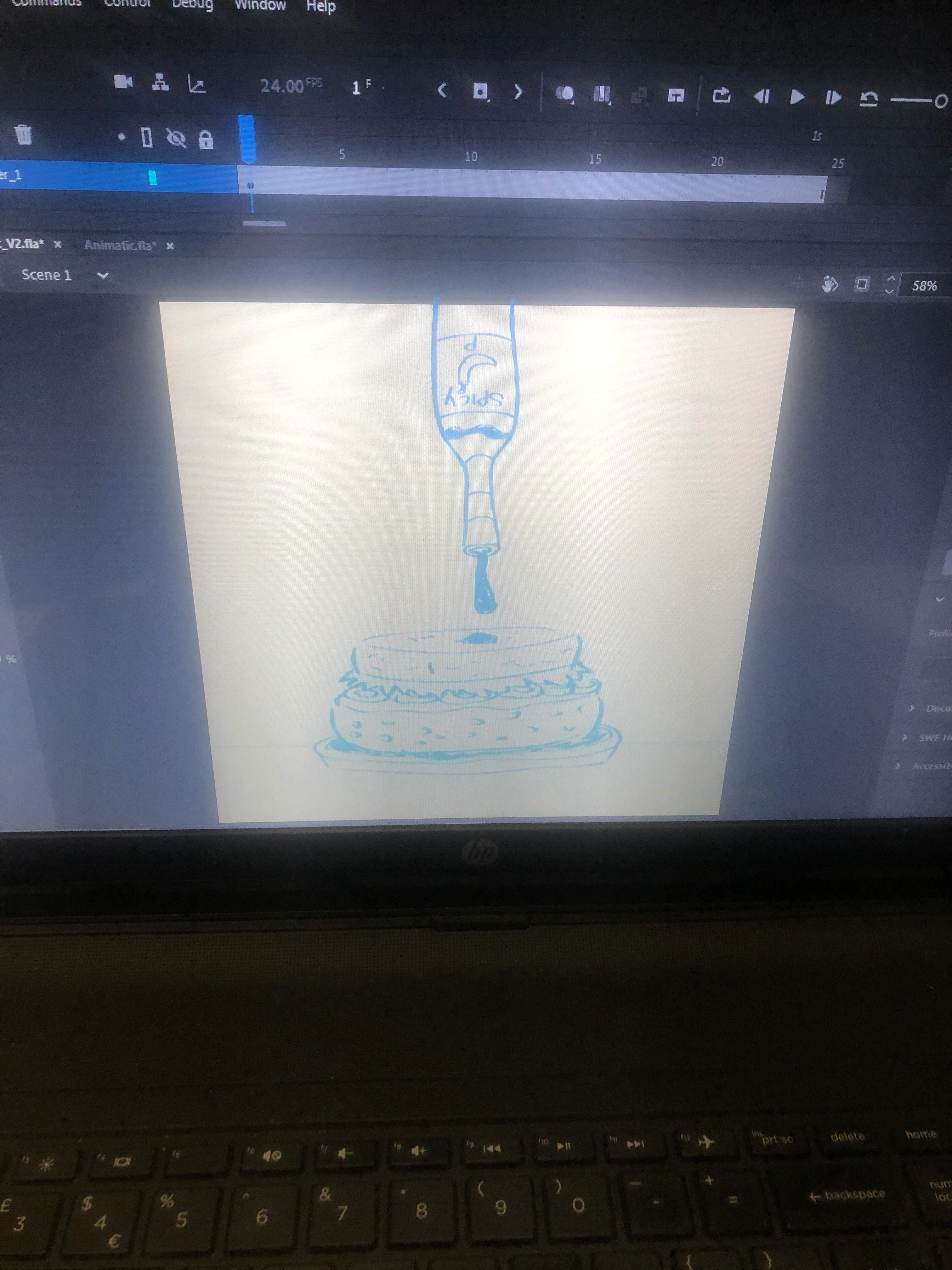
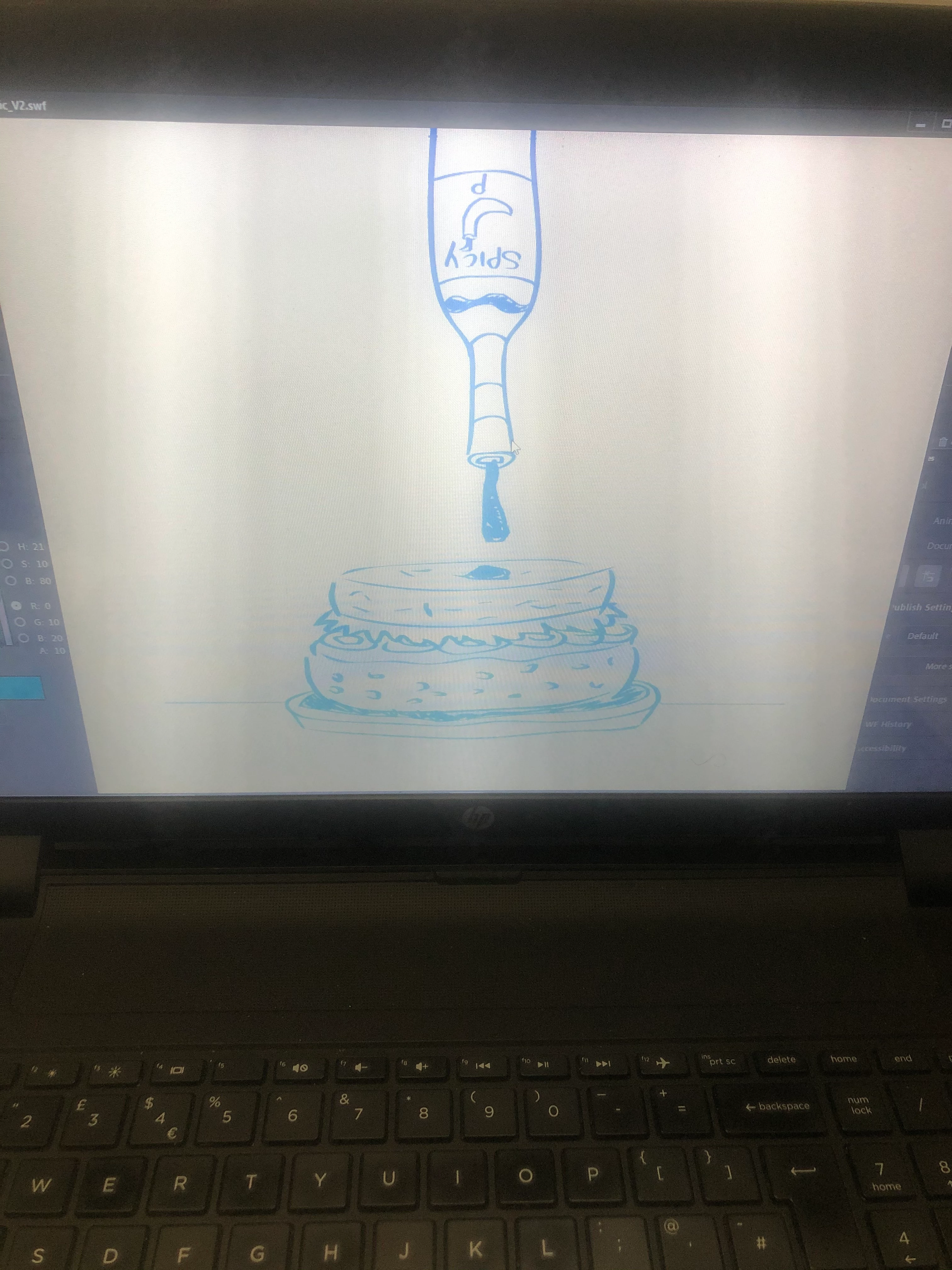
I've created a document that's 1080px X 1080px.   My drawings fit within the canvas which is fine, but whenever I export as SWF movie, there always seems to be excess space. What's the problem? :s



    This topic has been closed for replies.

    1 reply

    kglad
    Community Expert
    Community Expert
    April 25, 2020

    1.  i'm not sure what you're trying to display with those photos.  it would be more helpful if you used screenshots instead of a camera.  (there are plenty of free screenshot apps.  screencaptor for windows works well, imo.)


    2.  the word canvas in an adobe animate forum usually means a file type (html5) while you seem to mean something else.


    3.  if you're creating a swf file, you probably should be publishing it, not exporting it.


    4.  margins/borders in html files can be controlled with css which is the most likely what you want to check.

    MU15Author
    Participant
    April 25, 2020

    Basically when I test export my animation (Ctrl + enter) the document appears larger than the actually document. Leaving excess space 

    kglad
    Community Expert
    Community Expert
    April 25, 2020

    your stage scale is 58%.  change that to 100% and let me know what difference you see between what's on stage vs what you see when testing.