CodeDeveloperOM
Inspiring
Aug 21, 2022 11:21 AM UTC
Answered

exporting a video mp4

Hello, I am using Adobe Animate 2022
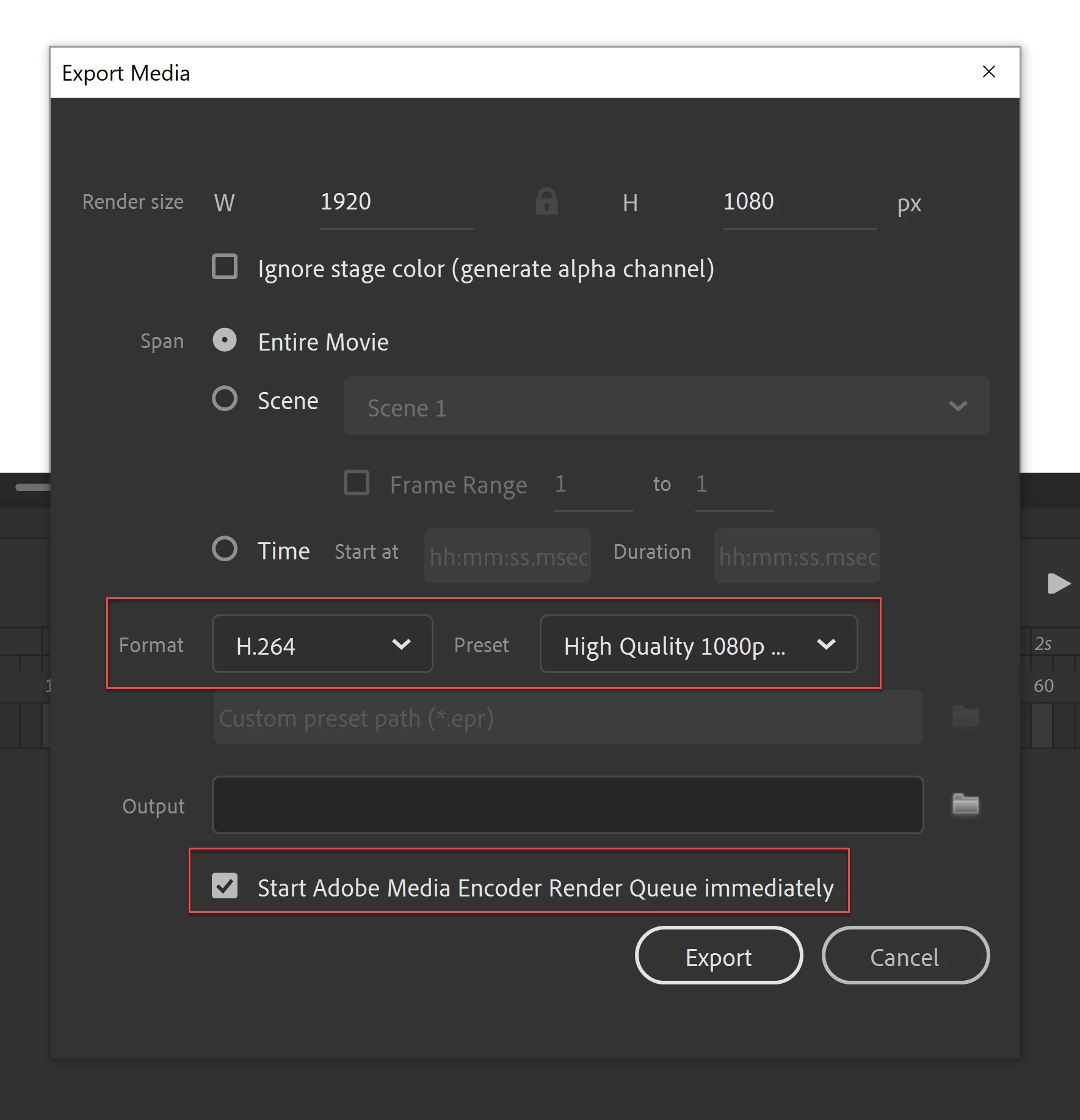
When exporting a video, choose
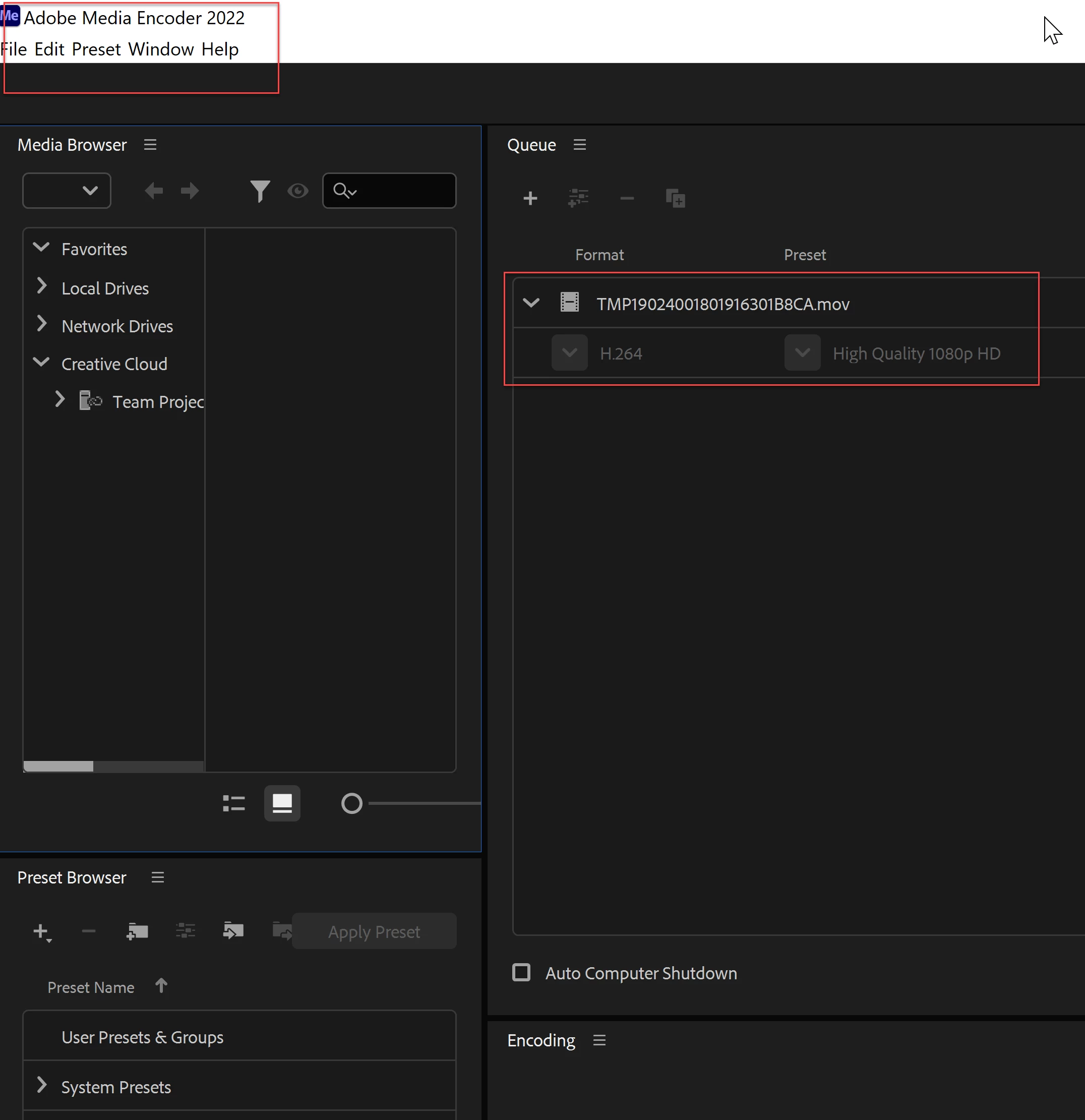


The clarity of the images and the design are weak when issued
But the quality appears poor
please help (^_^)
I want the video in mp4 version

 

This topic is closed to new replies. Start a new post to keep the conversation going.
Mario_CR
Mario_CRCorrect answer
Community Expert
Aug 21, 2022 3:04 PM UTC

Use Format: H.264 / Preset: Default (AME) or Match Source Adaptive High Bitrate.


If you're using Animate 2021 or earlier go to the properties panel and increase the stage size to the target resolution as well, just changing the render size in the export dialog won't work. Note: This isn't needed in later versions.

1 reply

Mario_CR
Community Expert
Mario_CRCommunity ExpertCorrect answer
Community Expert
Aug 21, 2022 3:04 PM UTC

Use Format: H.264 / Preset: Default (AME) or Match Source Adaptive High Bitrate.


If you're using Animate 2021 or earlier go to the properties panel and increase the stage size to the target resolution as well, just changing the render size in the export dialog won't work. Note: This isn't needed in later versions.

Translate