

ItsJarson
Participant
January 12, 2021
Answered

Eyedropper making paint bucket and brush transparent

  • January 12, 2021
  • 2 replies
  • 699 views

Hello, when I try and use the eye dropper on a color, and it auto swaps to the paint bucket it makes it completely transparent, and it doest the same thing with the brush, and when I turn the transparency back up the color is black and not the color i am trying to get. How do I either fix this or reset the eyedropper tool so it stops?
    Correct answer Nick Gioia

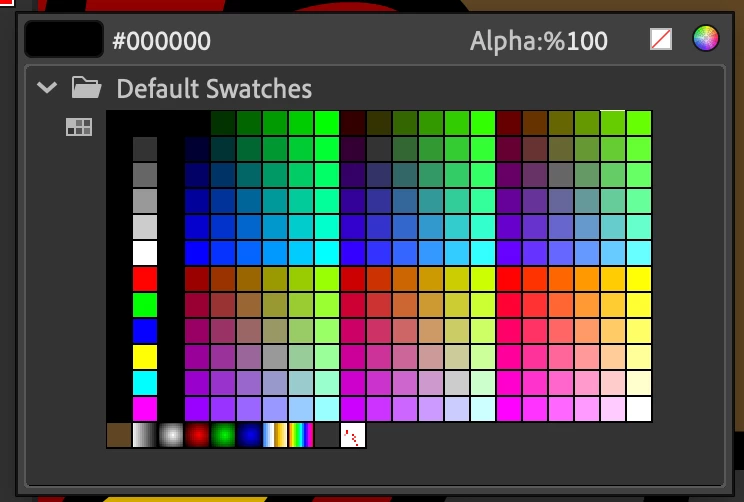
    in the color, swatches panel. change the alpha channel. 


    2 replies

    Participant
    November 12, 2024

    had the same issue and just figured out what was causing the problem: The top layer in my scene is a png image with transparent areas, when I tried to eyedrop the colors in my other layers they turned transparent because the program eyedropped from the transparent png. Fixed it by locking the layers I didn't want to eyedrop from. 

    Nick GioiaCommunity ExpertCorrect answer
    Community Expert
    January 17, 2021

    in the color, swatches panel. change the alpha channel. 


    Participant
    May 24, 2023

    How can I change the alpha channel? I currently have the same problem as OP.