


Participant
April 5, 2021
Question

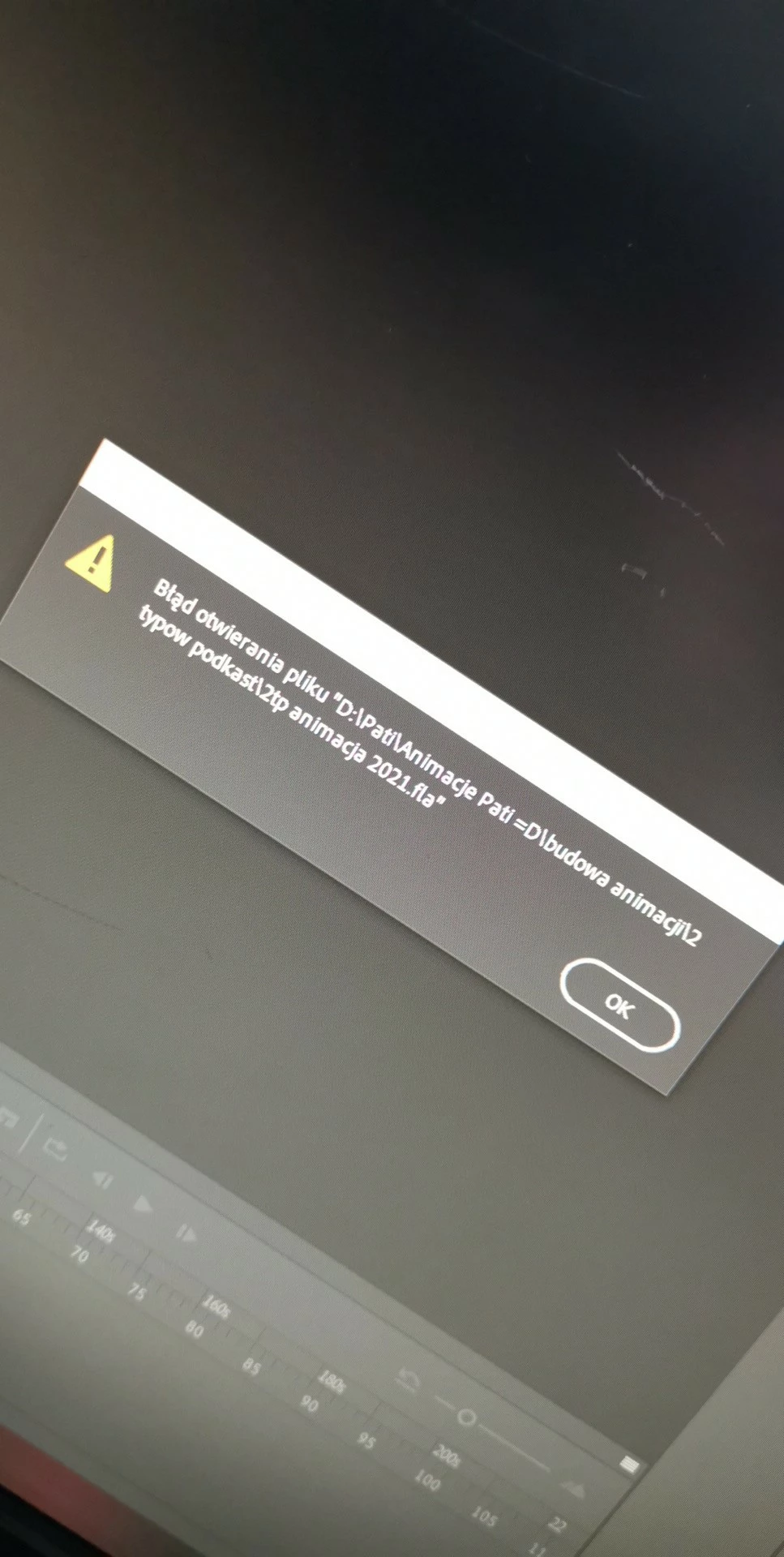
File open error .fla - Animate 2021

  • April 5, 2021
  • 1 reply
  • 360 views

Yesterday my disk was full while working.
I didn't know about it and saved my work. Today I can't open an animation file.The "error opening the file" window appeared.
I don't know what to do, I tried the .rar method, but half of the objects in the animation disappeared 😞
Please help, this animation cost me a lot of work.
(ps. forgive my level of English, I come from Poland)
    This topic has been closed for replies.

    1 reply

    kglad
    Community Expert
    Community Expert
    April 5, 2021

    your fla is corrupted.  if you failed to save a previous version with a different name:


    1. you can try to repair it or

    2. you can look for an autorecovery file (that may not be corrupted) and,

    3. if you published a swf that works, you may be able to decompile the swf to recreate a working (or close to working) fla.


    1. rename the corrupted fla to a rar file>open in winrar and repair it>rename the repaired rar to a fla>try to open the repaired fla in animate


    2. *open AutoRecoverFilenames.txt** and see if there was a saved file listed and, if so, check the folder location listed


    3. you can try to use decompiler software (eg, sothink).


    ** win: C:\Users\<username>\AppData\Local\Adobe\<animate version>\en_US\Configuration

    mac: Users/<username>/Application Support/Adobe/<animate/flash version>/en_US/Configuration/


    p.s. in the future save your fla's with increase version name appended, eg project_v000.fla, project_v001.fla etc