
Participant
December 6, 2016
Answered

Fill a graphik in animate

  • December 6, 2016
  • 1 reply
  • 412 views

Hey,

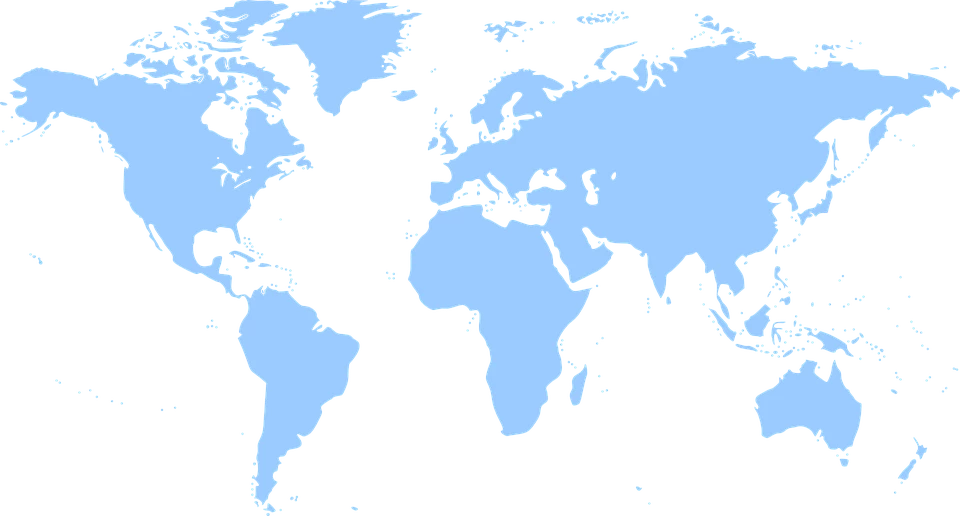
I'm trying to fill a global map like a tween. I got already a blue an a red one, deisnged with photoshop. At the first picture the blue map is shown. After 25 pictures the map should be red. It shouldn't appear (like alpha value is changing), it should look like filling the map from the bottom to the top.

Thanks for the help
    This topic has been closed for replies.
    Correct answer Myra Ferguson

    What you need is a mask:  Put your blue map on a layer and red map on a new layer above that. Make another new layer with a rectangle that you convert to a symbol. Place the rectangle so that it appears below your red map image. Extend the number of keyframes for the duration you want the animation to be for all 3 layers. Make a new keyframe on the last layer of the rectangle. Move the rectangle up so that it covers your maps. Make a classic tween on the rectangle layer. Right click on the layer and make it a Mask. The mask will make it look like the lower blue map is filling up with the red.

    1 reply

    Myra Ferguson
    Community Expert
    Myra FergusonCommunity ExpertCorrect answer
    Community Expert
    December 6, 2016

    What you need is a mask:  Put your blue map on a layer and red map on a new layer above that. Make another new layer with a rectangle that you convert to a symbol. Place the rectangle so that it appears below your red map image. Extend the number of keyframes for the duration you want the animation to be for all 3 layers. Make a new keyframe on the last layer of the rectangle. Move the rectangle up so that it covers your maps. Make a classic tween on the rectangle layer. Right click on the layer and make it a Mask. The mask will make it look like the lower blue map is filling up with the red.

    Participant
    December 8, 2016

    it works great, thank's for the answer