
Participating Frequently
November 8, 2022
Question

Fill drawing that exceeds canvas border? (hand drawn frame by frame animation)

  • November 8, 2022
  • 1 reply
  • 552 views

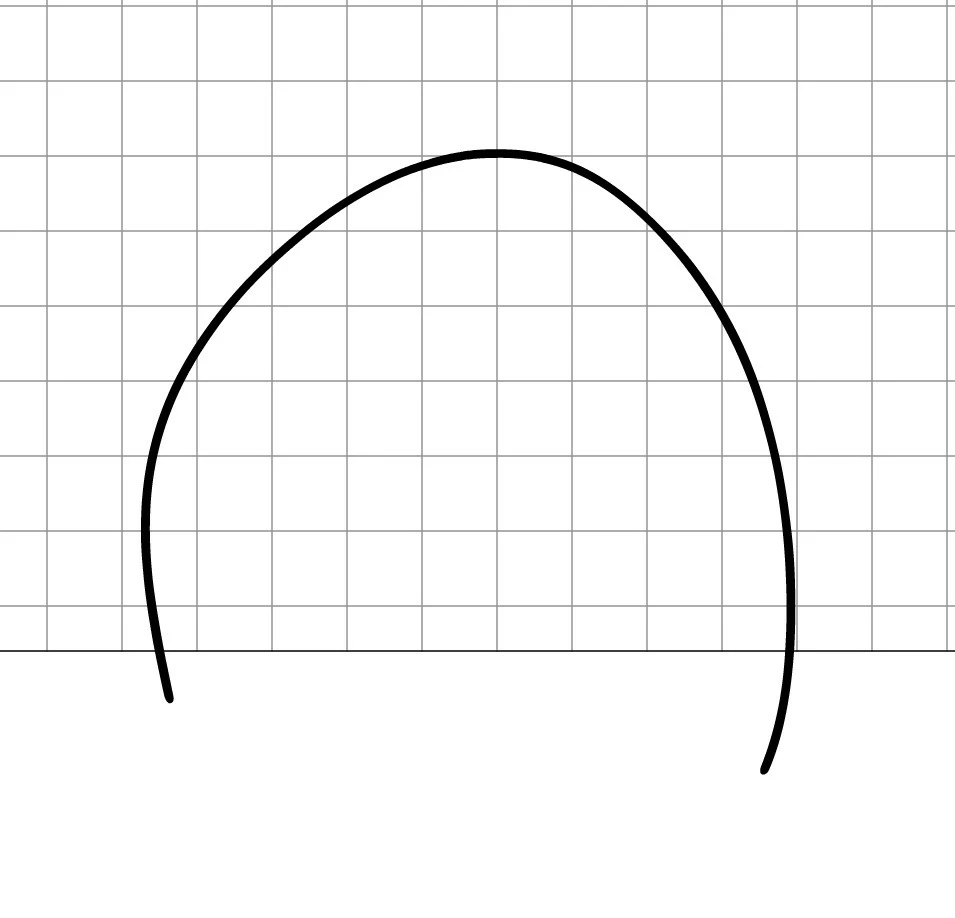
Hello everyone, is there a workaround to fill  drawings that go beyond the canvas border, but are not closed - other than drawing a straight line or rectangle around every item? Basically the canvas edge should close the drawing. Or is it possible to prevent lines from going outside of the canvas edge alltogether. See below example.  Thanks in advance.
This topic has been closed for replies.

1 reply

kglad
Community Expert
Community Expert
November 8, 2022

how do you create such a thing without intentionally drawing outside the stage?

Participating Frequently
November 8, 2022

It's intentional and just happens while I draw. That's just a simplified example.


It's a bit new to me that I have to manually close all shapes that go beyond the canvas.


In other programs when something goes outside the canvas the bucket fill recognizes the canvas edges – in fact it's not even possible to draw outside the canvas.

Maybe because Animate is vector based. 🤔 🤔

kglad
Community Expert
Community Expert
November 9, 2022

animate is an animation program so objects can be on/off stage in one frame and later move onto the off/on stage in another.