
Answered
Fill Problems in Animate 2019.
I have constant prblems when trying to fill handrawn shapes in Animate. Sometimes it works easily, and smetimes it never works. Most of the time animate seems desparate to fill the Strokes, even though I am trying to fill inside the fills. It is always harder in animate than other software. For example, I attach some screenshots of a logo on a saddlecloth which I cannot seem to fill. I have no idea why I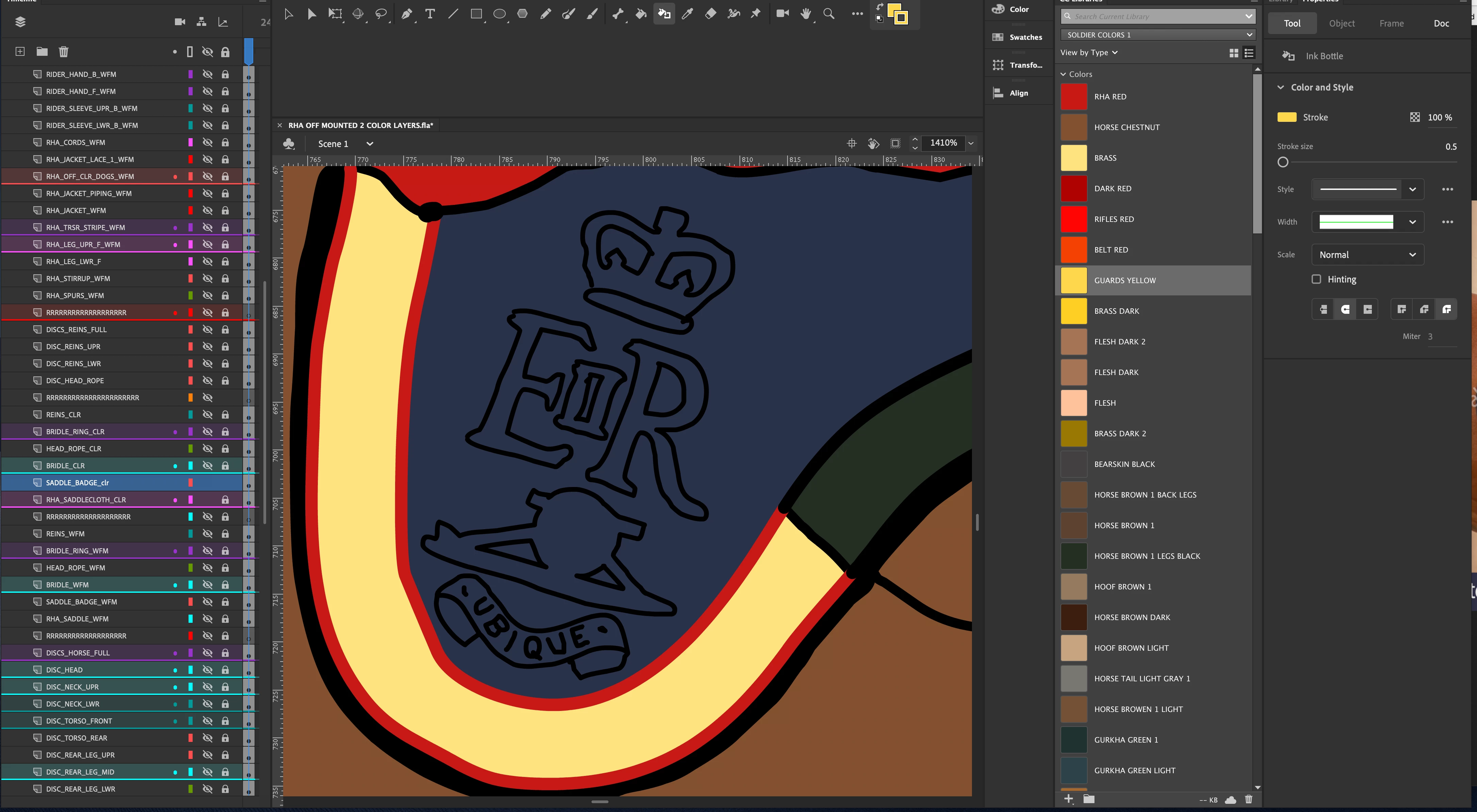
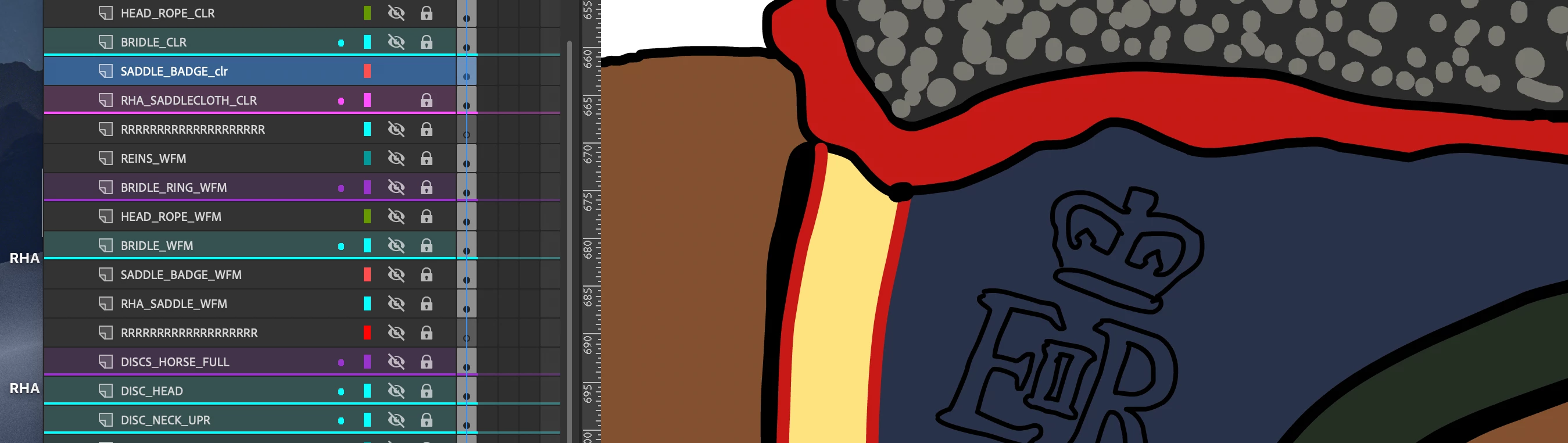
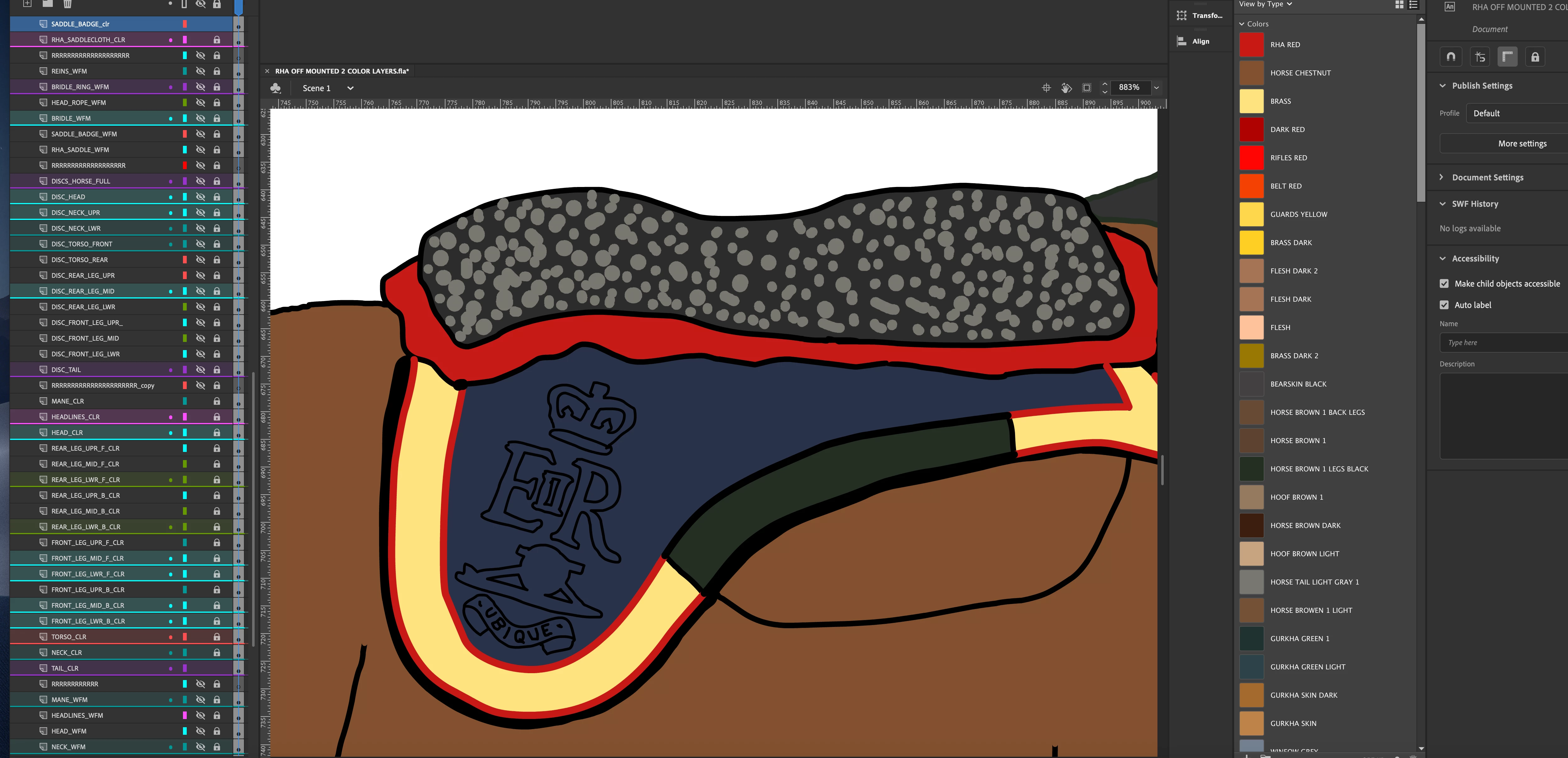 have tried breaking apart. sometimes it works, sometimes it doesn't. Grateful for any advice about using the paintbucket took in animate. When I have completed the multi layered design I will convert each layer to a symbol, ready for animation. I am using animate 2019 on iMac osx 10.15. ( I had same problems in osx 10.14).
Regards.


 AdChoices