
Answered
First frame misplaced after export.
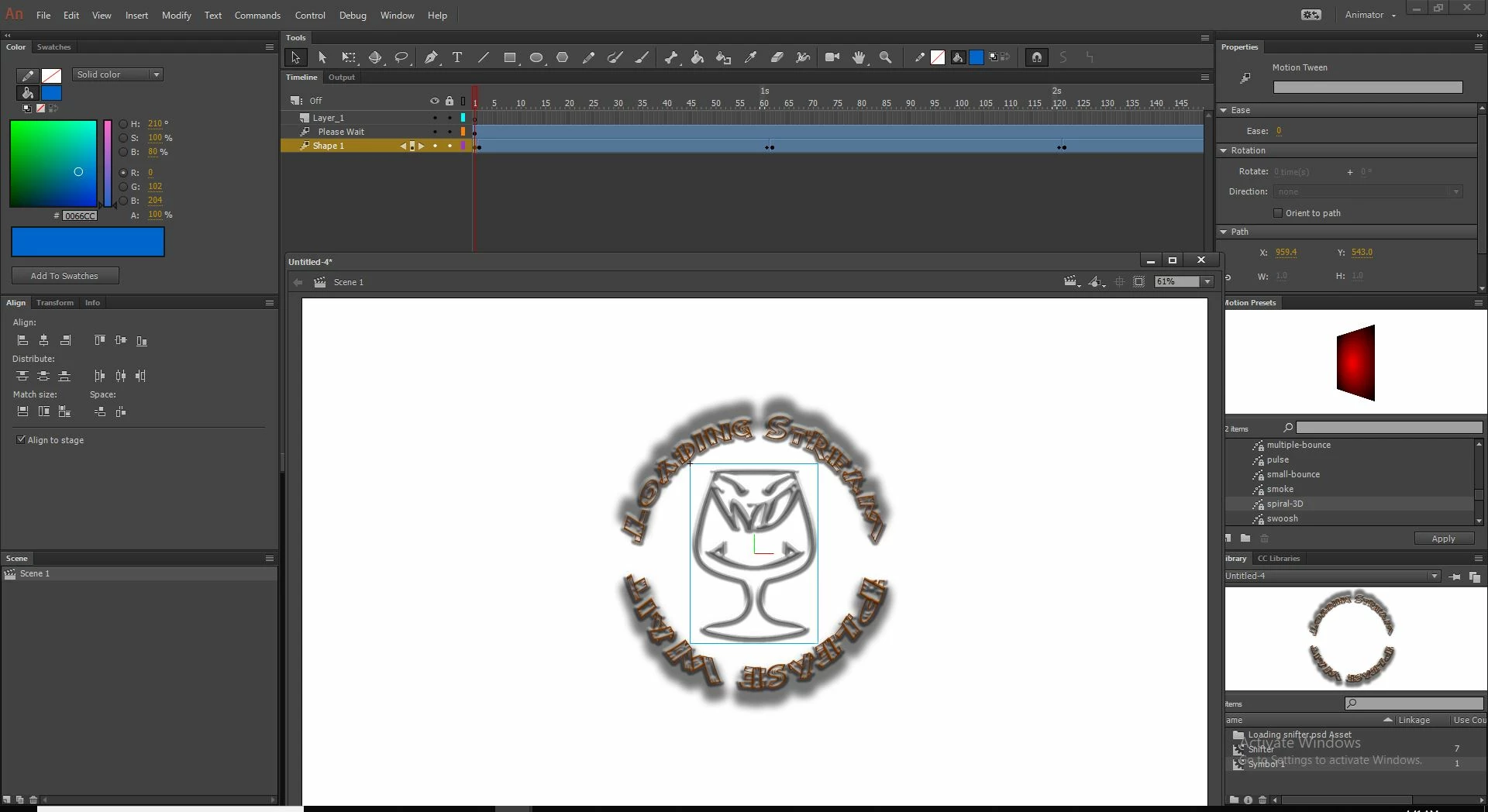
I have made a short loading icon that I tried to export with adobe animate cc. it is only 2 layers, one that rotates and another that uses the spiral-3d motion preset. The motions start on frame one and look fine but when I export it to .mov the first frame shows the Spiral 3d motion layer in the top left corner of the window instead of in the center where it is placed in every other frame. In animate it is never in the top left corner, only centralized. I have tried adding a still keyframe at the beginning but it still has the one misplaced frame every time I watch the exported movie.


 AdChoices