carolins26908893
Participant
May 30, 2017
Answered

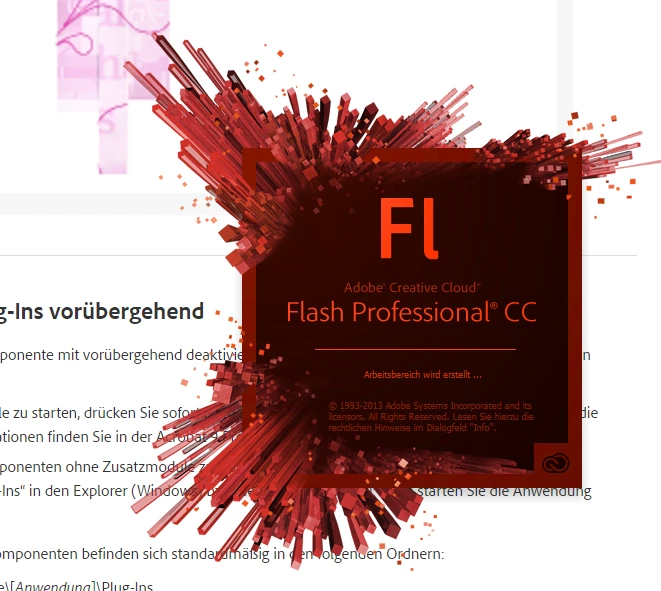
Flash CS 6 Crashing while creating workspace

  • May 30, 2017
  • 1 reply
  • 1396 views

Hi since yesterday night my Flash CS 6 crashes while initialing. I already reloaded the Flash Folders and tried another admin profile.

But still Flash crashes.

I have Windows 10 64 Bit.

Every other program of the CS workes still fine.

Have anyone an idea what could help?

I really need this program today 😕😕 I can't use Animate though, because I need Actionscript 2...

Thanks

This topic has been closed for replies.
Correct answer Colin Holgate

Thank you. I did all the steps that are described at the website.

Deleting

  • C:/Users/<username>/AppData/Local/Adobe/Flash CS6/
  • C:/Windows/system32\Macromed\Flash\FlashAuthor.cfg

Deleting the Key in the registry

  • CS6: In Registry Editor, right-click the My Computer/HKEY_CURRENT_USER/Software/Adobe/Flash12 registry key and delete it.

And try to start it with: start the application while holding Ctrl+Alt+Shift to delete and reset the preferences to the default.

I get asked if I want to allow flash to change things at the systems. I allow it but it shuts down immidiatly. When I hold the keys longer it wont open at all.

As well no new CS 6 Folder is created at C:/Users/<username>/AppData/Local/Adobe/

I removed the old one and renamed it...


There is a cleaner tool that can delete other files that may be causing problems:

Use the Creative Cloud Cleaner Tool to solve installation problems

If you carefully use that to just remove the Flash Pro CS6 files, then you would have a clean starting point to trying installing again.

1 reply

kglad
Community Expert
Community Expert
May 30, 2017

reset your preferences -

remove

C:\Users\<username>\AppData\Local\Adobe\Animate CC 2017\ and

C\Users\<username>\AppData\Roaming\Adobe\Animate\2017\

carolins26908893
Participant
May 30, 2017

Thank you I already did that, but it didn't work.

Still crashes while initialise the work space

kglad
Community Expert
Community Expert
May 30, 2017

what flash version is crashing?

why is there conflicting info about the version?

what version's preferences did you reset?