

Question
Flash CS4 Fatal Error
When I try to open Flash CS4 it gives me some of these errors and opens up with no tool bars at all. I've tried uninstalling and reinstalling without any luck.
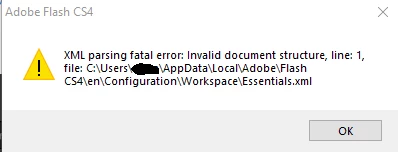
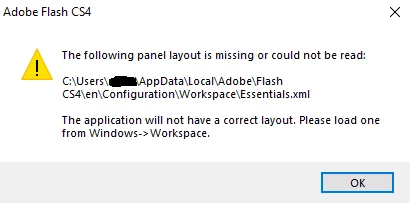
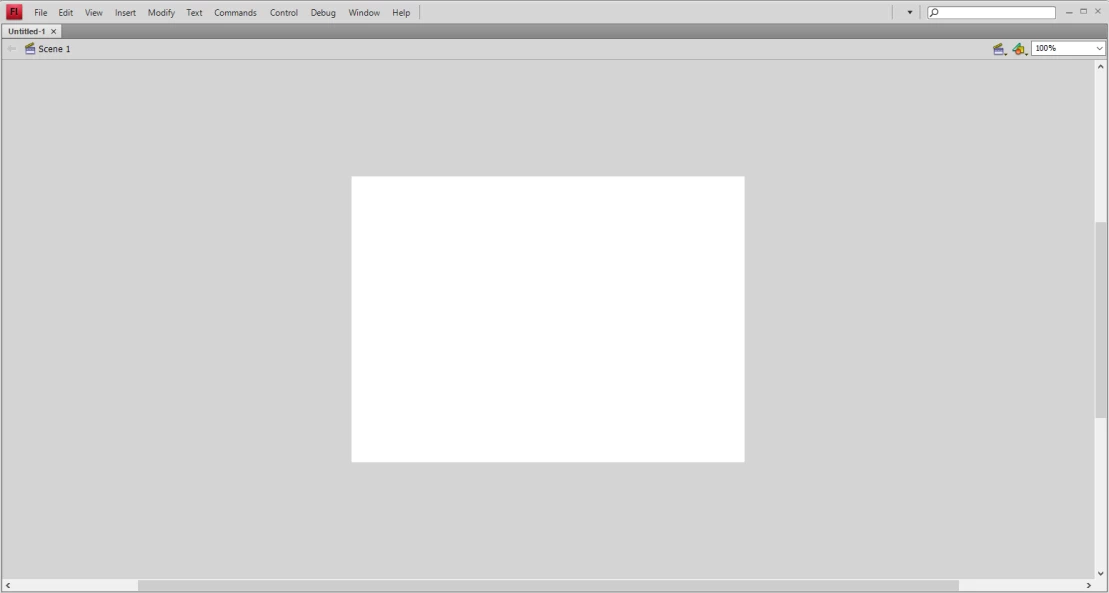

When I try to open Flash CS4 it gives me some of these errors and opens up with no tool bars at all. I've tried uninstalling and reinstalling without any luck.
Already have an account? Login
Enter your E-mail address. We'll send you an e-mail with instructions to reset your password.
 AdChoices