Flash CS5 default template presentation (advanced) modify to play as .mov or .avi
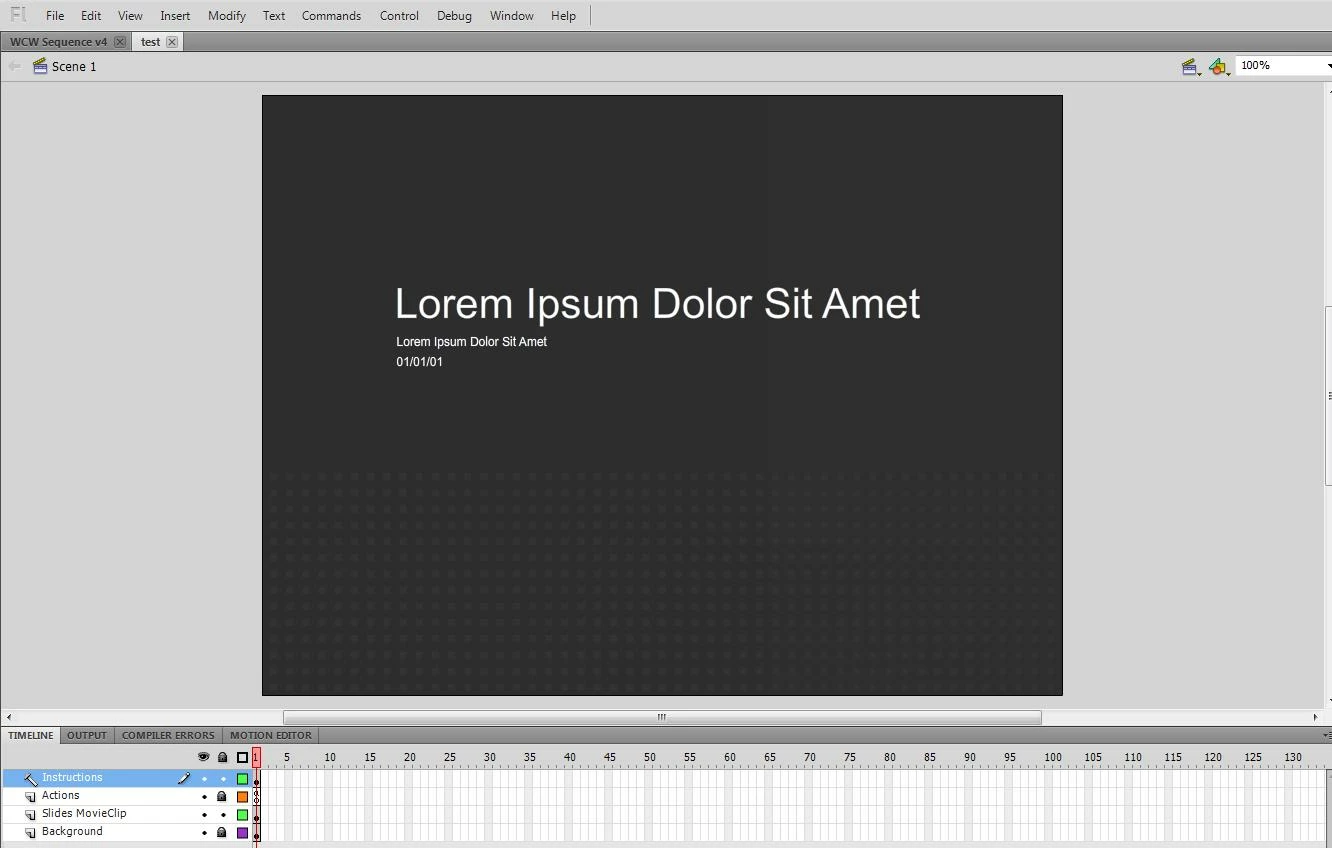
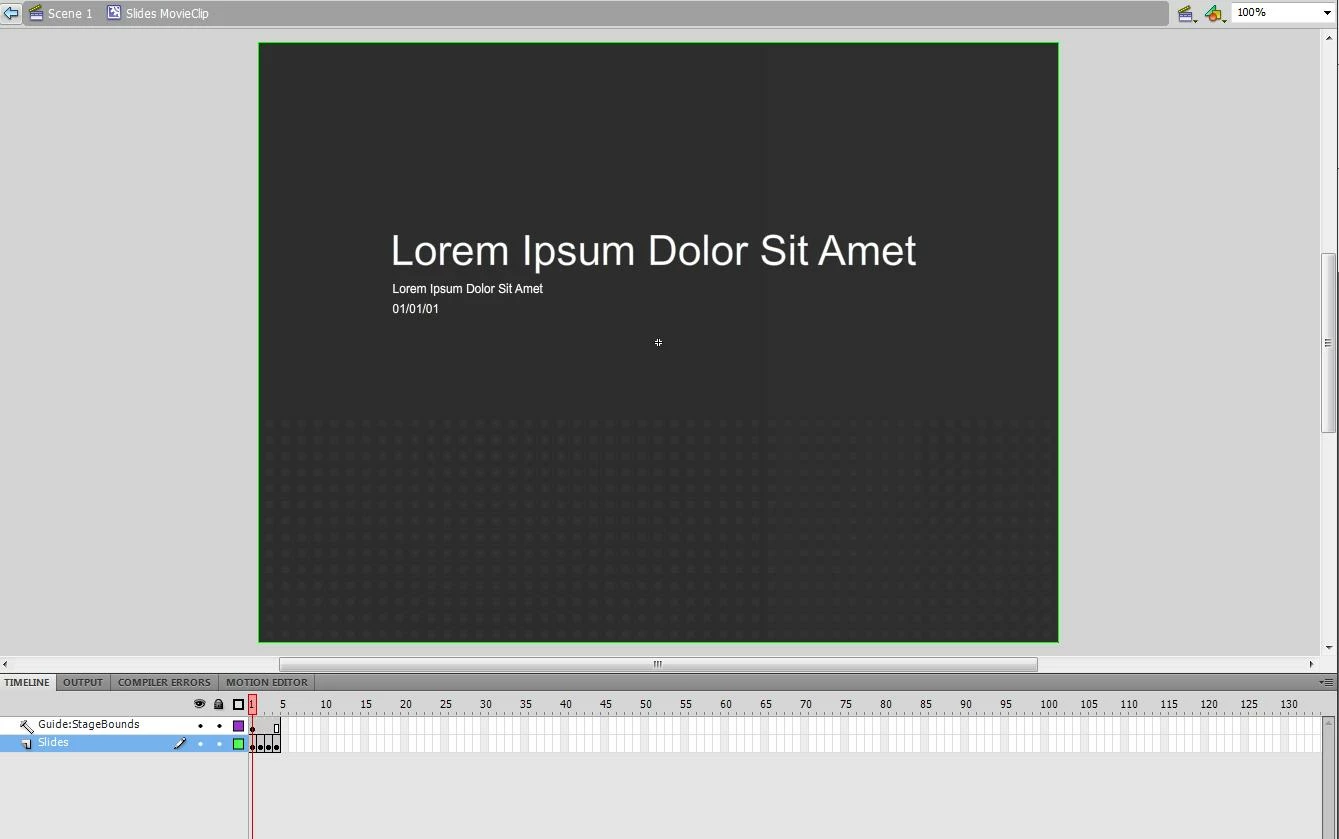
I am using the default template for presentation (advanced version) to do my presentation. However, I want to create a .mov or avi from this default template whereby the frames within the "Slides MovieClip" play automatically (in a .mov or .avi file) as opposed to using the keyboard or the buttons to change frames (as in a swf).
What can I do to the "Actions" to make this convertion?
import fl.transitions.*;
// USER CONFIG SETTINGS
var buttonsOn:Boolean = true; // true, false
var pageNumberOn:Boolean = true; // true, false
var transitionOn:Boolean = true; // true, false
var transitionType:String = "Fade"; // Blinds, Fade, Fly, Iris, Photo, PixelDissolve, Rotate, Squeeze, Wipe, Zoom, Random
// END USER CONFIG SETTINGS
// EVENTS
stage.addEventListener(KeyboardEvent.KEY_DOWN, fl_changeSlideKeyboard);
prev_btn.addEventListener(MouseEvent.CLICK, fl_prevSlideButton);
next_btn.addEventListener(MouseEvent.CLICK, fl_nextSlideButton);
function fl_changeSlideKeyboard(evt:KeyboardEvent):void
{
if(evt.keyCode == 37) // LEFT
{
fl_prevSlide();
}
else if (evt.keyCode == 39 || evt.keyCode == 32) // RIGHT OR SPACE
{
fl_nextSlide();
}
}
function fl_prevSlideButton(evt:MouseEvent):void
{
fl_prevSlide();
}
function fl_nextSlideButton(evt:MouseEvent):void
{
fl_nextSlide();
}
// END EVENTS
// FUNCTIONS AND LOGIC
function fl_prevSlide():void
{
if(slides_mc.currentFrame > 1)
{
slides_mc.gotoAndStop(slides_mc.currentFrame-1);
if(transitionOn == true)
{
fl_doTransition();
}
if(pageNumberOn == false)
{
slideNumber_txt.text = "";
} else {
slideNumber_txt.text = String(slides_mc.currentFrame + "/" + slides_mc.totalFrames);
}
}
}
function fl_nextSlide():void
{
if(slides_mc.currentFrame < slides_mc.totalFrames)
{
slides_mc.gotoAndStop(slides_mc.currentFrame+1);
if(transitionOn == true)
{
fl_doTransition();
}
if(pageNumberOn == false)
{
slideNumber_txt.text = "";
} else {
slideNumber_txt.text = String(slides_mc.currentFrame + "/" + slides_mc.totalFrames);
}
}
}
function fl_doTransition():void
{
if(transitionType == "Blinds")
{
TransitionManager.start(slides_mc, {type:Blinds, direction:Transition.IN, duration:0.25});
} else if (transitionType == "Fade")
{
TransitionManager.start(slides_mc, {type:Fade, direction:Transition.IN, duration:0.25});
} else if (transitionType == "Fly")
{
TransitionManager.start(slides_mc, {type:Fly, direction:Transition.IN, duration:0.25});
} else if (transitionType == "Iris")
{
TransitionManager.start(slides_mc, {type:Iris, direction:Transition.IN, duration:0.25});
} else if (transitionType == "Photo")
{
TransitionManager.start(slides_mc, {type:Photo, direction:Transition.IN, duration:0.25});
} else if (transitionType == "PixelDissolve")
{
TransitionManager.start(slides_mc, {type:PixelDissolve, direction:Transition.IN, duration:0.25});
} else if (transitionType == "Rotate")
{
TransitionManager.start(slides_mc, {type:Rotate, direction:Transition.IN, duration:0.25});
} else if (transitionType == "Squeeze")
{
TransitionManager.start(slides_mc, {type:Squeeze, direction:Transition.IN, duration:0.25});
} else if (transitionType == "Wipe")
{
TransitionManager.start(slides_mc, {type:Wipe, direction:Transition.IN, duration:0.25});
} else if (transitionType == "Zoom")
{
TransitionManager.start(slides_mc, {type:Zoom, direction:Transition.IN, duration:0.25});
} else if (transitionType == "Random")
{
var randomNumber:Number = Math.round(Math.random()*9) + 1;
switch (randomNumber) {
case 1:
TransitionManager.start(slides_mc, {type:Blinds, direction:Transition.IN, duration:0.25});
break;
case 2:
TransitionManager.start(slides_mc, {type:Fade, direction:Transition.IN, duration:0.25});
break;
case 3:
TransitionManager.start(slides_mc, {type:Fly, direction:Transition.IN, duration:0.25});
break;
case 4:
TransitionManager.start(slides_mc, {type:Iris, direction:Transition.IN, duration:0.25});
break;
case 5:
TransitionManager.start(slides_mc, {type:Photo, direction:Transition.IN, duration:0.25});
break;
case 6:
TransitionManager.start(slides_mc, {type:PixelDissolve, direction:Transition.IN, duration:0.25});
break;
case 7:
TransitionManager.start(slides_mc, {type:Rotate, direction:Transition.IN, duration:0.25});
break;
case 8:
TransitionManager.start(slides_mc, {type:Squeeze, direction:Transition.IN, duration:0.25});
break;
case 9:
TransitionManager.start(slides_mc, {type:Wipe, direction:Transition.IN, duration:0.25});
break;
case 10:
TransitionManager.start(slides_mc, {type:Zoom, direction:Transition.IN, duration:0.25});
break;
}
} else
{
trace("error - transitionType not recognized");
}
}
if(buttonsOn == false)
{
prev_btn.visible = false;
next_btn.visible = false;
}
slides_mc.gotoAndStop(1);
stage.scaleMode = StageScaleMode.SHOW_ALL;
// END FUNCTIONS AND LOGIC
stop();
Many thanks so much for reading. Would appreciate any help.
--Andy
 AdChoices