Answered
Flashlight
How can I be assigning an effect, say, "flashlight" in a scenario? Illuminate the site according to mouse route on the scene, in this case, touch screen ...
Could anyone help me?
Below I leave an example:
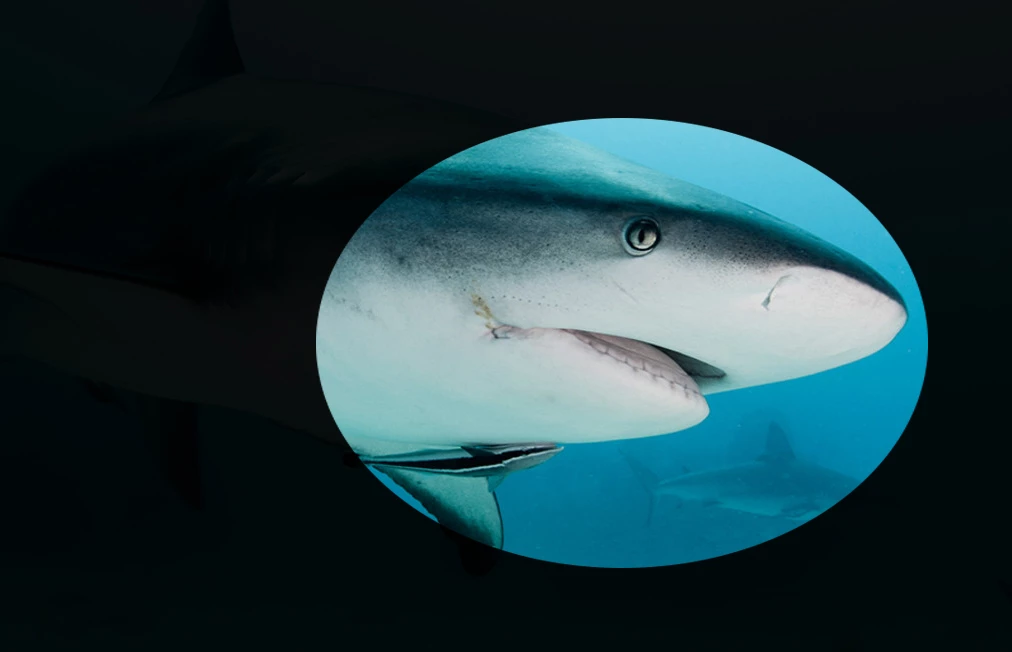

How can I be assigning an effect, say, "flashlight" in a scenario? Illuminate the site according to mouse route on the scene, in this case, touch screen ...
Could anyone help me?
Below I leave an example:
Follows exactly the steps you showed me up, but when I got to the part to add to the mask layer 2, the field objects all gone, like the image below.
Would you help me?
1.
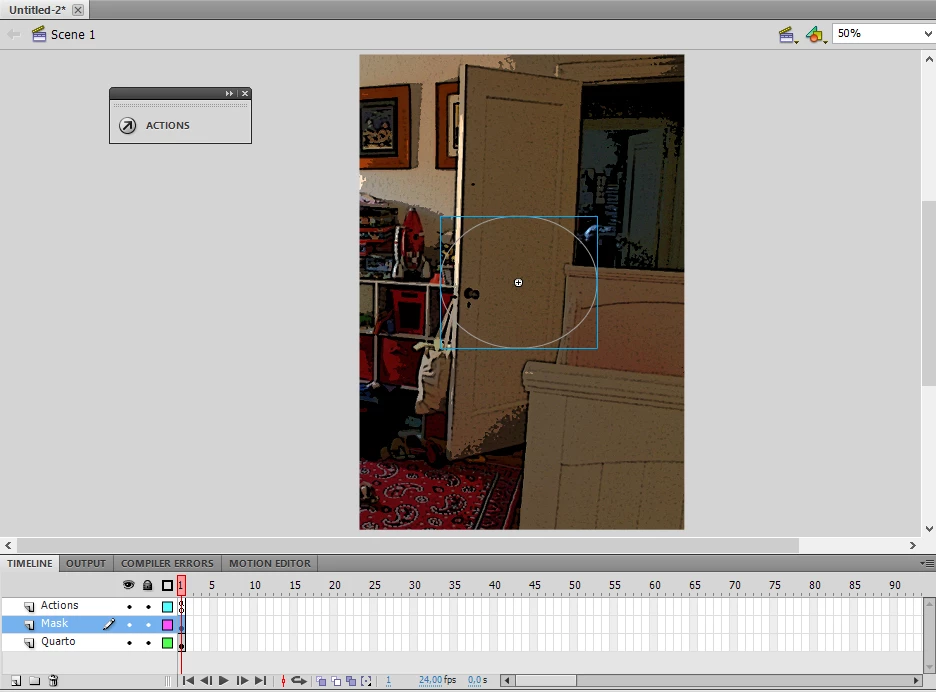
2.
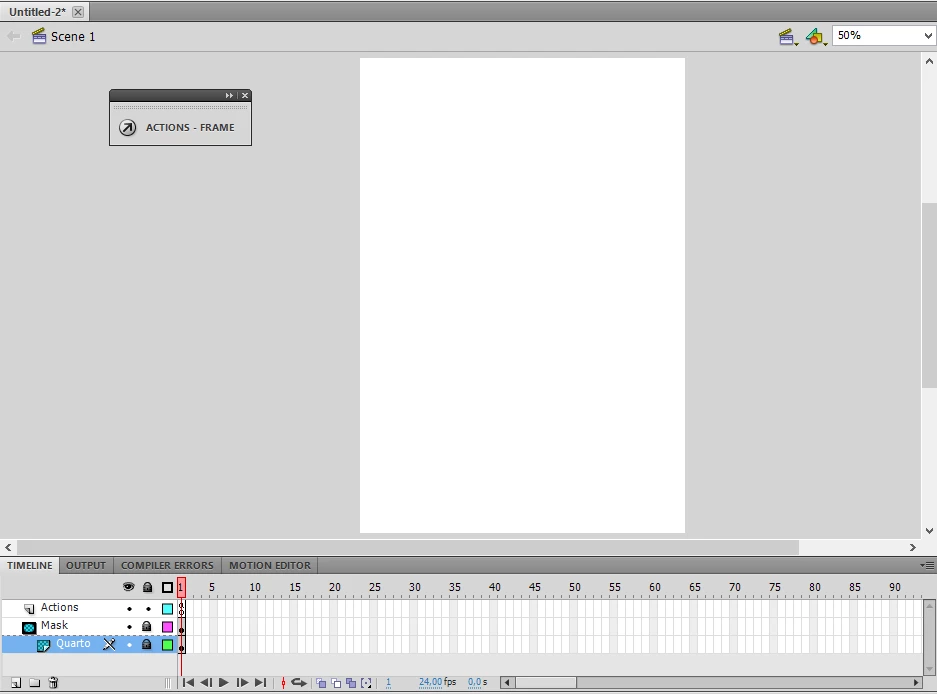
You need to fill that shape, not just use an outline.
Already have an account? Login
Enter your E-mail address. We'll send you an e-mail with instructions to reset your password.
 AdChoices