Underbox
Participating Frequently
December 18, 2018
Question

Gradient problem -> better quality?

  • December 18, 2018
  • 3 replies
  • 2275 views

Hi everybody

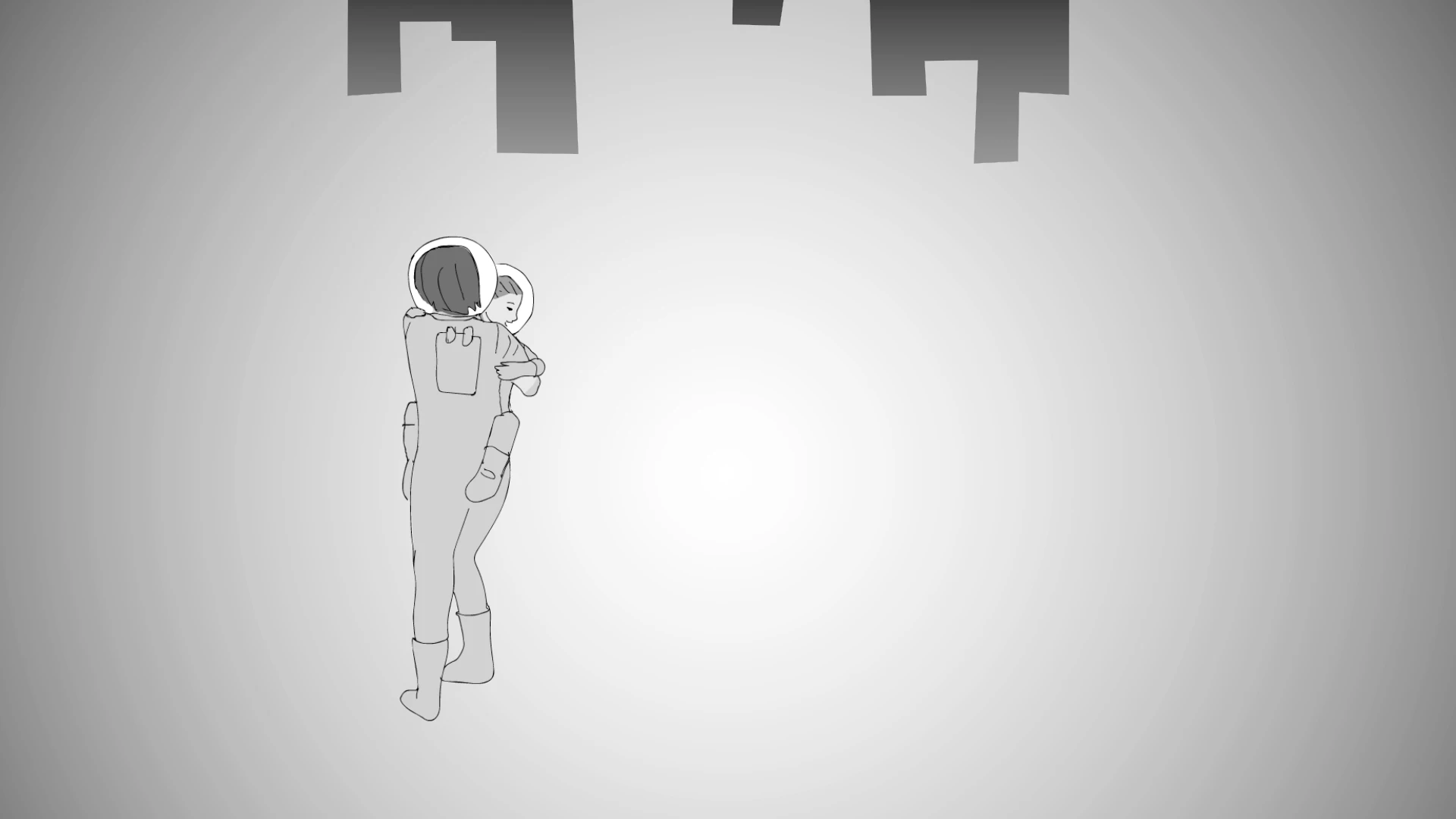
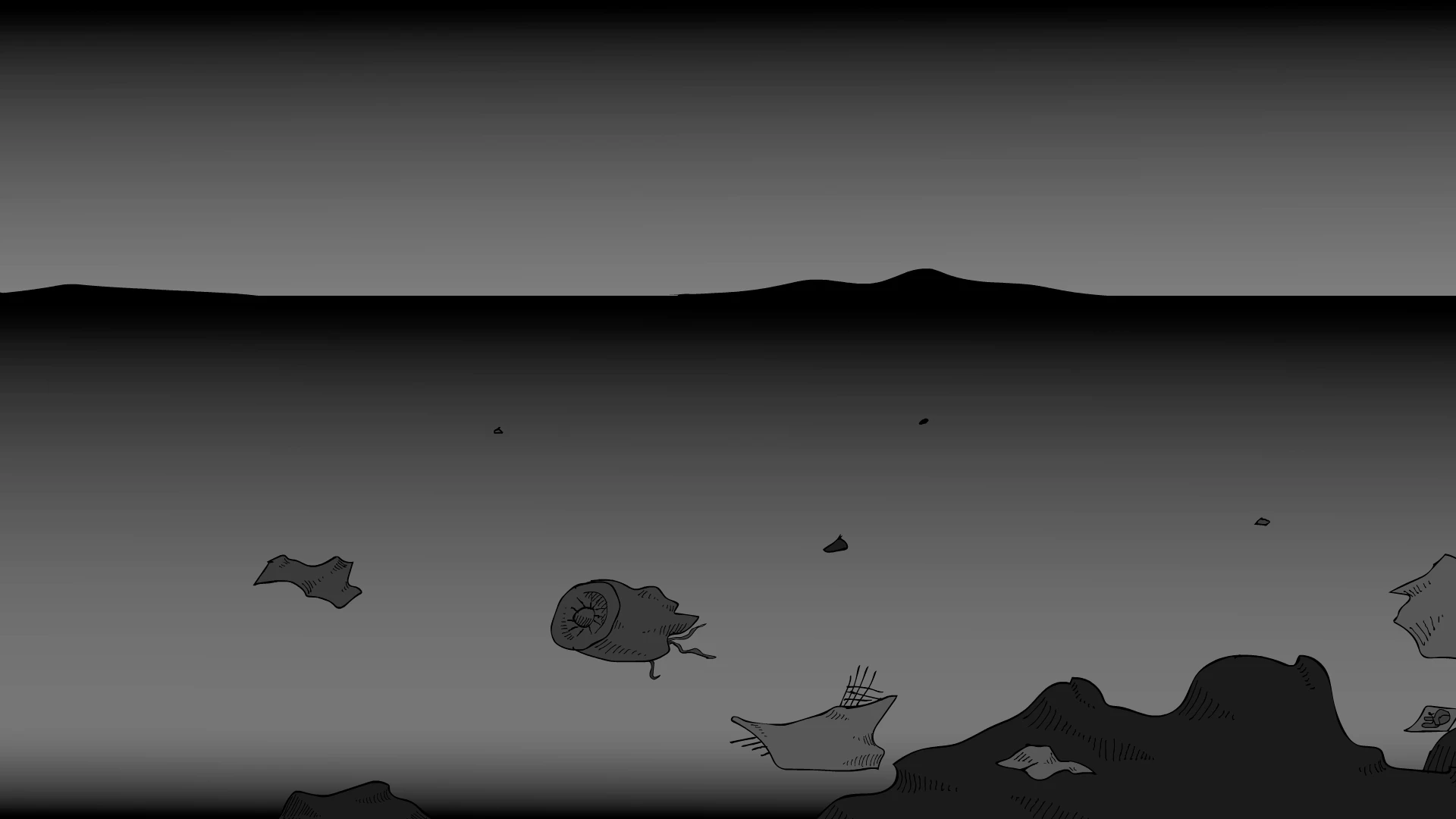
We're creating an animation shortfilm in Animate CC and use a lot of gradient background. The problem is that the gradient is not smooth enough (see beneath). You see stripes (pic.1) and circles (pic. 2) We want a smooth gradient background. What can be the problem?

Thank you!
This topic has been closed for replies.

3 replies

JoãoCésar17023019
Community Expert
Community Expert
December 19, 2018

Hi.

Can you show us a screenshot of your Color panel with a shape using a gradient color selected?

Regards,

JC

Underbox
UnderboxAuthor
Participating Frequently
December 19, 2018

Do you mean a screenshot like this one? Tnx!

JoãoCésar17023019
Community Expert
Community Expert
December 19, 2018

Thanks.

I think this is a monitor or OS color issue.

I compared the same artwork here, side by side, using my laptop and a TV.

In my laptop the gradient fill looks great. But in my TV I can see the stripes.

Do you see this problem in any device/screen?

Regards,

JC

kdmemory
Inspiring
December 18, 2018

Hi Underbox

Check and experiment with the following settings:

1 Publish Settings / Basic

- look for if Export document as texture is ticked

- and look for if Combine images into spritesheet is ticked

2 Publish Settings / Image Settings

- look for Format and Quality

If i.e. Export as texture (which it is by default in v19) is selected then Combine images into spritesheet (default as well) is pre-selected. Or if only spritesheet yes and texture no, it depends what in Image Settings the quality settings are. Imagine it's only 8 Bit + Texture and Spritesheet there will not be enough palette color space avail for several images with color-hungry gradients. It might be necessary to uncheck Texture as well as Spritesheet in order to export each image seperately.

In any case experimenting and publishing several distiguished versions will eventually give you better results. It's of course also a question of file size. You have to work out a compromise.

klaus

Underbox
UnderboxAuthor
Participating Frequently
December 18, 2018

Thank you for your reply!

I can't find the settings that you recommend (dutch version). I have version v19.1. It looks very differently.

Am I missing something?

Legend
December 18, 2018

It looks different because KD is talking about Canvas documents, but you're in an AS3 document. That's why I asked which kind of document you're working in.

It might also be helpful if you told us HOW you're creating those gradients.

Legend
December 18, 2018

AS3 or Canvas would be useful to know.