

Fabbautis
Participant
March 24, 2022
Answered

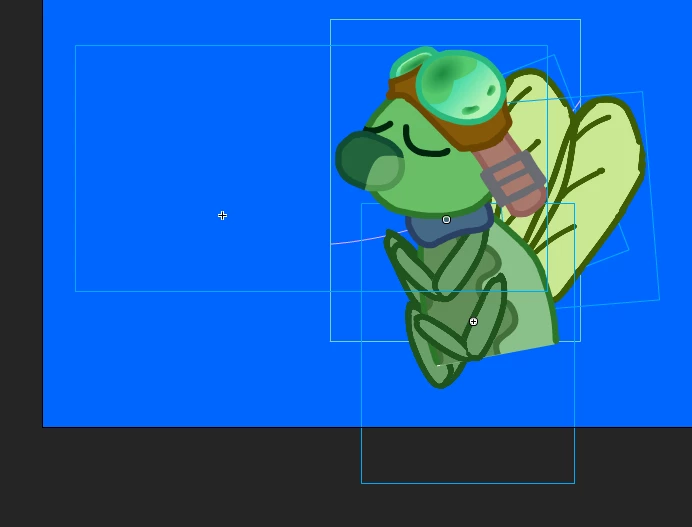
Graphic bounding box much bigger than actual symbol
  • March 24, 2022
  • 2 replies
  • 355 views

For some reason, my graphic symbols' bounding box dimensions are much larger than what their actual dimensions entail. I wouldn't worry too mch about this normally, but I'm trying to export the parent symbol as a spritesheet and those dimensions are also changing the size of the final sprite, which is making the png file a lot larger than needed.
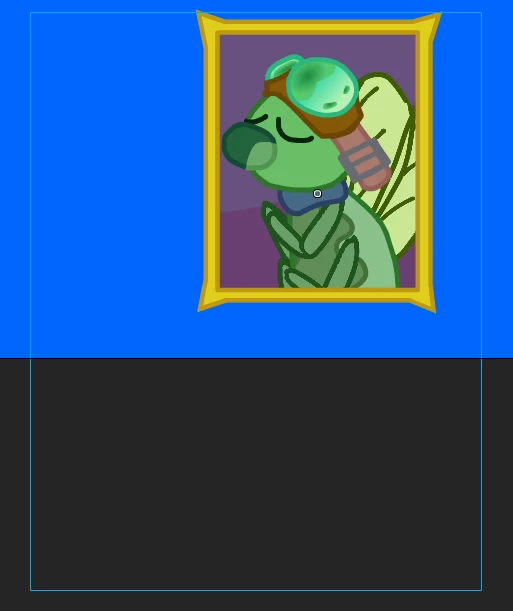
 

If theres a way to reset the box, please let me know.

This topic has been closed for replies.
Correct answer n. tilcheff

If those are symbols, enter them, select the content with the Lasso tool, cut it and paste it on a new layer. Delete the existing layer.

There must be a stray dot to push the bounding box.

Switching the view to outlines may help to see it, if it is transparent.


2 replies

n. tilcheff
n. tilcheffCorrect answer
Legend
March 24, 2022

If those are symbols, enter them, select the content with the Lasso tool, cut it and paste it on a new layer. Delete the existing layer.

There must be a stray dot to push the bounding box.

Switching the view to outlines may help to see it, if it is transparent.


Nick - Character Designer and Animator, Flash user since 1998 | Member of the Flanimate Power Tools team - extensions for character animation
Community Expert
March 24, 2022

It is probably because of the reg point. Go into the symbol and more the graphic to be centered on the reg point.